
ChatGPT and Video Editing: The Honest Answer
ChatGPT can do a lot of things — but does video editing actually make the list, or is it just hype?
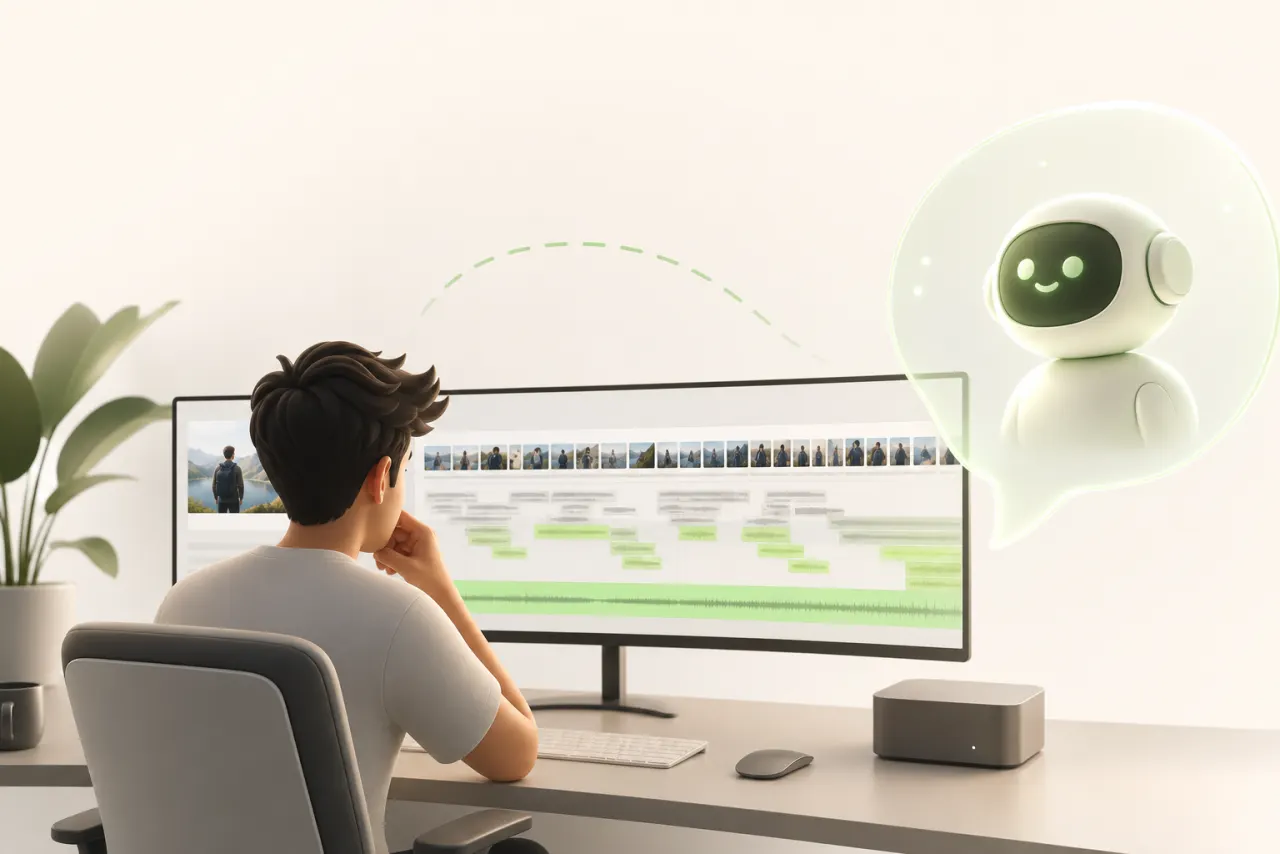
The big question every solo creator is asking
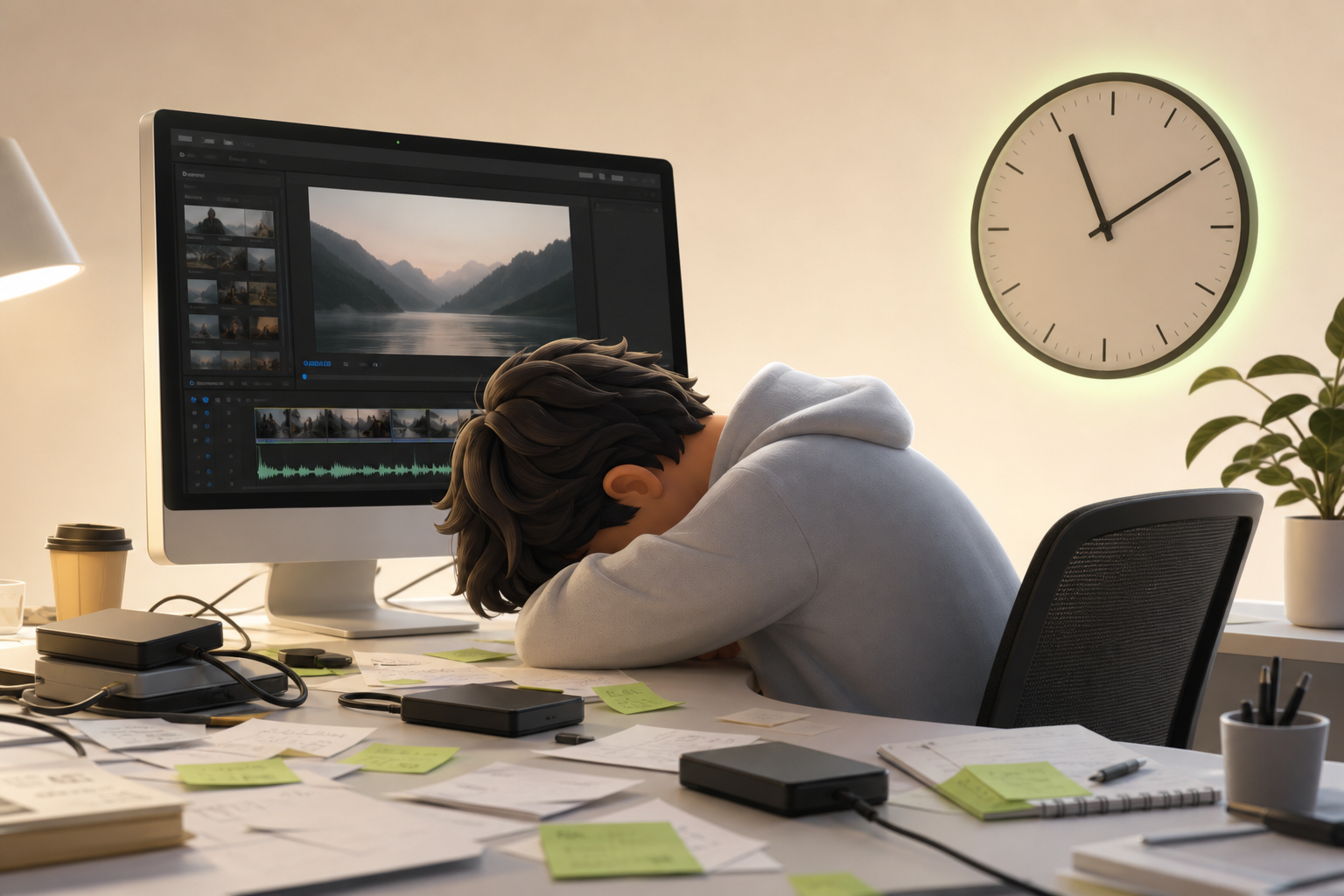
You have a brilliant idea. You film it, you get excited. Then you open your editing software… and three hours just vanish. As a solo creator, you know this trap all too well: editing time swallows your creative time whole.
So naturally, the question comes up: can ChatGPT do video editing for you?
That's exactly what you want to know. Not some wishy-washy answer stuffed with "it depends." An honest, straight answer from someone who's already put it to the test.
Spoiler: the truth is more nuanced than a simple yes or no — but far more useful than you might expect.
ChatGPT won't cut your clips on its own. But it can radically transform the way you work, slash your editing time significantly, and give back the creativity that the technical grind has been stealing from you.
In this article, we bust the myth. And show you what actually works.
What ChatGPT is genuinely capable of (and it's not nothing)
You spend three hours staring at a blank screen trying to figure out your next topic. Then you type a sentence into ChatGPT and within two minutes you have ten solid content ideas. That's where everything shifts.
Here's what the tool is truly great at in a video creative workflow:
- Video scripts: structures your intro, transitions, and call-to-action — you just add your voice
- Content ideas: on-demand brainstorming tailored to your niche, format, and publishing frequency
- Titles and captions: scroll-stopping hooks tested in seconds instead of hours
- Prompt generation: for Midjourney, DALL-E, or even briefs for your motion designer
This isn't magic. ChatGPT won't *edit* your video, fix your color grading, or mix your audio. But it crushes the painful upfront work — the blank page, the creative block, the endless rewriting.
The practical result: you get into the creative phase faster, with more momentum. And that changes everything.
Where ChatGPT hits its hard limits
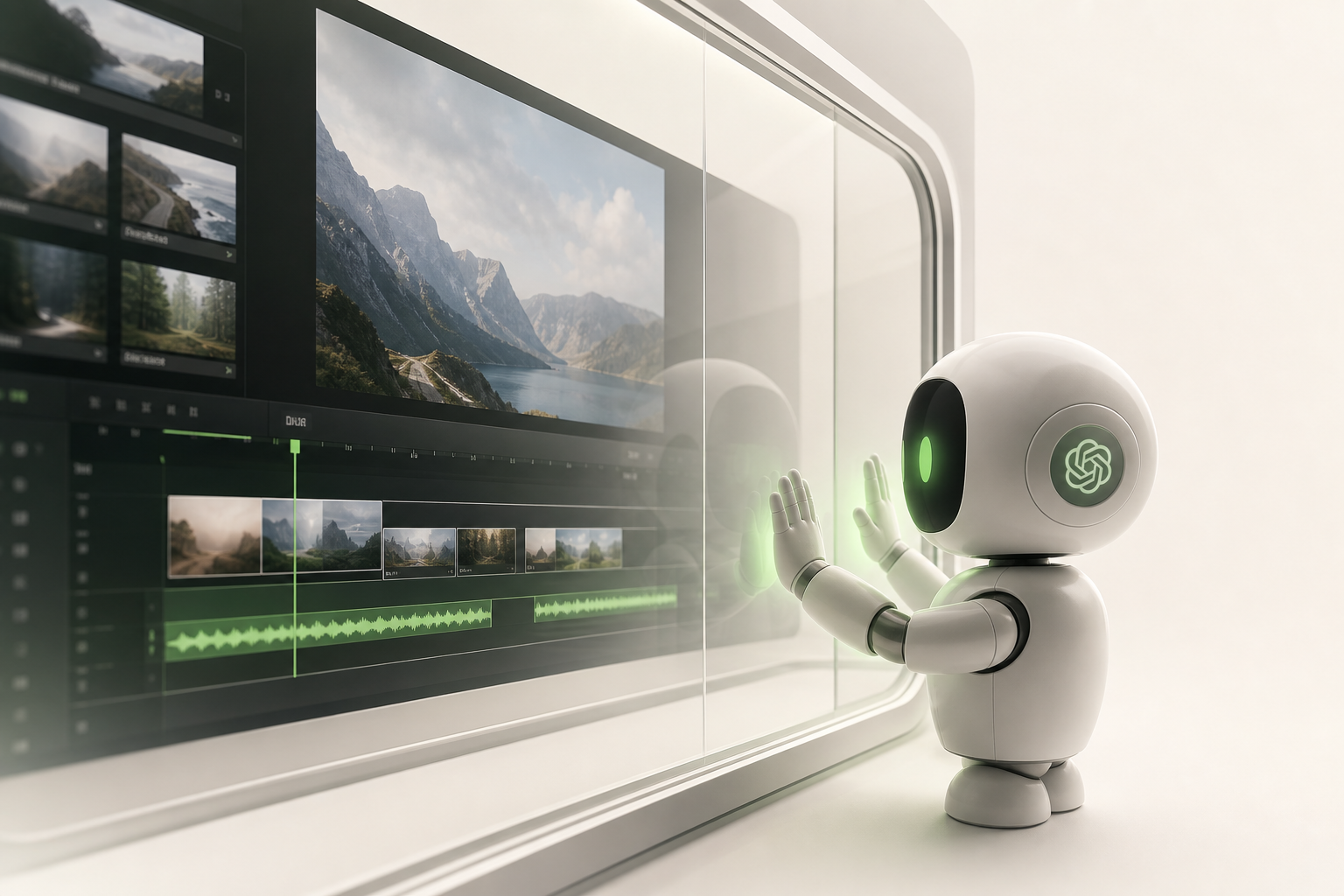
Let's be straight. ChatGPT cannot touch your timeline. Ever. No matter how you phrase your request, no matter what magic prompt you found on TikTok — there is no actual editing happening here.
Here's what ChatGPT will never do for you:
- Cut or assemble clips
- Add transitions or effects
- Read, analyze, or export a video file
- Sync anything on a timeline
This is a fundamental technical limitation, not a bug that some future update will fix. ChatGPT is a language model. It processes text. It has zero access to the video files on your computer, to Premiere Pro, to DaVinci Resolve, or to anything else in your editing pipeline.
A lot of creators have wasted time hunting for the "right prompt" to automate their editing. The honest answer? That doesn't exist with this tool.
Understanding this is valuable. It saves you from chasing a false promise — and frees you up to use ChatGPT where it genuinely excels.
Why this confusion exists (and how marketers cash in on it)
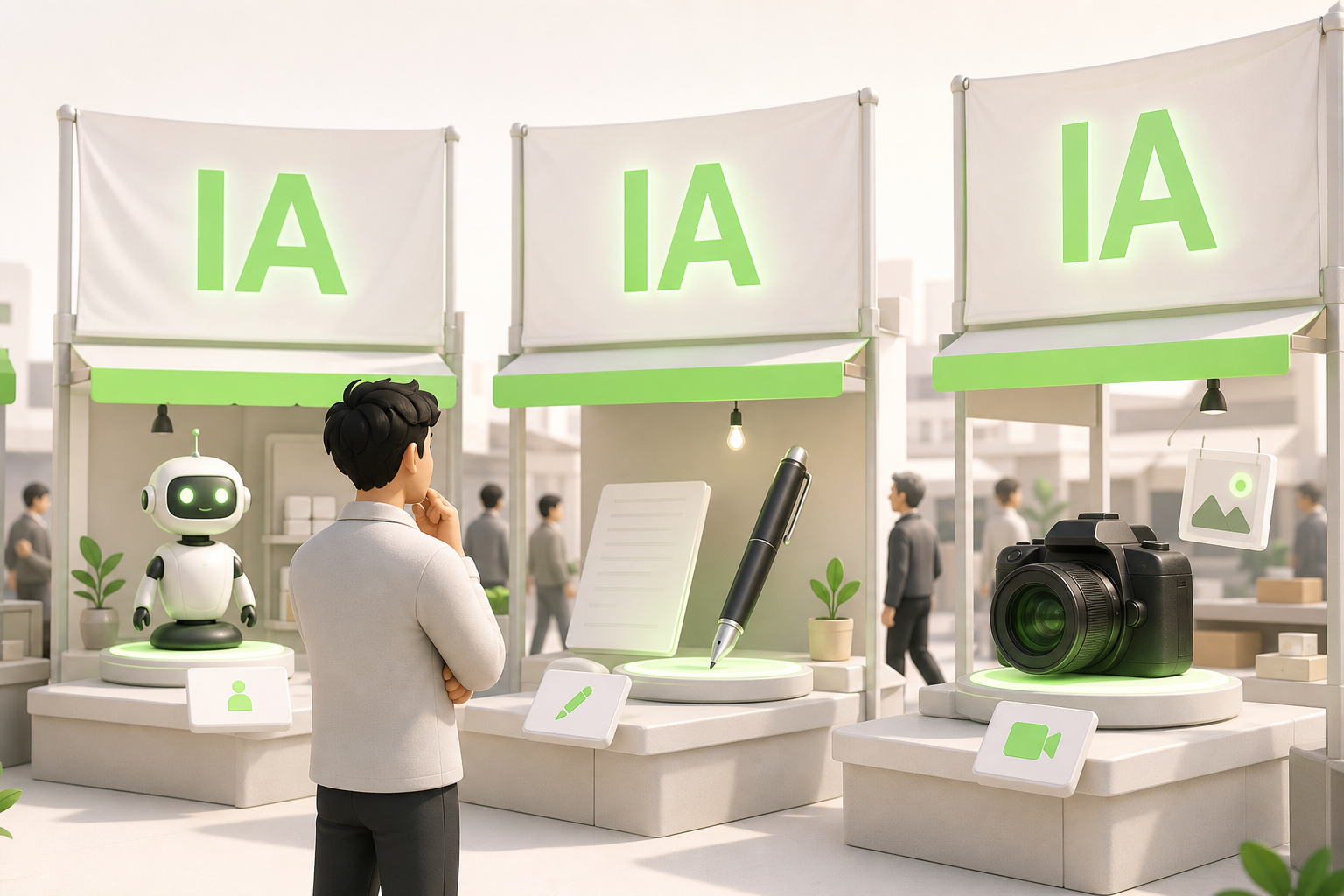
You've seen headlines like *"ChatGPT edits your videos in 5 minutes"* and wondered if you were missing something. You're not naive — you've been caught out by a language problem.
The word "AI" has become a generic catch-all. Marketers slap it on everything to ride the hype wave, and clickbait does the rest. The result: a genuine AI confusion takes hold in the minds of thousands of creators.
Here's the distinction that changes everything: ChatGPT is an LLM — a large language model. It processes and generates text. Tools like Runway, Pika, or CapCut AI, on the other hand, manipulate pixels and video timelines. That's the difference between a great copywriter and a pro editor — two jobs, two completely different skill sets.
Marketing agencies have every incentive to blur that line. A vague headline drives clicks, regardless of whether the promise holds up. Now that you know the difference between an LLM and a video generation tool, you can stop searching for a feature ChatGPT simply doesn't have.
ChatGPT's real role in a modern video workflow
Many creators come in with the same question: "Can ChatGPT edit my videos?" The short answer — no. But the real answer is far more interesting.
ChatGPT is your creative co-pilot, not your editing software. That distinction changes everything.
Here's how it works in practice: you open a conversation, describe your idea, and within minutes you have a solid brief and a structured script — complete with hooks, narrative transitions, and tone. The most exhausting part of the job — the blank page — disappears.
Then you move to a dedicated tool for the actual editing. That's the separation of tasks that makes all the difference.
This two-step workflow isn't a compromise. It's a strategy. The human brain struggles to switch back and forth between creative writing and technical cutting. Separating the two frees your focus and, more importantly, delivers a massive time saving on every single video.
Stop looking for one tool that does everything. Start building a system where each tool excels in its own lane.
The AI tools that actually do video editing
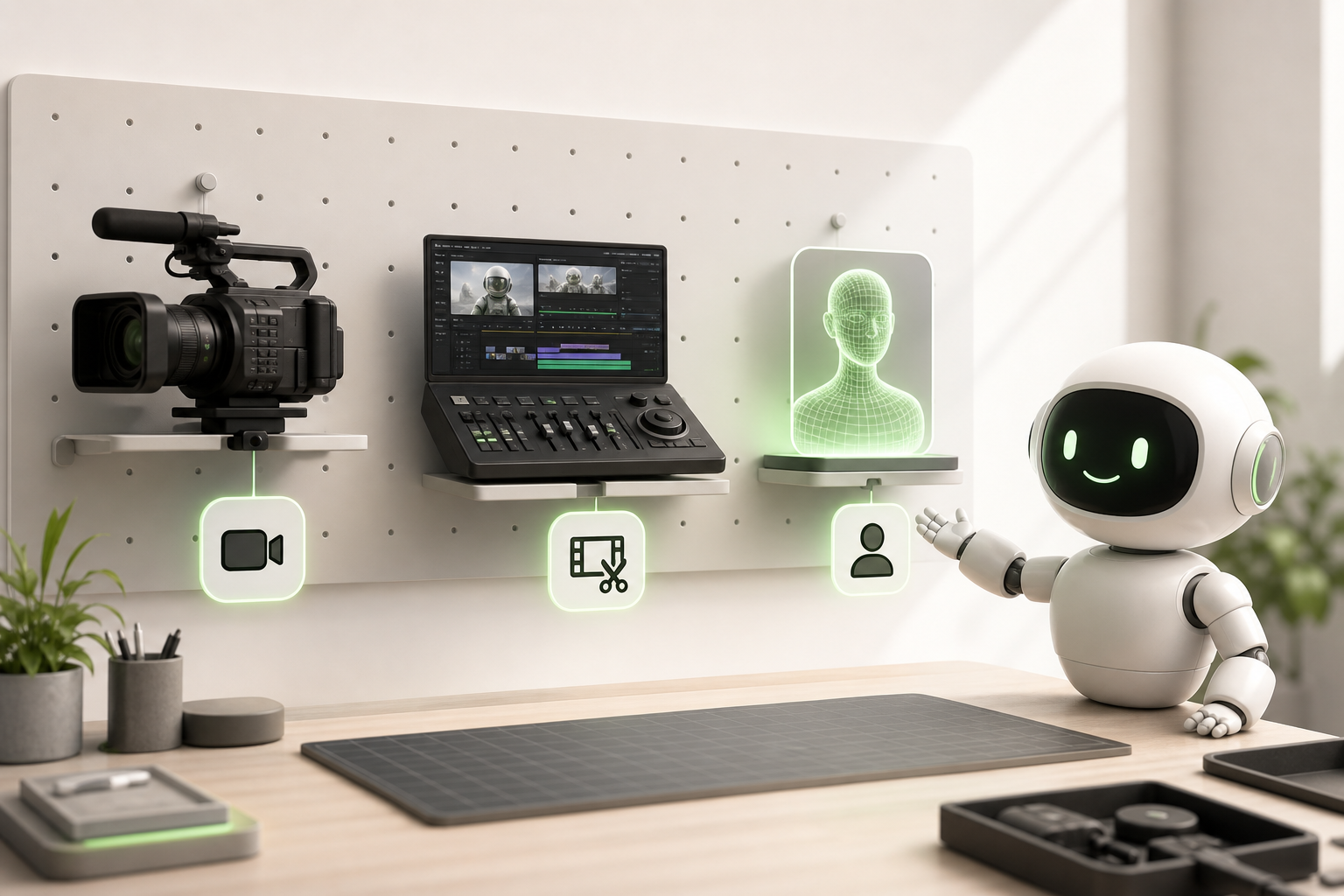
Here's the ground truth: ChatGPT writes, it doesn't cut. But other tools genuinely do.
For AI video generation tools like Runway or Pika, you start from scratch — a text prompt, an image — and you get visual sequences. Impressive for YouTube or ambitious creative projects, but less practical when you just want to speed up your daily workflow.
The second category is auto-editing: Descript, CapCut AI, Munch. You drop in your raw footage, the algorithm identifies the best moments, cuts the silences, and generates subtitles. For TikTok and Instagram, this is often where the real time savings happen.
Then there are avatar-based tools — HeyGen, Synthesia — which create a virtual presenter from a script. Perfect for independent creators who want to produce YouTube content without constantly being on camera.
The right choice comes down to one question: are you starting from an idea or from existing footage? Your answer points you straight to the category of tool you need.
How to combine ChatGPT and an AI video tool to move 3x faster
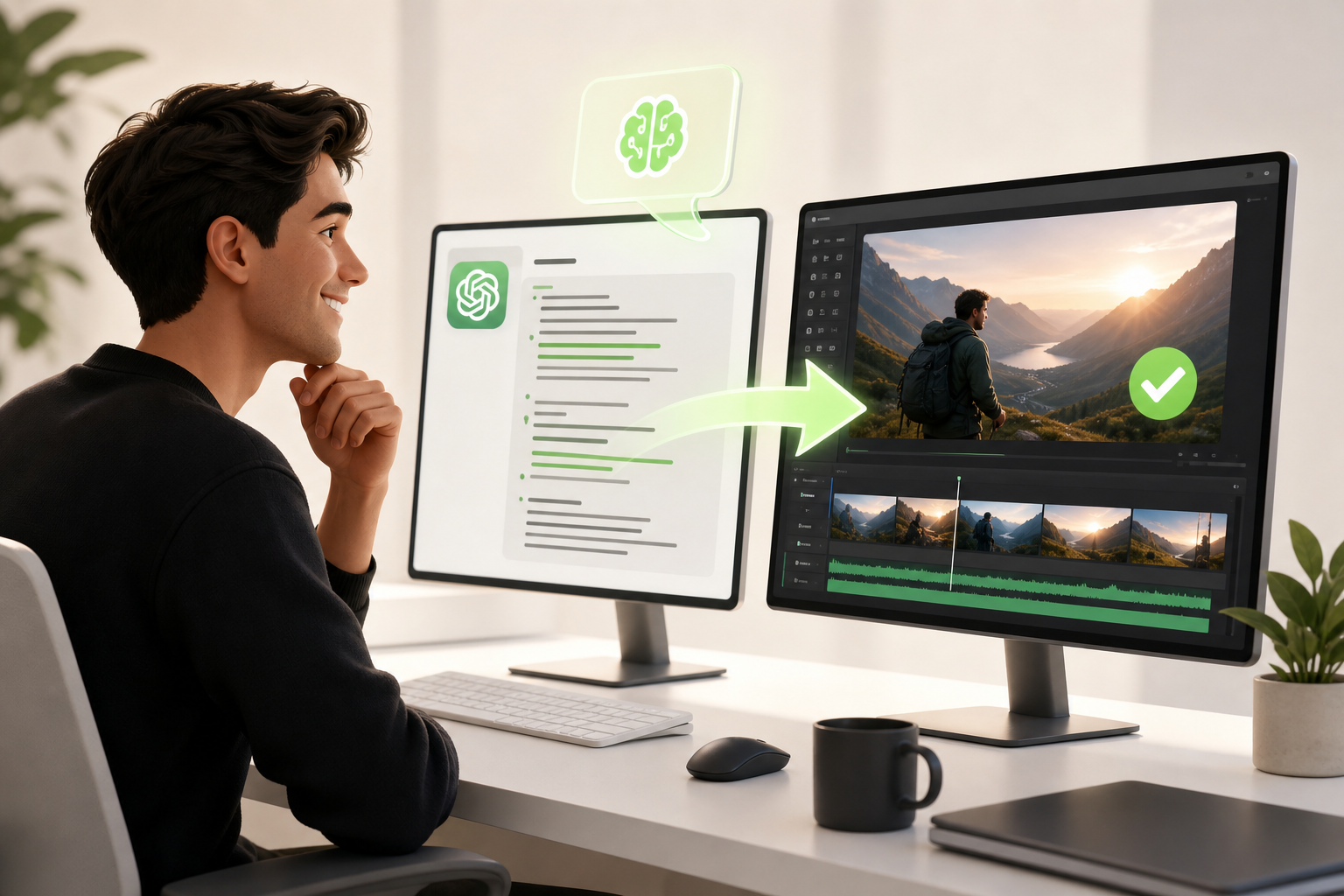
Here's how it works in practice. You open ChatGPT, feed it your raw idea, and ask for a structured script: hook, body, call-to-action. Thirty seconds of prompting, two minutes of review. That's your ChatGPT script, ready to go.
Then you switch to a video generation tool like Pictory or Runway. You paste in the script, pick a visual style, and the platform assembles the sequences automatically. While that's running, go make yourself a coffee.
That's the combined workflow: ChatGPT handles the words, the video AI handles the visuals. You're not doing either one by hand.
The result for solo creator productivity? What used to take you a full day drops to two hours. Not because you're doing lower-quality work, but because you're focused on what actually matters — your angle, your message, your community.
Try it once. You won't go back.
Conclusion: use the right tools for the right jobs
Here's the honest truth: ChatGPT is a creative genius, not a video editor. Asking it to cut clips is like asking a Michelin-starred chef to deliver your pizza. Wrong tool, wrong task.
You get it now — the right tool for the right job is the principle that changes everything for a solo creator.
ChatGPT is unbeatable for brainstorming concepts, refining scripts, and finding that hook that stops the scroll. But when it's time to turn those ideas into videos ready to publish on TikTok, Instagram, or YouTube, you need something else.
That's exactly where Vidrale comes in — the AI video generation platform built for solo creators. Designed for independents publishing on TikTok, Instagram, and YouTube, Vidrale takes your ideas and turns them into published video content — no team, no editing software, no headaches.
One thinks. The other creates. Together, they're the perfect duo.
Ready to try the winning combo? Discover Vidrale at vidrale.com and publish your first AI video today.
Create your videos with Vidrale
Turn your ideas into videos ready to publish on TikTok, Instagram, and YouTube — no editing, no camera needed. Vidrale generates attention-grabbing videos for you in just minutes.