
Create a Video from Text with AI for Free — No Sign-Up Required
Turn any text into a publish-ready video using AI — no credit card, no account creation, no hassle.
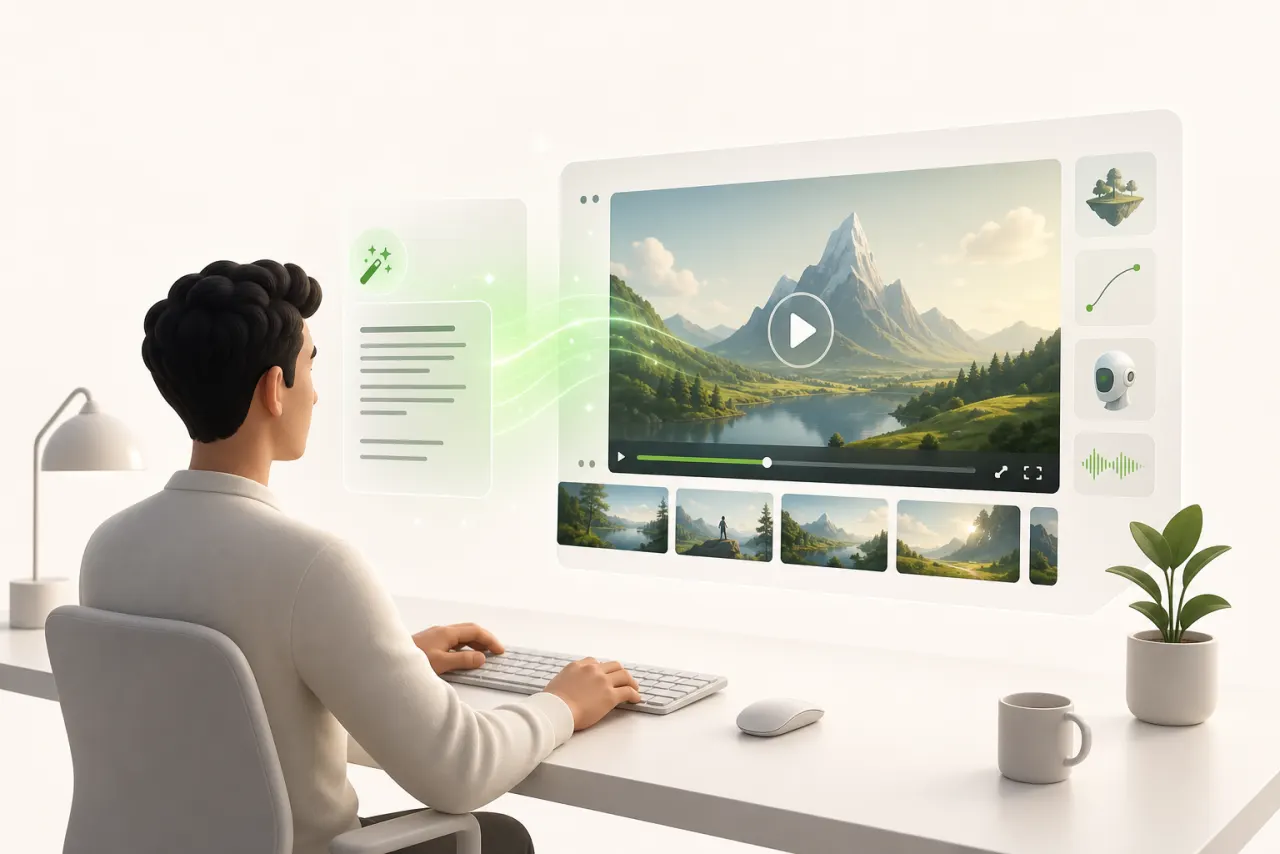
Why turning text into video is a game-changer for solo creators
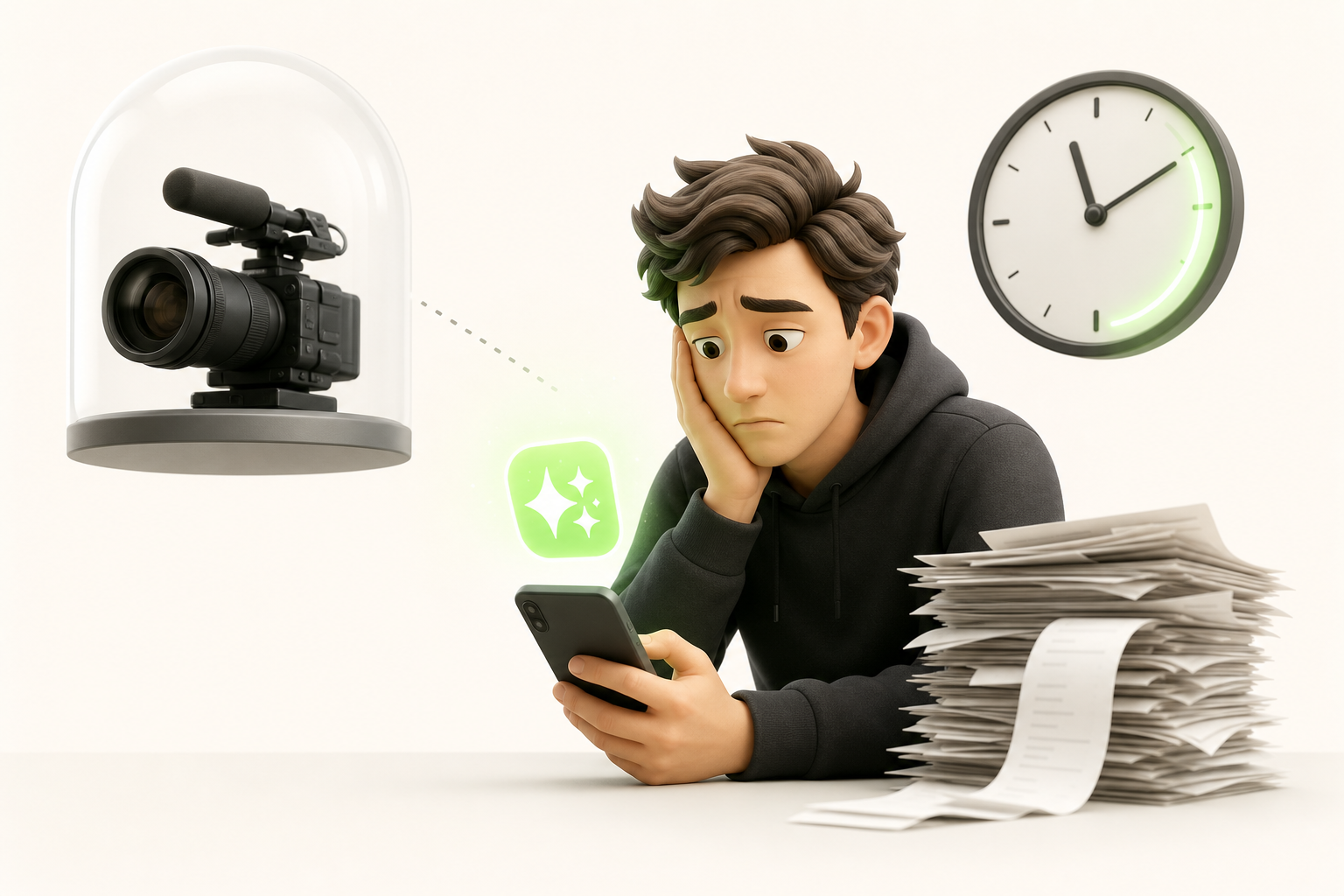
You know that feeling — you've got a brilliant idea, a solid piece of writing, but zero production budget, zero crew to film anything, and zero spare time? That's exactly the point where most solo creators give up before they even start.
But now, there's a way out.
Being able to create a video from text with AI for free and without signing up completely rewrites the equation. You paste your text, hit generate, and walk away with something ready to post on TikTok, Instagram, or YouTube — no credit card, no software to install, no agency required.
For a solo creator, that's not just convenient. It's genuinely liberating.
Video content used to be reserved for people with the right gear, the time, or the money. Now, if you can write — and you can write, otherwise you wouldn't be reading this — you already have everything you need to produce video content consistently.
Your text becomes your script. The AI becomes your production team. And you stay focused on what actually matters: your ideas.
How AI video generation from text actually works
When you paste your text script into the interface, the tool isn't doing magic — it's following a precise logic. First, the AI models break your text into semantic chunks: a sentence about the beach will trigger ocean visuals, not office images. This is called parsing, and it's where everything happens.
Next comes text-to-speech synthesis: your text is converted into audio narration using neural networks trained on thousands of hours of human speech. The result is often surprisingly convincing, even on the free tier.
At the same time, automatic visual generation matches each segment to clips or images pulled from a library or generated on the fly. The AI then synchronizes everything — voice, visuals, timing — to deliver a coherent video in just a few minutes.
What this means in practice: the clearer and more structured your script, the better the output. AI is powerful, but it works with exactly what you give it.
What you can actually do without creating an account or entering your card details
Let's be honest: the word "free" on the internet often hides an unpleasant surprise. So here's what you can realistically expect when you want to create a video from text with AI for free and without signing up.
Most serious tools offer instant access — no email, no password required. You paste your text, generate, and get something back. But there are real limitations, and it's worth knowing them upfront:
- Watermark: your branding will often be replaced by the tool's logo — predictable, but acceptable for a prototype
- Duration: typically 30 to 60 seconds maximum per generation
- Resolution: often capped at 720p, sometimes less
Is that enough to get something off the ground? Honestly, yes. If you want to test a concept, validate a format, or pitch an idea to a client before committing any budget, these constraints aren't dealbreakers. The watermark disappears once you upgrade to a paid plan, and the resolution is more than sufficient for social media or a pitch deck.
Start small, prove it works, then upgrade if needed. That's exactly how it's done.
The best free tools for generating a video from a script in 2024
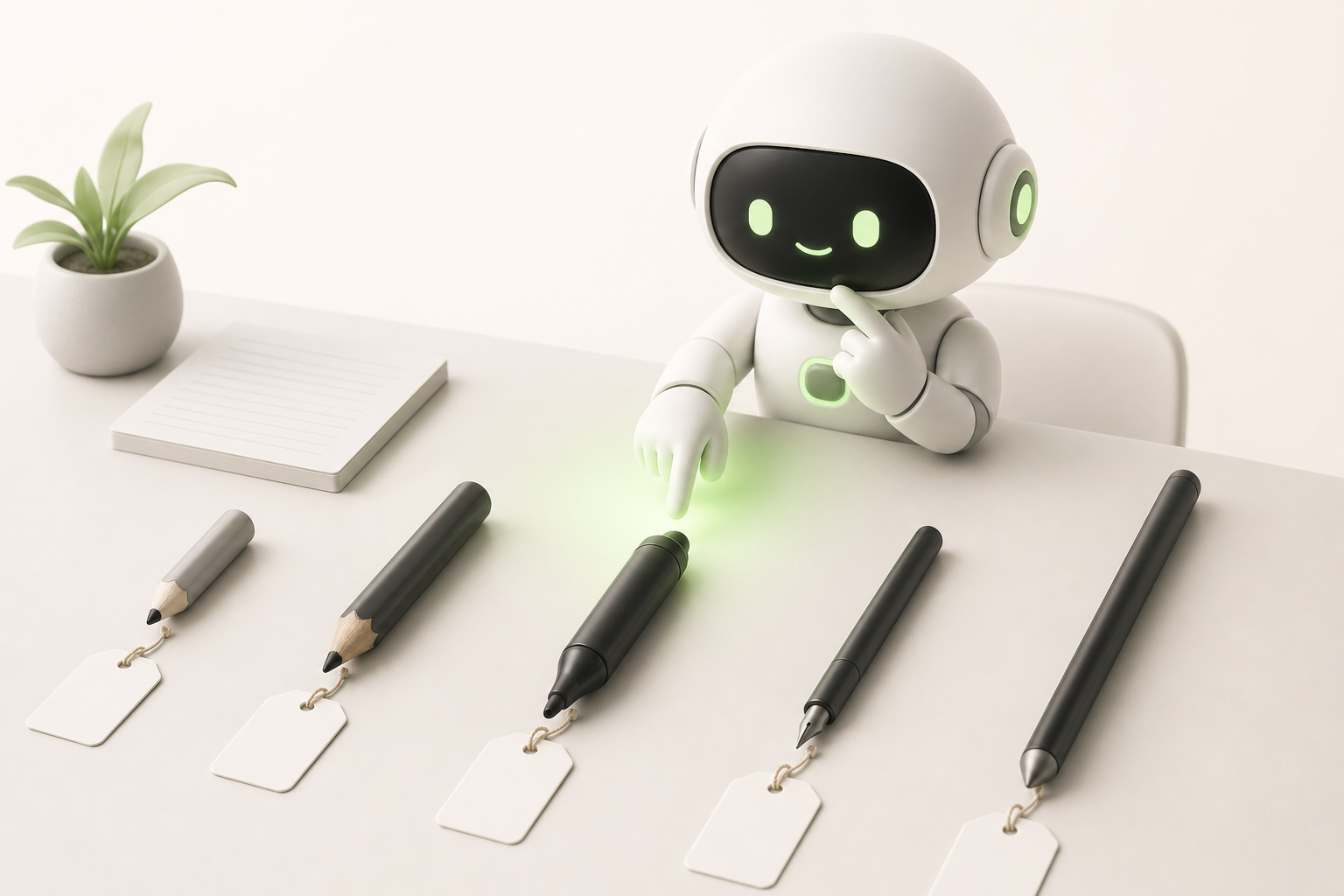
You don't want to spend ten minutes creating an account only to find out the tool is paywalled. I get it. Here's an honest tool comparison, built for speed.
Canva (guest mode) remains the most versatile option for generating a video from a free script: paste your text, pick a template, and export as MP4 — no sign-up required. Supported output formats: MP4 and GIF.
Kapwing lets you import a script, add automatic subtitles, and assemble a video without creating an account. The watermark shows up, but for testing a concept it's perfect.
Lumen5 offers automatic generation from text or a URL — no sign-up needed for your first projects. It detects key phrases and matches them with stock visuals.
A few criteria that make all the difference in this comparison:
- Export without a watermark (or with a discreet one)
- Access without a real account or via a temporary email
- Supported formats: MP4, WebM, GIF
- Reasonable duration limit (at least 60 seconds)
Choose based on your needs, not based on the marketing.
Step by step: create your first AI video from text in under 10 minutes
Here's the exact sequence — no account, no credit card, just you and your idea.
-
Write a short script of 3 to 5 sentences maximum. One idea per sentence, action verbs, zero jargon. The less you write, the more impact the video will have.
-
Paste your text into a tool that lets you create a video from text with AI for free and without signing up — Pictory, Kapwing, or LensGo all work in guest mode.
-
Choose your visual style: your tool will suggest themes or templates. Pick the first one that fits your topic. You can tweak it later. Don't get stuck here.
-
Let the AI generate — 30 seconds to 2 minutes depending on the platform. While you wait, read through your script one last time.
-
Watch the preview and adjust one thing if something feels genuinely off. Over-perfecting at this stage is the classic trap.
-
Export at standard resolution — MP4, web quality, that's enough to get started.
These concrete steps take you from a blank page to a publishable video in under ten minutes flat. First video done — now you iterate.
5 mistakes beginners make when generating a video from text

The first mistake is a script that's too long. A 500-word text will produce a 3-minute video that nobody watches to the end. Keep it under 80 words to start.
Next, forgetting the hook. The first two seconds decide everything — if your text opens with a weak introduction, the tool generates a weak video. Start directly with tension or a promise.
Third pitfall: ignoring vertical format. If you're targeting TikTok or Reels, specify that from the very beginning. Most tools export in 16:9 by default, and cropping after the fact destroys the composition.
Audio quality is often overlooked. A robotic voiceover or a poorly chosen background track will sabotage even a great-looking video. Take thirty seconds to select a natural-sounding voice in the settings.
Finally, visual consistency: clips that shift style every two seconds create a sense of chaos. Pick a visual universe and stick to it. Your viewer's brain will thank you — and so will theirs.
Optimizing your AI videos for TikTok, Instagram Reels, and YouTube Shorts
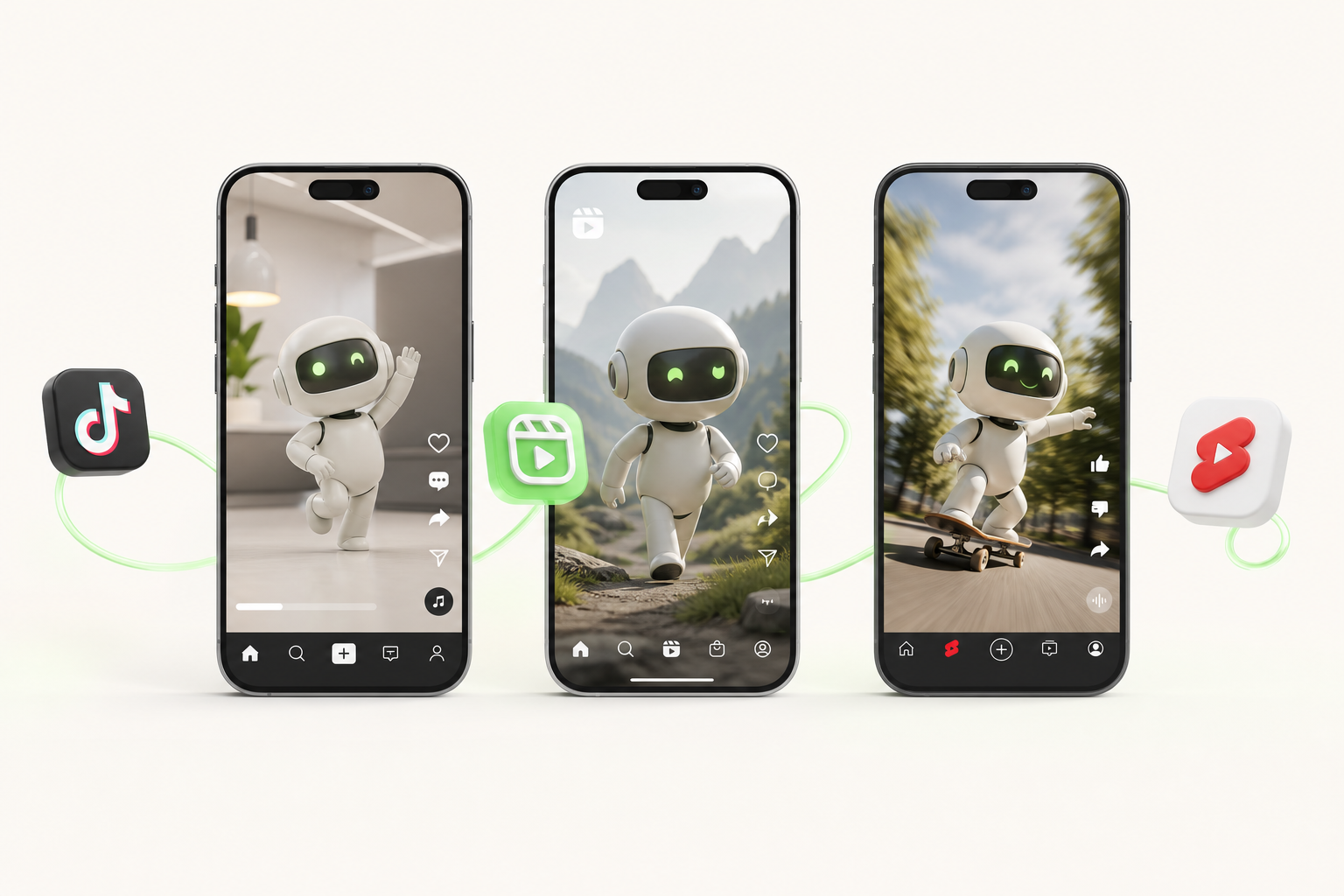
Every platform has its quirks, and an AI video that crushes it on one can completely flop on another. Here's what to adjust before you publish.
The 9:16 format is non-negotiable. TikTok, Instagram Reels, and YouTube Shorts are all built for vertical video. If your tool for generating a video from a free script offers this ratio from the start, select it immediately — you'll save yourself an hour of frustrating cropping.
Hook timing varies by platform. On TikTok, you have under two seconds to grab attention: open with a question or a bold statement. On Instagram Reels, three seconds works better. YouTube Shorts tolerates a little more context before the punchline.
Subtitles are not optional. More than 80% of short videos are watched without sound. Enable automatic subtitles or burn them directly into your video.
Ideal duration also varies:
- TikTok: 15 to 30 seconds to maximize replays
- Instagram Reels: 30 to 60 seconds
- YouTube Shorts: up to 60 seconds, though 45 often does the job
Test, adjust, repost. That's the real workflow.
Conclusion: from text to published video, solo and on zero budget — it's possible right now
Just a year ago, turning a text draft into a publishable video required paid software, a learning curve, and often a team. Today, that's no longer true.
You can literally paste a text, let the AI do the work, and end up with a video ready to post — no credit card, no account to create, no fighting with an interface built for production studios.
That's exactly why tools like Vidrale exist. It's an AI video generation platform built for solo creators, designed around a simple workflow: text in, video out, straight to TikTok, Instagram, or YouTube. No unnecessary friction, no features locked behind a paywall from minute one.
If you want to see what it looks like in practice — creating a video from text with AI for free and without signing up — here's where to go: vidrale.com.
Solo video content is now within your reach. All you needed was the right starting point.
Create your videos with Vidrale
Turn your ideas into publish-ready videos for TikTok, Instagram, and YouTube — no editing, no camera. Vidrale generates attention-grabbing videos for you in just minutes.