
AI Video Editing
A visual editor designed for speed. Adjust scenes, swap images, fine-tune timing, and perfect your video — without the complexity of traditional editing software.
No credit card required
Edit Smarter, Not Harder
Open Your Project
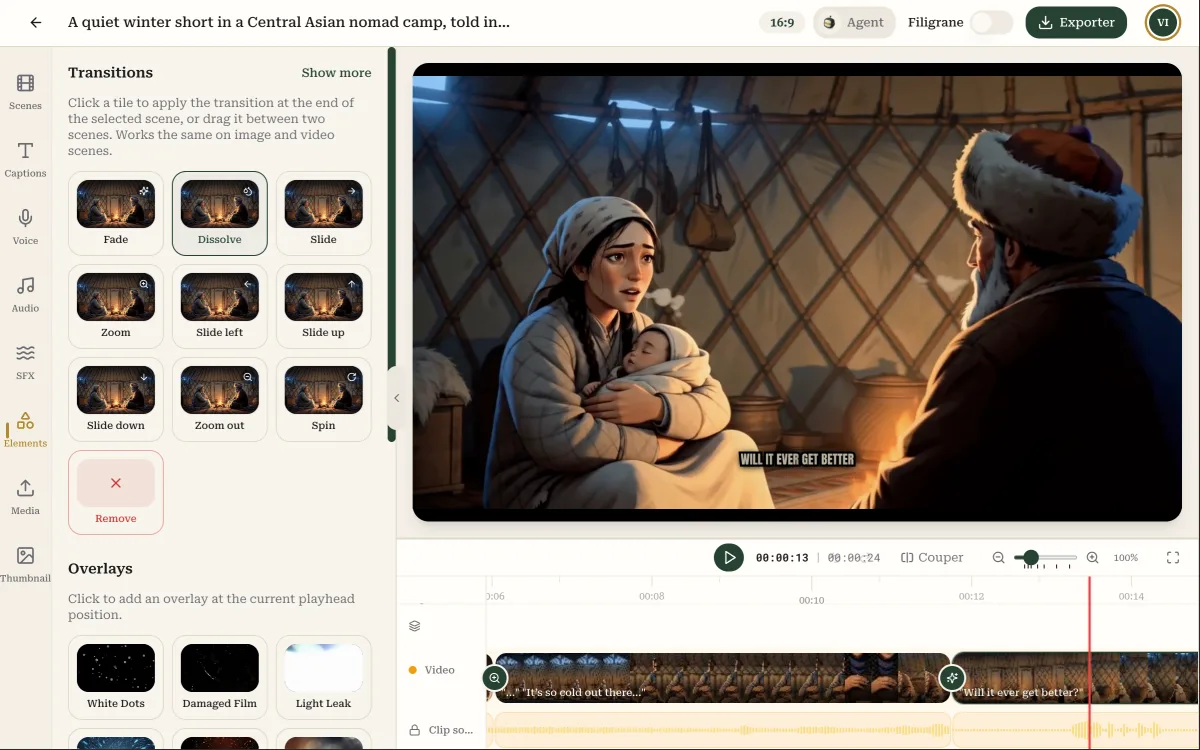
Every generated video is fully editable in the visual timeline editor
- See all your scenes laid out on a visual timeline
- Preview your video in real time as you make changes
- Access all assets: images, audio, music, and captions
Scenes
"Mornings can feel like a whirlwind, igniting our spirits for the day ahead."
"Stepping into the subway, the energy is infectious, anticipation fills the air."
"With each stop, I can feel my sense of purpose building, excitement...
Voiceover
Caption
Make It Yours
Swap, adjust, and refine every element of your video
- Replace scene images with AI regeneration or your own uploads
- Adjust scene duration and transition timing
- Edit captions, change fonts, and tweak positioning
Export in Any Format
Render your final video in the quality and format you need
- Choose from 720p, 1080p, or 4K resolution
- Export in vertical, landscape, or square aspect ratios
- Optimized encoding for every social media platform
Exporter la vidéo
Format
Qualité
Professional Editing Without the Learning Curve

Visual Timeline
See your entire video at a glance. Drag, drop, and rearrange scenes on an intuitive timeline that anyone can use.
AI-Assisted Adjustments
Regenerate images, rewrite captions, or adjust pacing with AI suggestions. The editor works with you, not against you.

Real-Time Preview
See exactly how your video will look before exporting. Every change updates the preview instantly — no waiting for renders.

Non-Destructive Editing
Every edit is reversible. Experiment freely knowing you can always go back to the original generated version.