AI Clip Generator
One prompt, one clip, a few seconds long. Pick your model, hit generate, and iterate in a chat until the shot is right — no script, no voiceover, no montage.
No credit card required
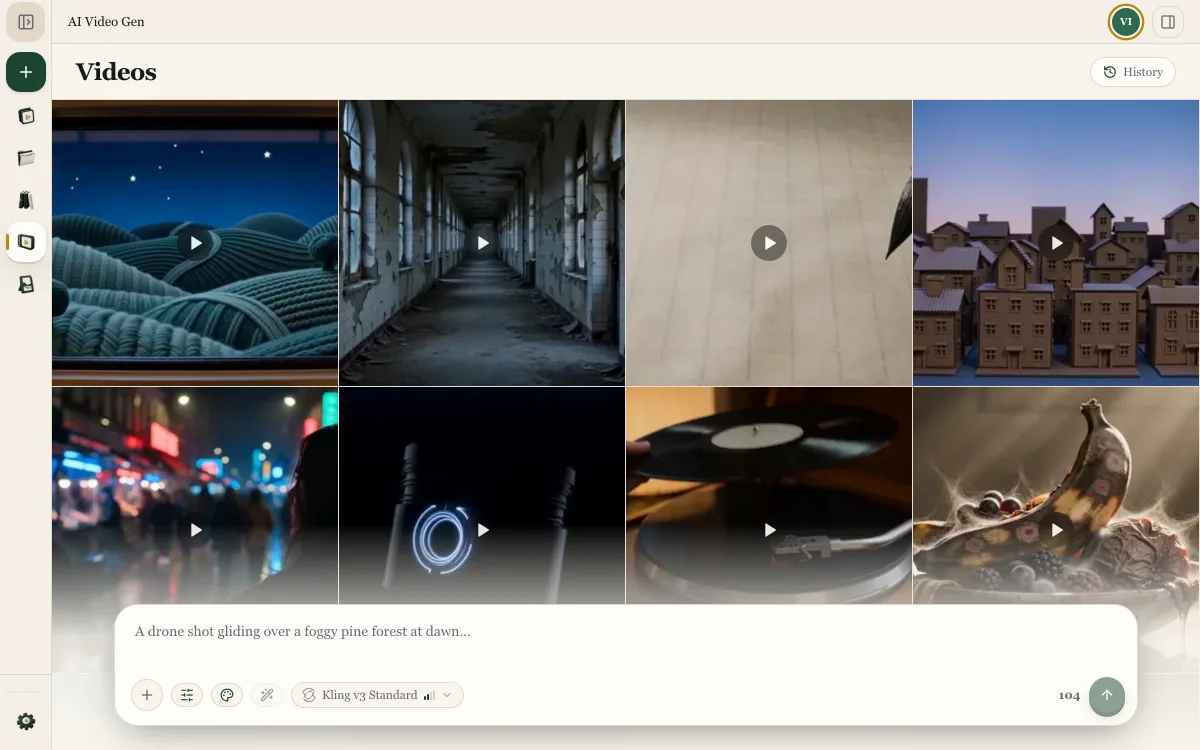
One Prompt, One Shot
Write the Shot
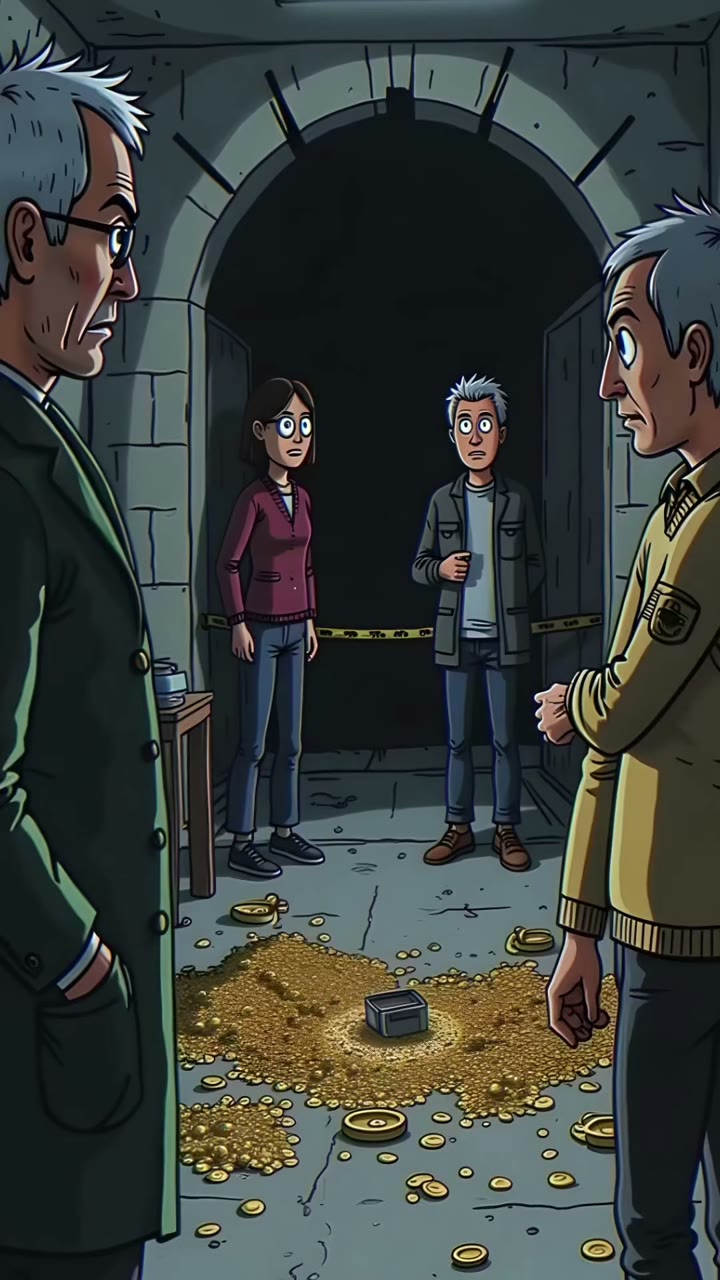
Describe a single shot — subject, motion, camera — and pick the model that renders it
- One prompt, one shot: the subject, the movement, the camera, the light
- Seedance, Flux, Grok, Kling, Hailuo, Gemini — each moves differently
- Set the length, the frame, the quality tier and native audio

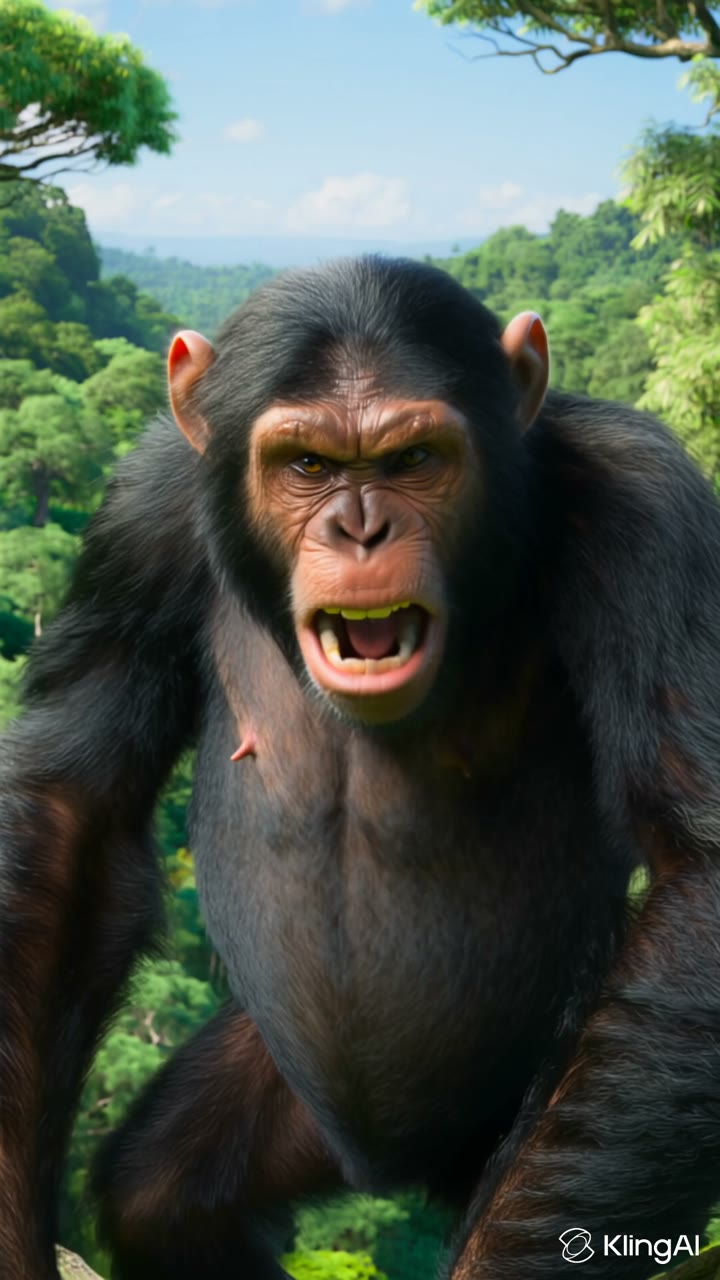
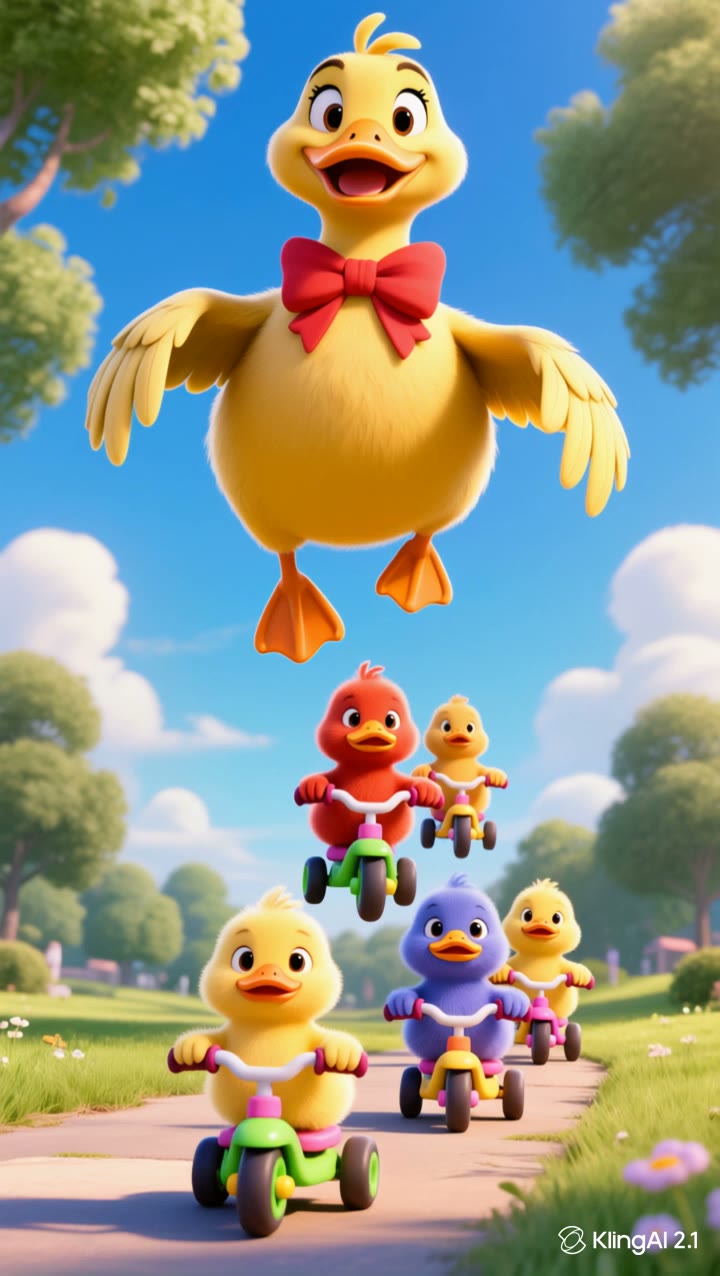
 Seedance 2.0 FastFLUX.3 VideoGrok Imagine 1.5& more…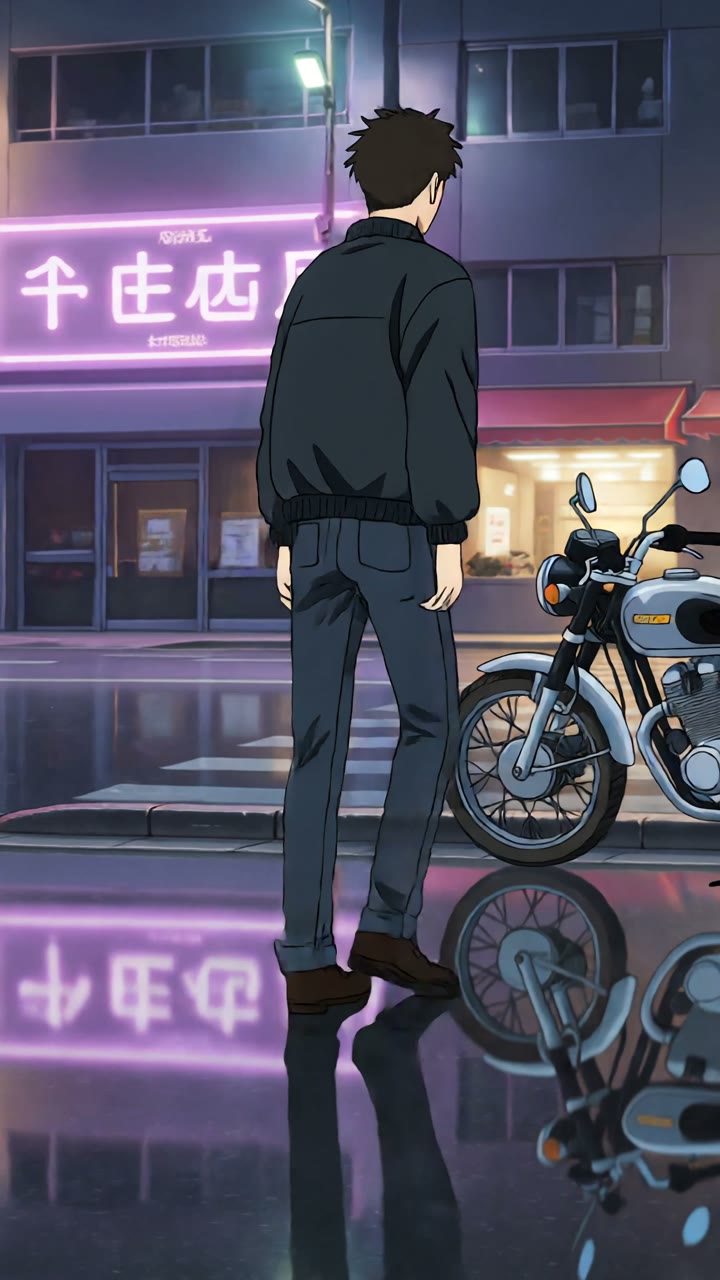

Your next video
Describe it, the agent writes, asks and renders
The Model Renders It
A few seconds of video, back in a couple of minutes
- Clips of a few seconds, in 9:16, 16:9 or 1:1
- Native audio when the model produces it, a silent clip when it doesn't
- The cost is on screen before you launch, never after
Iterate Until It Lands
Every clip stays in the chat — reuse its settings, change one word, render again
- Reuse the exact settings of any clip in one click
- Your whole history in one place, with nothing to re-upload
- Download the clip, or drop it into a project as a B-roll insert
 TikTok
 Instagram
 YouTube
 Facebook
For the Shot You Need Right Now

One Shot, One Minute
No script to approve, no voiceover to time, no timeline to tidy up. You write a shot, you get a shot — usually before you've finished your coffee.
Your Pick of the Models
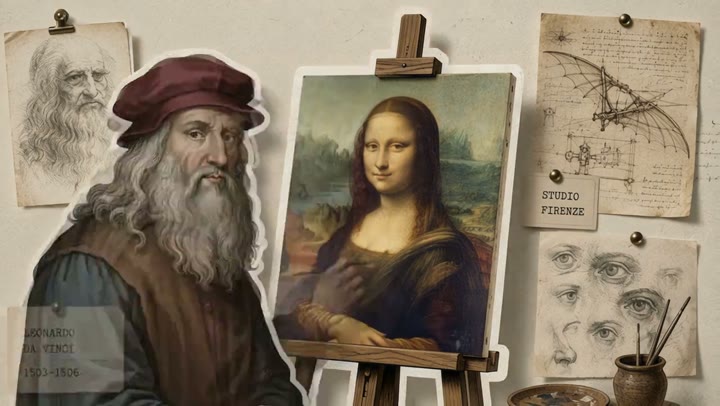
Seedance, Flux, Grok, Kling, Hailuo and Gemini all film motion differently. Switch model between two attempts and keep the prompt identical.

Cheap Enough to Retry
A few seconds of video costs a few seconds of video, and the price shows before you launch. A second and a third attempt are decisions, not accidents.

A Look That Holds
Pick a style from the library, attach a reference image, and every retry stays in the same visual world instead of drifting somewhere new.