
Gameplay underneath, your story on top
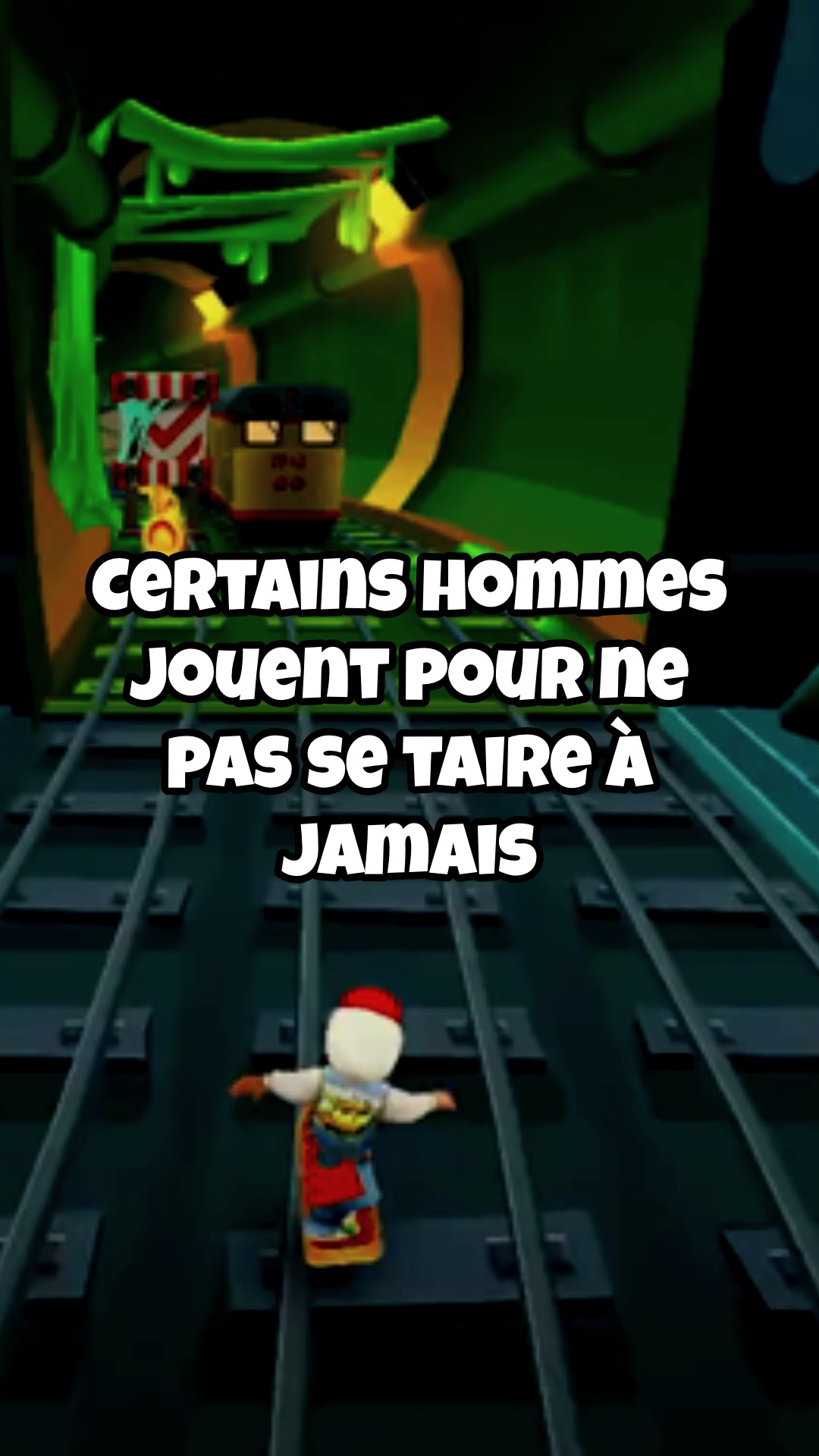
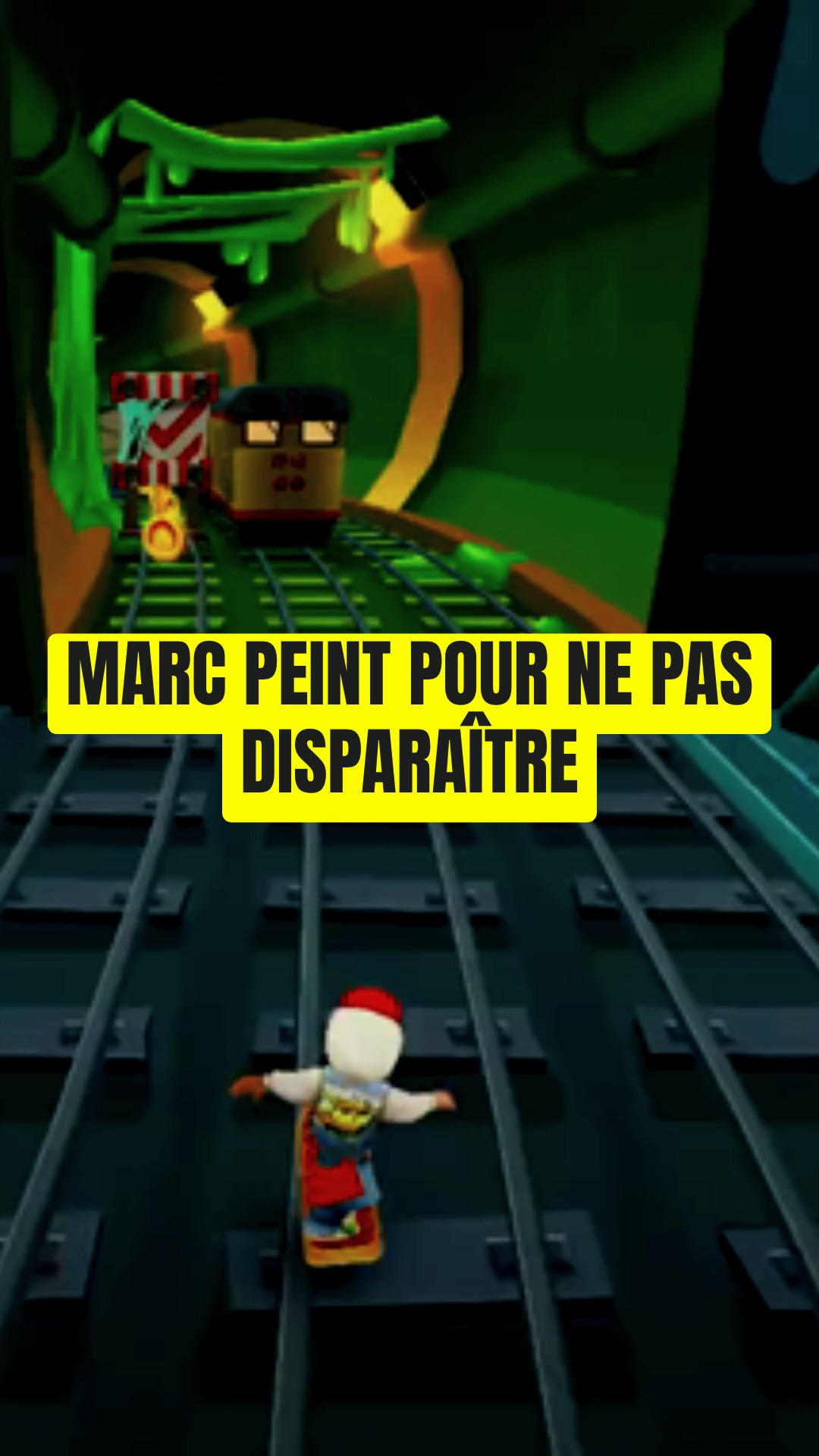
Pick a gameplay clip, give it a subject, and the narration gets written, recorded and captioned. No image is generated — the clip is the picture.
Describe your idea, or paste your full script here…
Ex: tell the odyssey of Ulysses, king of Ithaca — his cunning against the Cyclops, the song of the sirens and his long journey home to Penelope, in a captivating epic tone.

Language

Gameplay background
Three steps, no image to generate
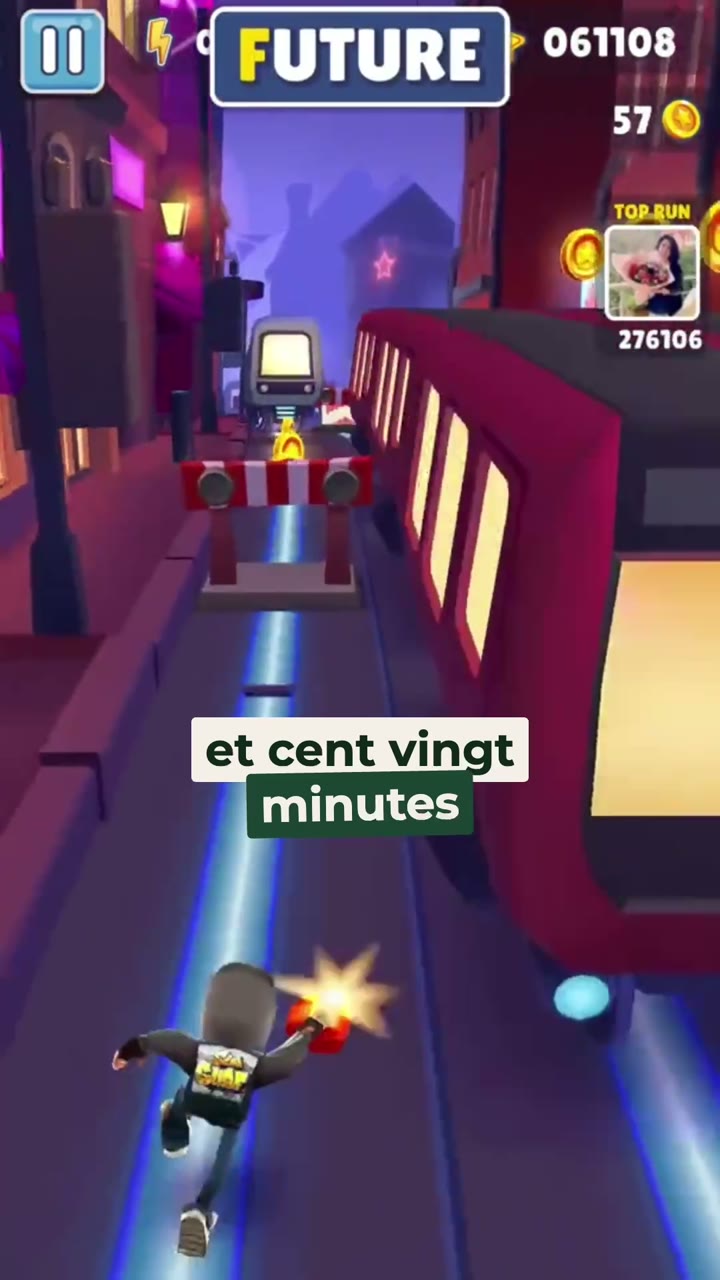
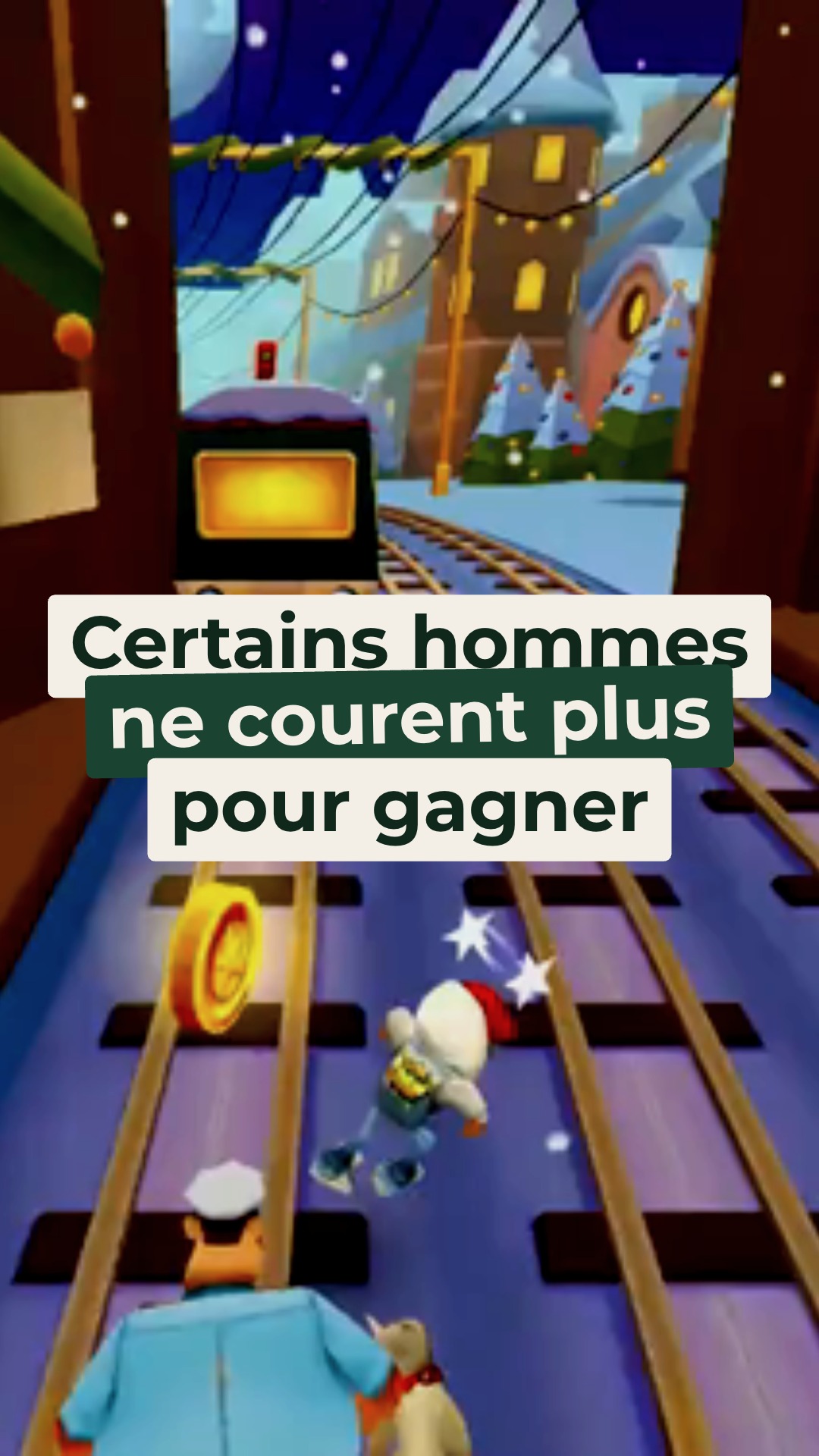
Pick the gameplay loop
Choose the clip that will fill the frame from the first second to the last.
Give it the subject
One line. The narration gets written, recorded, and the captions timed to the voice.
Publish or edit
Export straight to 9:16, or open the editor to rewrite a line first.
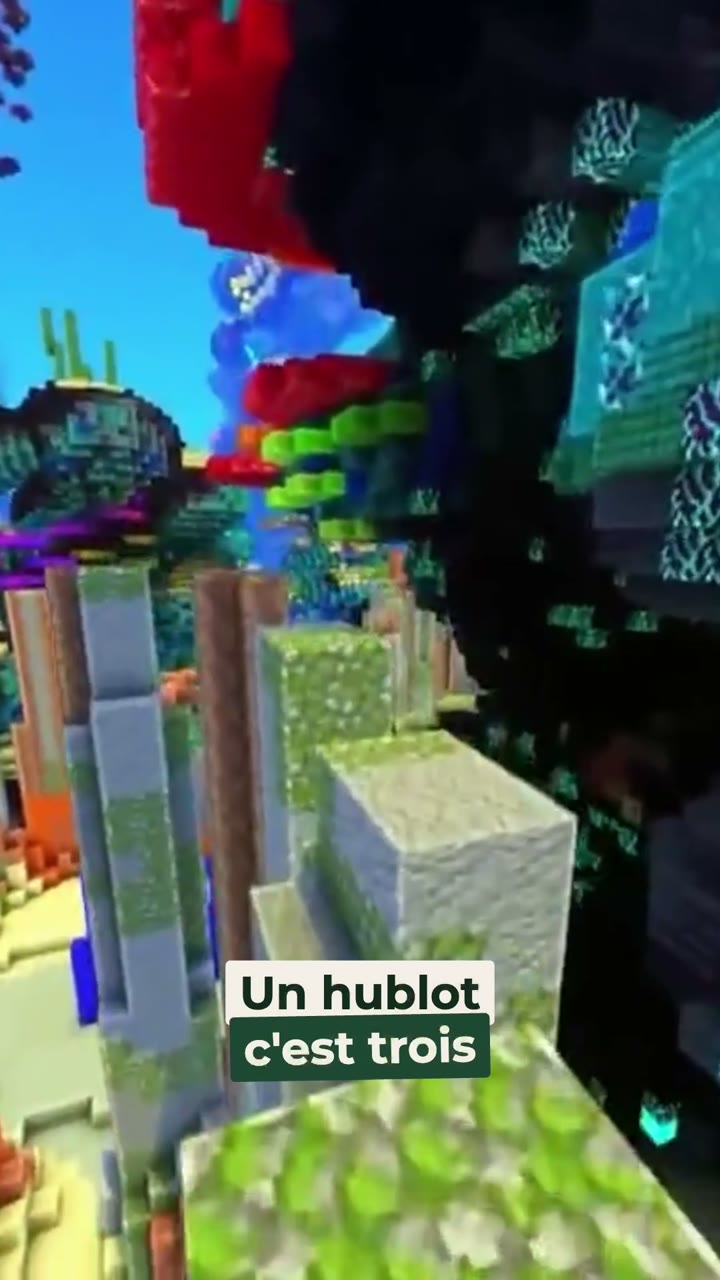
Made with the gameplay video tool
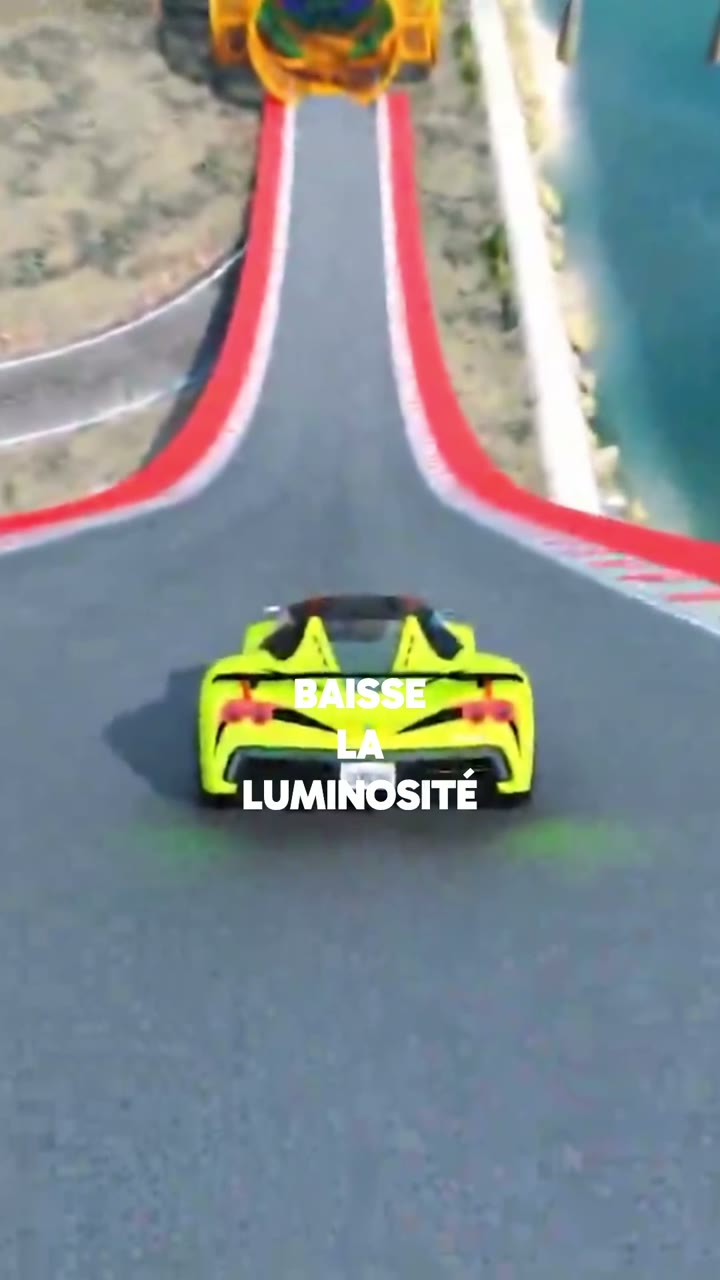
Why the gameplay video tool
You pick the clip, not the pixels
The background comes from a catalogue of looping gameplay clips. Nothing is generated, so nothing drifts — and that is why these are the cheapest videos on the platform.

Short enough to be watched
A myth taken apart in under thirty seconds is the format this tool was built for. Three of the examples below do exactly that.

Long enough to tell a life
The same tool runs past forty-five seconds when the subject is a story rather than a fact. Same clip underneath, different pacing on top.

Captions, always
The narration is timed word by word and the captions are burned in — this format gets watched on mute more often than not.
Frequently asked questions
What is a gameplay video?
Where do the gameplay clips come from?
How long should one be?
Can I use my own gameplay footage?
Why is it cheaper than the other tools?
Can I change the voice or the script?
You might also like

Turn a subject into a narrated video
Give it a topic, or paste the script you already wrote. You get a multi-scene video — written, voiced, illustrated and captioned — around a minute long.
Learn more
Explain an object by cutting it open
A glowing wireframe of the thing you are explaining, one scene per idea, narrated. Routers, engines, batteries — anything with an inside worth showing.
Learn more
A scene played, not narrated
Give it a premise. The acts get written, the characters cast, and the model performs every line inside the shot. Fifteen, thirty or forty-five seconds of film.
Learn more