
Can ChatGPT Really Create Videos? (2024 Guide)
Can ChatGPT create videos — and if so, how far can it go for a solo creator who wants to scale their content without blowing their budget?

The real question: can ChatGPT create videos, yes or no?
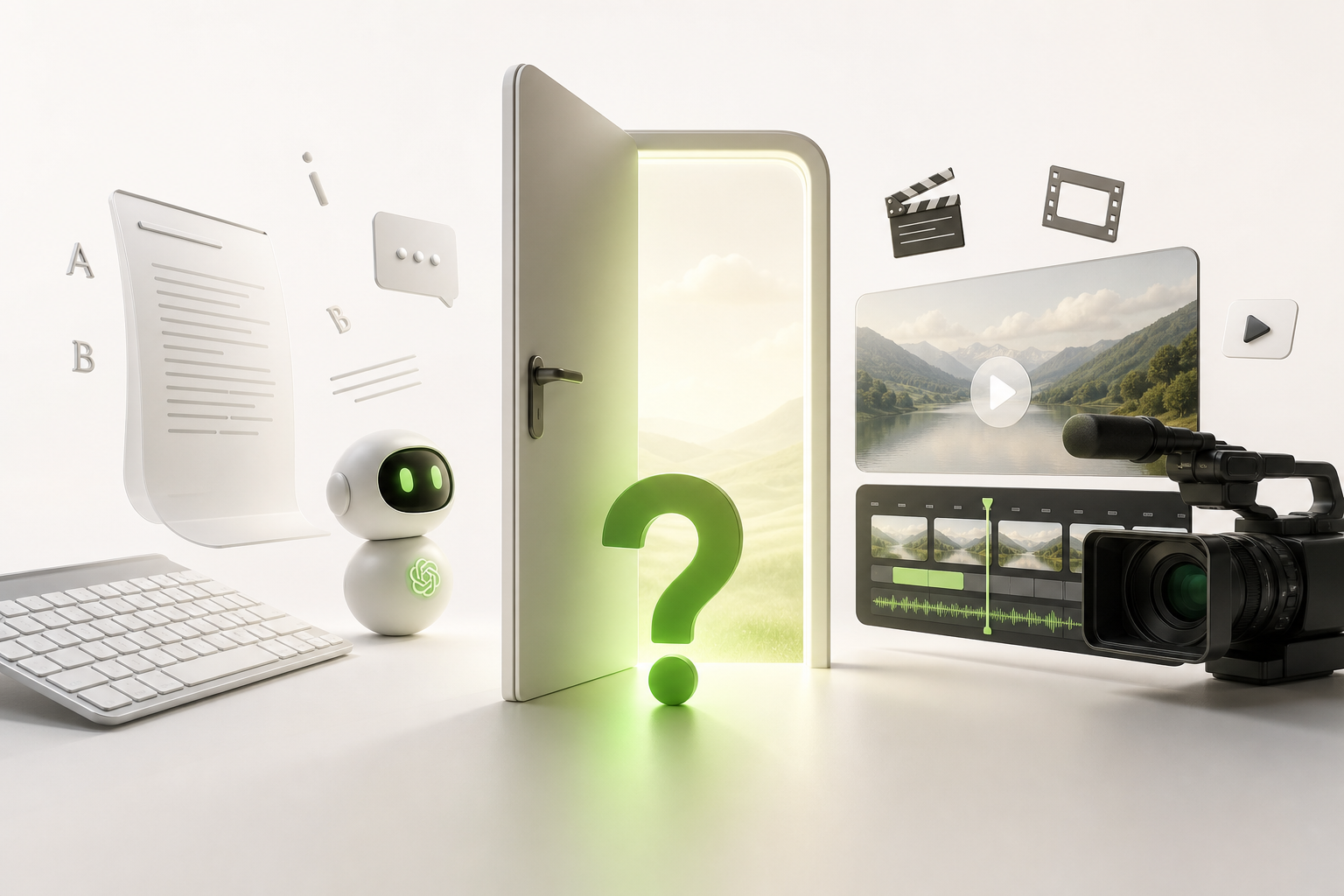
Straight answer: no, ChatGPT does not generate videos. No images, no clips, no automatic editing. If you were expecting to click a button and watch your next YouTube video appear out of thin air, that's not happening.
But — and this is where it gets interesting — the question can ChatGPT create videos deserves a nuanced answer, not just a flat "no."
ChatGPT is a text tool. It thinks in words, not pixels. Visual generation is the territory of other tools like Runway, Sora, or Pika. These are two entirely different worlds.
What ChatGPT can do, however, is handle everything that leads up to and surrounds the video: the concept, the script, the hooks, the narrative structure, visual descriptions, and content strategy. That's all text — and well-written text is the invisible engine behind every video that actually performs.
So keep that distinction in mind: text vs. visual generation. That's the framework for everything that follows in this guide.
What ChatGPT is genuinely great at in your video workflow
Let's be real: ChatGPT isn't going to hit "Record" for you. But where it truly shines is everything that happens before you open your editing app.
Video scripts are its home turf. Give it a topic, a tone, a target length — and it spits out a clean structure with transitions and calls to action. In minutes, not hours.
TikTok/Reels hooks are where it gets even more powerful. Ask it for ten hook variations for the same video. You pick the best one, test it, iterate. That's exactly how the creators who are blowing up actually work today.
For content ideation, ChatGPT is the best brainstorming partner you'll ever have — available at 2 a.m., no ego, no burnout.
The real creative time savings? It frees up your energy for what only you can do: your on-screen presence, your uniqueness, your energy. ChatGPT handles the mechanics. You stay the spark.
Can ChatGPT do video editing? Here's the honest truth
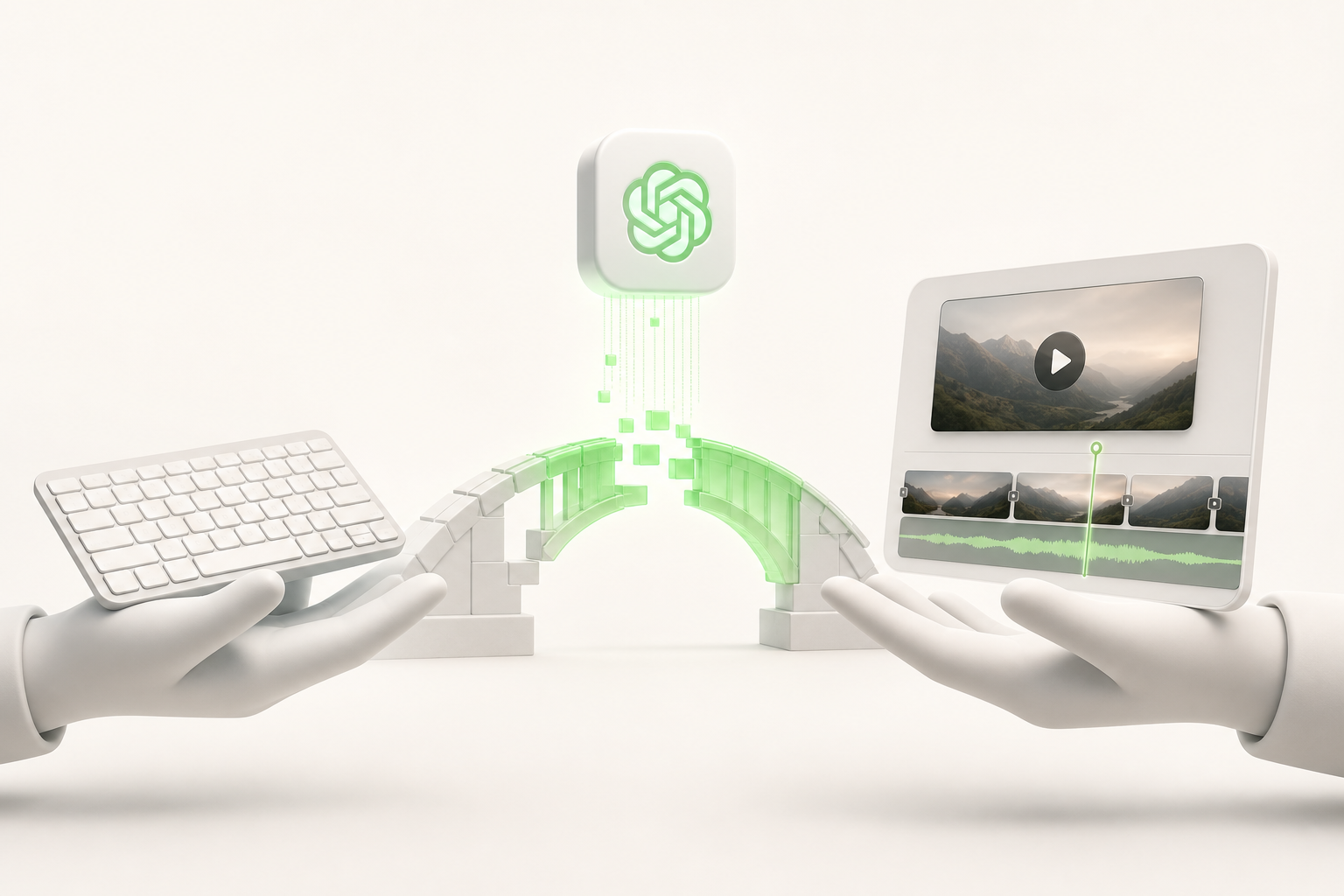
Let's be straight: can ChatGPT do video editing on its own? No. That's a fundamental technical limitation — ChatGPT works with text, not video files. It can't cut clips, add transitions, or export a .mp4. Full stop.
But here's where it gets interesting.
ChatGPT isn't an editing tool — it's a strategic brain. It writes your script, structures your storytelling, generates your subtitles, and suggests your shot list. Then you hand things off to complementary tools like CapCut, Runway, or Descript, which actually manipulate the video.
That's where the magic happens: the right combination of AI tools turns what used to take a full day into two hours of work. ChatGPT sets the stage, the other tools finish the job.
So instead of being disappointed by what ChatGPT can't do, focus on what it does better than anyone: think, structure, write. The rest? There's an app for that.
The plugins and integrations that bring ChatGPT closer to video
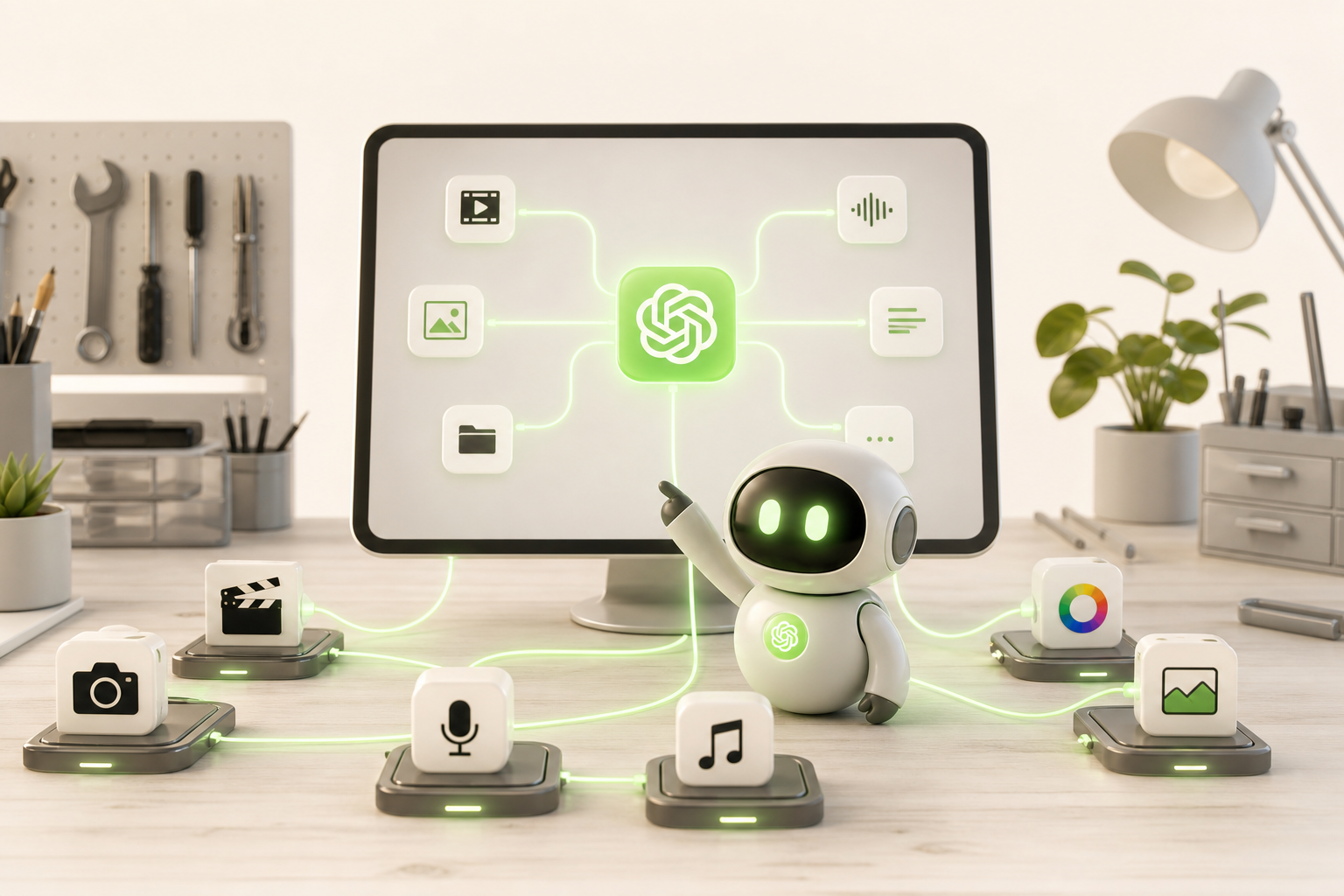
Where ChatGPT becomes truly powerful for creators is in its connections with the ecosystem around it. Alone, it doesn't generate video. But plugged into the right tools? That's a different story.
With GPT-4o, the model can now analyze images and screenshots, opening the door to concrete visual feedback on your thumbnails or storyboards. You submit a visual, it responds with actionable suggestions. That's already pretty close to AI-assisted editing.
On the video plugins and third-party integrations side, tools like Zapier or Make let you connect ChatGPT directly to Runway, Pictory, or Descript. The result: you can trigger subtitle generation, script rewriting, or even automated exports without ever leaving your workflow.
That's where creative workflow automation really earns its keep:
- Script generated by ChatGPT → automatically sent to a voiceover tool
- Visual brief → passed to an image or clip generator
- YouTube metadata written and published in one click
You're not coding a video — you're orchestrating a creative pipeline. And that's already incredibly powerful.
The real creative pipeline: how to use ChatGPT from idea to final output
Here's the real secret nobody tells you: ChatGPT doesn't replace your production chain — it accelerates every single step of it. Here's the step-by-step workflow you can start using today.
1. The idea — Ask ChatGPT to generate 10 angles on a topic. Pick the one that gives you a gut reaction. That's your starting point.
2. The script — Give it your angle, your tone, your target length. It produces a hook/body/CTA structure in under 30 seconds.
3. The visuals — This is where ChatGPT passes the baton. Copy your scene descriptions and paste them into an AI video tool like Runway or Pika. The magic happens without you.
4. The voiceover and editing — ElevenLabs for the voice, CapCut to assemble. ChatGPT can write your subtitles or captions in the meantime.
5. Publishing — Ask it straight up for hashtags, the description, the optimal posting time.
This solo creator pipeline turns a raw Sunday night idea into a published video by Monday morning. No team required.
The mistakes creators make when they go all-in on ChatGPT for video
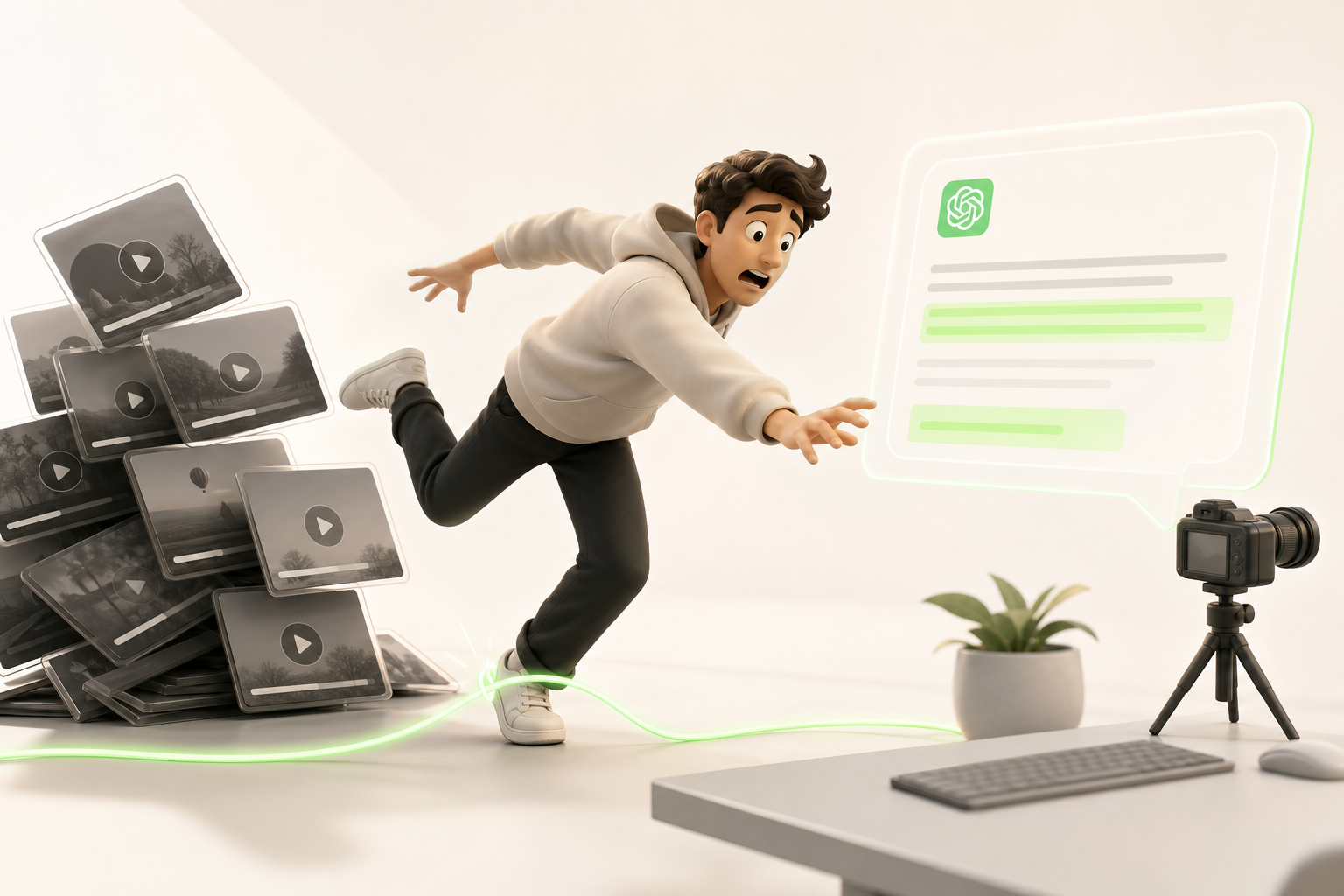
Let's be honest: a lot of creators jump into ChatGPT, spend two hours generating content, and end up disappointed. Why? A few common mistakes keep coming up.
The first is unrealistic expectations. ChatGPT writes, structures, suggests — but it doesn't edit your video for you. If you're picturing yourself hitting "send" and getting a finished Reel back, you're heading for a wall.
The second is poorly written prompts. Typing "write me a viral script" produces nothing usable. The more specific you are about your audience, your tone, your length, and your goal, the more immediately actionable the output is.
And the third mistake — often the most costly — is forgetting about the missing visual tool. ChatGPT produces text. Without CapCut, Runway, Canva, or another solution to turn that text into visuals and editing, your content stays invisible.
Think of ChatGPT as an ultra-fast co-writer, not a complete production pipeline. Combine the two, and that's when the results get genuinely exciting.
What top-performing creators do differently with AI video
The high-performing creators who are crushing their stats don't stop at ChatGPT — they build a real creator AI stack that runs on a loop. The principle? ChatGPT generates scripts, hooks, and creative angles, while an AI video generation tool transforms all of that into ready-to-publish content. The ChatGPT + AI video combo is their secret weapon.
What changes everything is content volume. Where you were putting out two videos a week while wrestling with every idea, they're dropping ten, fifteen, sometimes twenty — on TikTok, Instagram, and YouTube simultaneously. Not because they work harder, but because they've automated the most time-consuming step: writing and basic editing.
Concretely, here's what they do:
- They test multiple angles with ChatGPT before filming anything
- They adapt each script to each platform's format (60 seconds on TikTok ≠ YouTube Shorts)
- They iterate fast based on analytics and regenerate with AI
The result? A consistent presence, an algorithm that loves it, and an audience that grows while they sleep.
Conclusion: ChatGPT is a co-pilot, not a video studio — but with the right tools, you become both
Here's the simple truth: ChatGPT isn't going to hand you a ready-to-post TikTok video. But it will help you think faster, write better, and structure ideas that actually hook people — and that's already huge.
The real game-changer is what you do after the script. That's where AI video generation tools come in. And among them, Vidrale positions itself as the natural companion to ChatGPT that solo creators have been waiting for.
Vidrale is an AI video generation platform for solo creators on TikTok, Instagram, and YouTube — built to turn your ideas (and your ChatGPT scripts) into short-form content ready to post, with no team and no blown production budget. You write with ChatGPT, you produce with Vidrale. Simple.
Together, these two tools give you something most independent creators didn't have before: a fast, lightweight, scalable production pipeline.
So no, ChatGPT isn't a video studio. But you + ChatGPT + Vidrale? You are the studio.
👉 Explore the platform: www.vidrale.com
Create your videos with Vidrale
Turn your ideas into videos ready to publish on TikTok, Instagram, and YouTube — no editing, no camera. Vidrale generates attention-grabbing videos for you in minutes.