
Create a Video from a Photo for Free: The Best AI Tools
A roundup of free AI tools that turn your photos into captivating videos — built for solo creators who want to produce more with less.
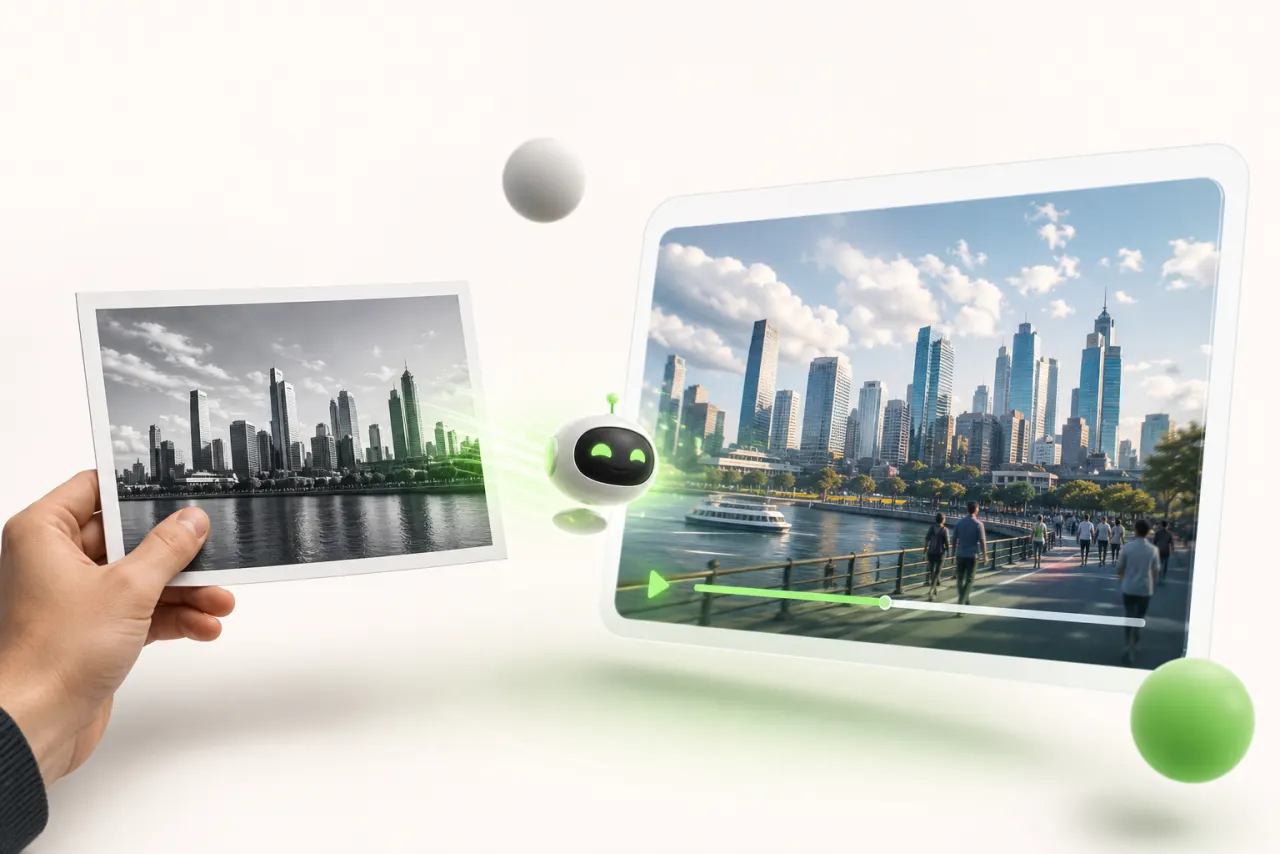
Why turning a photo into a video is a real game-changer for solo creators
Picture this: you have one great photo — of your product, your trip, your latest project. No camera, no editor, no budget. And yet the Instagram algorithm demands video every single day. That's exactly where most solo creators get stuck.
The good news? Creating a video from a photo for free is now a concrete reality thanks to AI — and it changes everything.
As a solo creator, your time is your most valuable resource. Every hour spent filming, stabilizing, editing, and exporting is an hour stolen from the actual work of creating. The time savings these tools offer aren't a minor perk — they're what allows you to post on TikTok, Instagram, and YouTube simultaneously without burning out.
Producing video content without a team is no longer a compromise — it's a strategy. One well-chosen photo, a few clicks, and you've got an animated video ready to grab attention. Creators who've figured this out publish more, test faster, and grow their visibility without blowing their budget.
How an AI video generator from a photo actually works
You drop a photo into the interface, click "generate" — and a few seconds later, you're watching your image come to life. But what exactly happens in between?
An AI video generator from a photo starts by analyzing the structure of your image: depth, edges, areas likely to move. AI models — trained on millions of videos — then predict how each element might move naturally. A sky begins to ripple, a face turns its head slightly, hair shivers in an imaginary breeze.
This is called motion synthesis: the tool doesn't "film" anything — it invents coherent movement, pixel by pixel.
Image animation relies on an inference process: the model calculates dozens of intermediate frames between your static photo and a simulated final position. The result is a smooth, automatic video render — without you ever touching a single layer.
In practice? Your image becomes a mini cinematic scene, generated entirely by the algorithm. Magical, but not mysterious.
The 5 best free tools to create a video from a photo in 2024
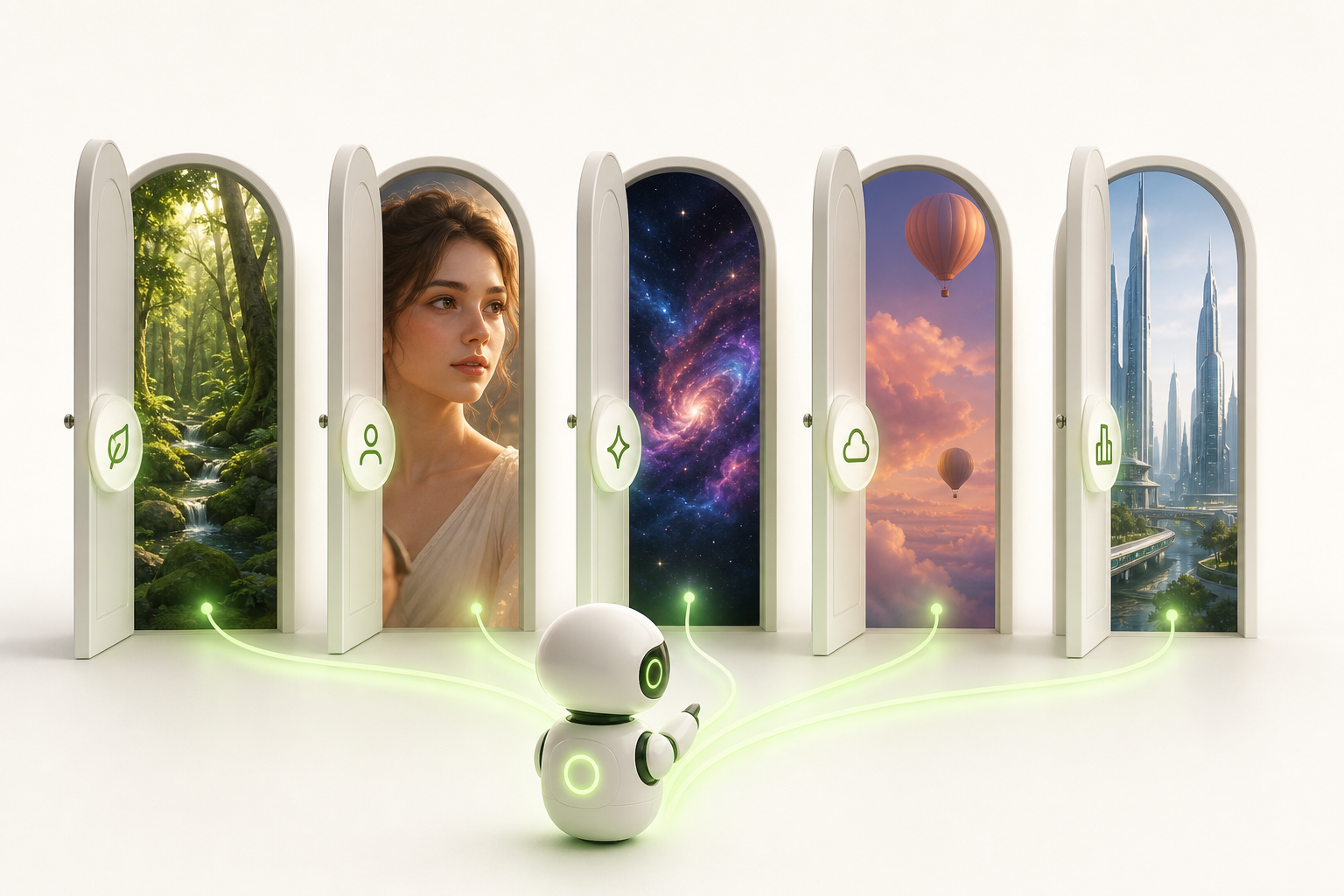
You have a perfect photo and zero budget — good news: you're not alone. Here are five tools that genuinely deserve your attention.
Runway is the solo creator's Swiss Army knife. Its free plan offers enough credits to seriously test the tool before committing. Ideal for smooth, cinematic animations.
Pika is the breakout tool of 2024: an ultra-simple interface with jaw-dropping results in seconds. Perfect when you want to create a video from a photo for free without any hassle.
Kling comes from China but has made its way around the creative world. Its realistic animations frequently exceed expectations, even on the free plan.
LeiaPix plays in a league of its own: it transforms your photos into hypnotic 3D parallax effects. For portraits and landscapes, it's nothing short of magical.
Stable Video Diffusion is aimed at more technical users. Open-source and free of commercial restrictions, though it takes a bit of patience to set up.
- Runway → cinematic quality
- Pika → speed
- Kling → realism
- LeiaPix → 3D depth
- SVD → total freedom
Each tool has its own limitations on free plans: short duration, watermarks, limited credits. Try them all before settling on your favorite.
Which photos work best with these AI tools (and which ones to avoid)
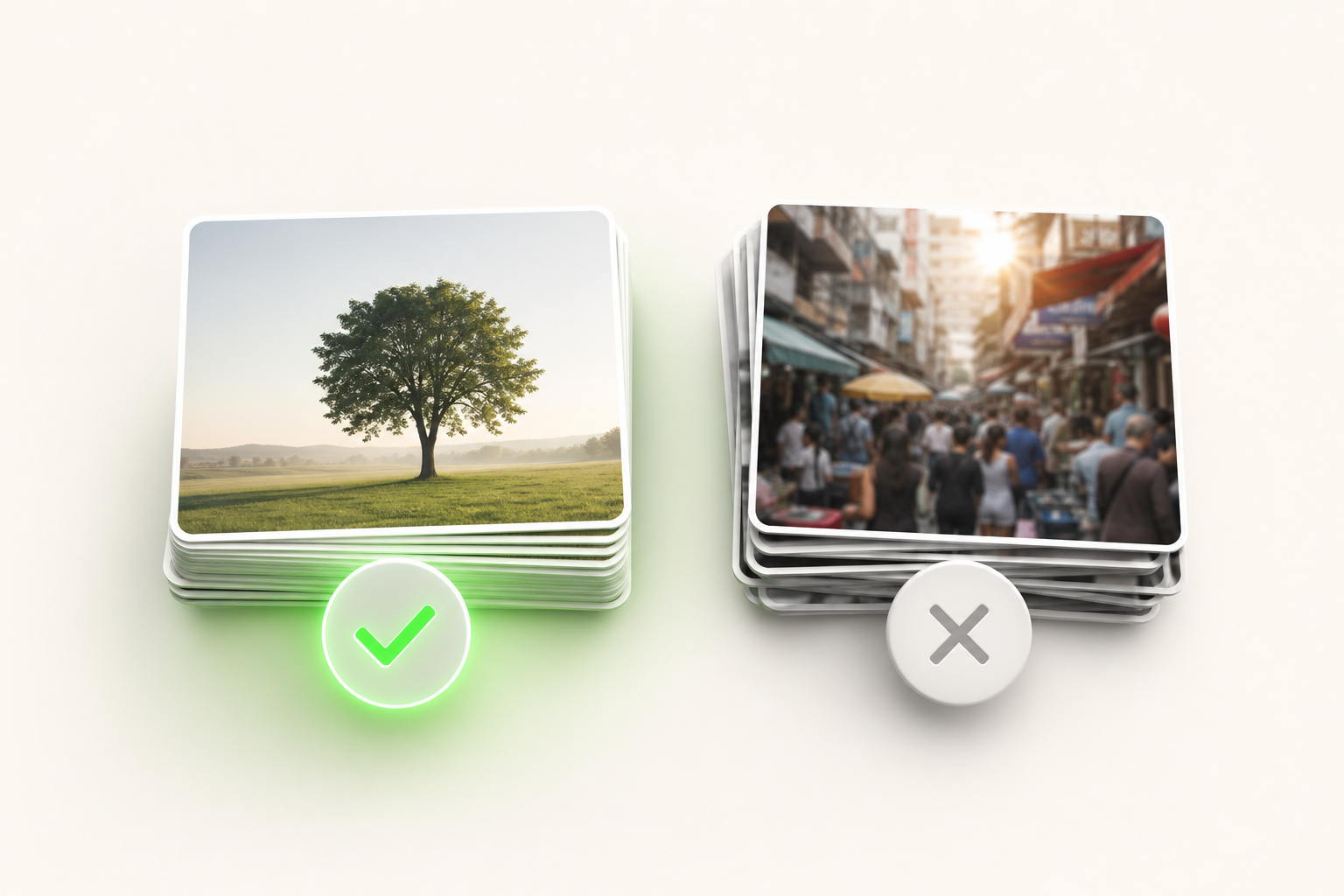
You've found the perfect tool, you upload your photo… and the result looks like a wet painting. It happens to everyone at first, and it almost always comes down to image quality.
The good news: a few simple criteria make all the difference.
In terms of resolution, aim for at least 1080px on the short side. AI tools need detail to "interpret" — a low-quality image gives them too much room to guess. Blurry photos are an absolute no-go: blur compounds during animation and the output quickly becomes unsettling.
For photo composition, go for subjects that are clearly isolated against a clean background. Heavily cluttered backgrounds — a dense crowd, an overstimulating urban scene — confuse the algorithms, which struggle to figure out what should move.
Portraits tend to produce stunning results: a well-lit face, centered, against a neutral background is the ideal playground. Landscapes work great too, especially with a clear horizon and soft, even lighting.
Avoid overexposed photos, harsh backlit shots, and tiny images grabbed from the web. Save your best shots — they deserve to be animated properly.
Simple steps to create your first AI video from a photo today
You know that moment when you're staring at your screen thinking "where do I even start?" Good news: creating a video from a photo for free is more accessible than you think. Here's a step-by-step workflow for your very first creation.
- Choose a sharp photo — good lighting, centered subject, relatively simple background. The clearer it is, the better the result.
- Pick a free AI tool like Kling AI, Runway, or Pika Labs and create your account in two minutes.
- Upload your photo into the interface and choose the type of motion you want: a gentle zoom, subtle subject animation, parallax effect.
- Adjust the settings — duration (3 to 5 seconds to start), motion intensity, visual style.
- Start the generation and wait a few seconds. Let the magic happen.
- Preview and refine if needed, then move on to export.
- Download your video in the available formats — MP4 remains your best bet for sharing everywhere.
Seven steps, one cup of coffee, and your first creation is ready. Simple, right?
Creator tips for making your AI videos truly compelling
You've got your first generated video — congrats. Now let's level up.
Prompting the motion with precision makes a world of difference. Instead of "a flower moving," write "petals slowly opening under golden light, camera gently pulling back." The more specific you are, the more cinematic the result.
Next, never underestimate music. A silent clip, no matter how beautiful, falls flat. Platforms like Pixabay or the YouTube Audio Library offer royalty-free tracks that instantly transform the mood.
Voiceover is your secret weapon if you create educational or storytelling content. Just record yourself on your phone — authenticity matters far more than technical perfection.
For vertical format and the aspect ratios suited to TikTok, Reels, and YouTube Shorts, think 9:16 from the start. Many AI tools let you choose before generating — take advantage of that.
Finally, a light post-production pass in CapCut or DaVinci Resolve is all you need:
- adjust clip speed
- add automatic subtitles
- chain multiple AI sequences together to tell a real story
Small effort, big impact.
The limits of free tools and when to consider upgrading
You spend two hours perfecting an animation… and right in the middle of the frame, a watermark ruins everything. Welcome to the reality of free tools.
The constraints are very real: limited credits that run out after just a few generations, endless wait times during peak hours, and a capped resolution that makes your visuals suffer the moment anyone views them on a large screen. It's not a scam — it's simply the business model that lets you test things out risk-free.
The real signal to watch for? When frustration starts to outweigh curiosity. When you find yourself rationing credits like a bank account on the edge of overdraft, or holding back a video because the quality just isn't good enough — that's a sign your ambitions have grown.
Moving to a paid plan isn't an expense — it's a natural step in a creator's evolution. It's the moment your tool finally starts keeping up with your momentum, instead of holding it back.
Conclusion: from still to alive — your content deserves to move
You started with a single photo. Now imagine that same visual coming to life, grabbing attention in under a second, and looping on TikTok, Instagram, or YouTube while you sleep. This is no longer science fiction — it's exactly what today's AI tools allow every solo creator to do.
The real win is realizing that creating a video from a photo for free isn't a shortcut — it's a strategy. A way to produce more, test faster, and stay in full control of your creative output.
When you're ready to scale up while staying independent, that's where Vidrale comes in. Built as a true AI video generation platform for solo creators, Vidrale centralizes the entire workflow — from photo to published format — for TikTok, Instagram, and YouTube. No steep learning curve, no bloated subscription packed with features you'll never use.
Your content deserves to move. You now have everything you need to make it happen.
Create your videos with Vidrale
Transform your ideas into publish-ready videos for TikTok, Instagram, and YouTube — no editing, no camera required. Vidrale generates attention-grabbing videos for you in just minutes.