
Faceless video free: the best free options
A roundup of the best free faceless video solutions for solo creators who want to scale their content without a budget or a camera.
Why faceless videos are exploding (and why you're sleeping on this trend)

You don't need to step in front of a camera to crush it online. Creators who figured this out are racking up millions of views from their couch — no face revealed, no studio, no budget. That's the magic of faceless content creation — and it's redefining TikTok and Reels right now.
The algorithm doesn't care whether you're photogenic. It wants retention, engagement, content that hooks viewers in the very first second. And guess what? Faceless videos check every single one of those boxes, often better than classic vlogs.
The proof? Entire channels dedicated to finance, meditation, and tech tutorials are blowing up without ever showing a human face. Anonymity has become a creative advantage, not a limitation.
And the good news is that you can get started without spending a single dime. Free faceless video isn't a myth — the tools exist, they're accessible, and you're just a few clicks away from your first piece of content. The rest of this article shows you exactly where to begin.
What "faceless video free" really means (and what it doesn't)
Before diving into the tools, let's clear up what "faceless video free" actually covers — because the phrase bundles together several very different realities.
Free faceless content is a video where you never appear on screen. No face, no physical presence. Instead, you build your narrative around a voiceover (your own voice or an AI-generated one), stock footage, AI-generated visuals, or animated screen recordings. The format has existed on YouTube for years, but free tools have exploded in recent months.
What it does not mean: zero effort. The best faceless creators invest real work into their scripts, pacing, and editing. The absence of a face doesn't replace the absence of strong editorial direction.
Keep these points in mind:
- "Free" often means limited exports, lower resolution, or capped AI credits
- Some tools are free to start, then become paid as you use more features
- The quality of AI visuals varies enormously from one platform to the next
Now you know what you're really looking for. Let's get into the tools.
The 5 types of faceless videos you can create for free starting today
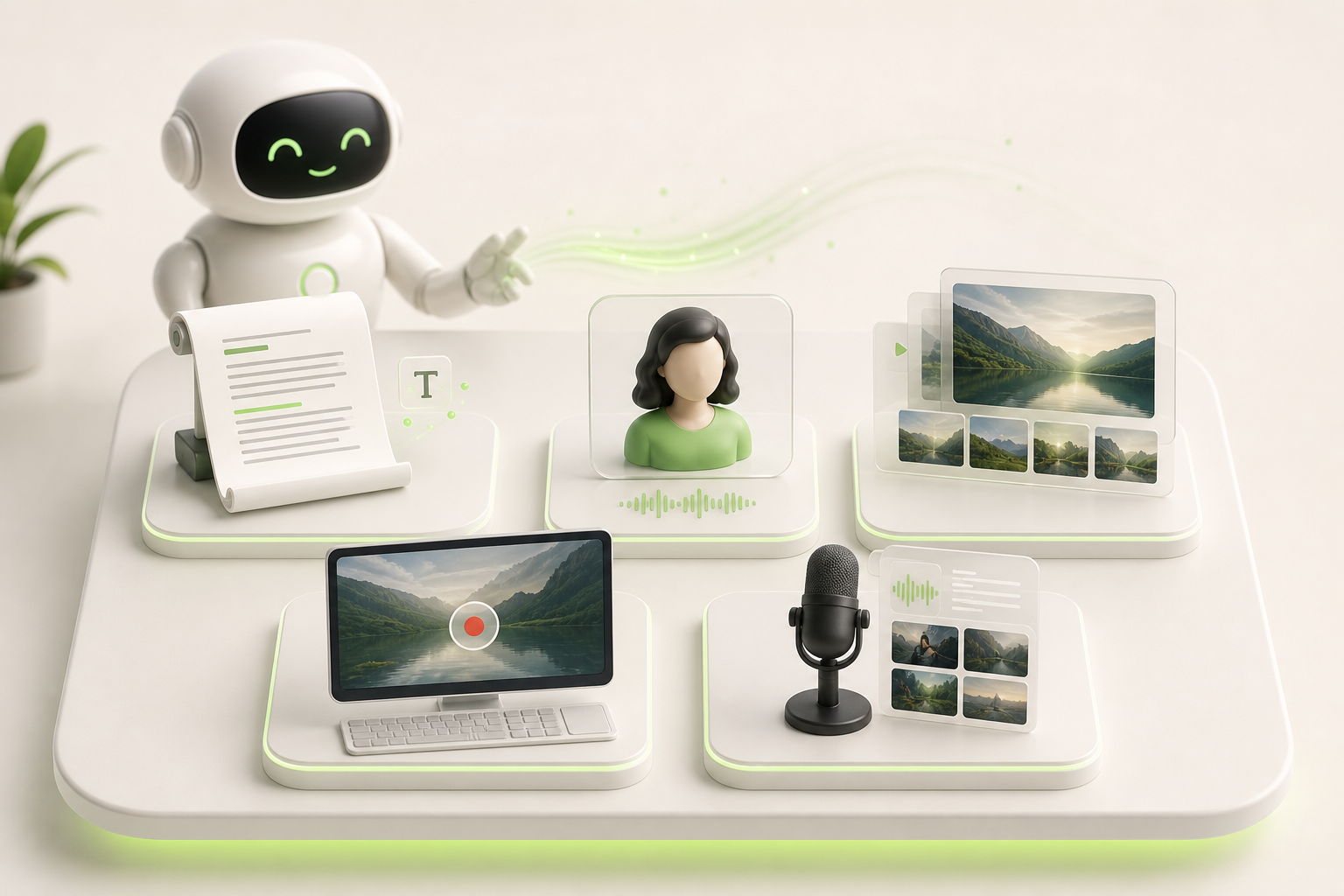
Good news: you don't have to pick just one format. Solo creators who are killing it usually test two or three styles before finding their rhythm. Here are the five formats you can access for free right now.
- On-screen text — words scrolling over a video or a colored background. Simple, fast, and brutally effective for free faceless reels.
- AI avatar — a generated character that speaks on your behalf. Several tools offer a free tier that's more than enough to get started.
- Animated slideshow — slides that move with well-chosen music. The free version of Canva handles this easily.
- Screen recording — you record your screen during a tutorial or a demo. Zero equipment, zero face.
- Voiceover + B-roll — you talk, and royalty-free footage illustrates your words. The most versatile format out there.
Each format has its strengths depending on your niche and your energy on any given day. The most important thing? Start with whatever feels least intimidating, then iterate. You're five formats away from finding your own.
The best free tools to generate faceless videos in 2026
No need to pull out your credit card to get started. In 2026, several free tools genuinely hold up for creating your free faceless video without breaking the bank — as long as you know their limitations.
CapCut remains the go-to for solo creators: smooth interface, ready-to-use templates, and HD export without a watermark on the free version. It's probably your best entry point.
Canva shines for short videos with voiceovers and stylized visuals, but watch out — some premium assets will quietly add a watermark if you don't double-check before exporting.
InVideo offers an interesting comparison: a generous free tier with plenty of templates, but the watermark is clearly visible on exports. You'll need to upgrade to freemium to remove it.
DaVinci Resolve is in a category of its own — powerful, no watermark, but the learning curve can put off beginners.
Quick summary:
- CapCut → best balance of ease and quality
- Canva → ideal for animated static visuals
- InVideo → template-rich, watermark expected
- DaVinci → free pro-grade tool, but technical
Choose based on your skill level, not on marketing promises.
How to find free resources (music, visuals, voice) to dress up your videos

You don't need a budget to sound professional. With the right sources, your creative pipeline can run entirely on free resources — and no one will be able to tell the difference.
For visuals, Pexels and Pixabay are your best friends. Thousands of HD clips, no attribution required, perfect for a fully free faceless project from start to finish. You'll find footage of cities, nature, offices — enough to illustrate just about any topic.
For royalty-free music, head to YouTube Audio Library or Pixabay Music. Tracks are filterable by mood and tempo, which saves you a ton of time in the editing room.
On the narration side, a free AI voice like ElevenLabs (with a monthly free quota) or Uberduck is more than enough to get started. Write your script, generate the audio in two minutes, and drop it straight onto your timeline.
- Visuals: Pexels, Pixabay
- Music: YouTube Audio Library, Pixabay Music
- Voice: ElevenLabs, Uberduck
Stack these three layers and you've got a complete video — without spending a cent.
The free faceless video workflow that fits in 30 minutes flat
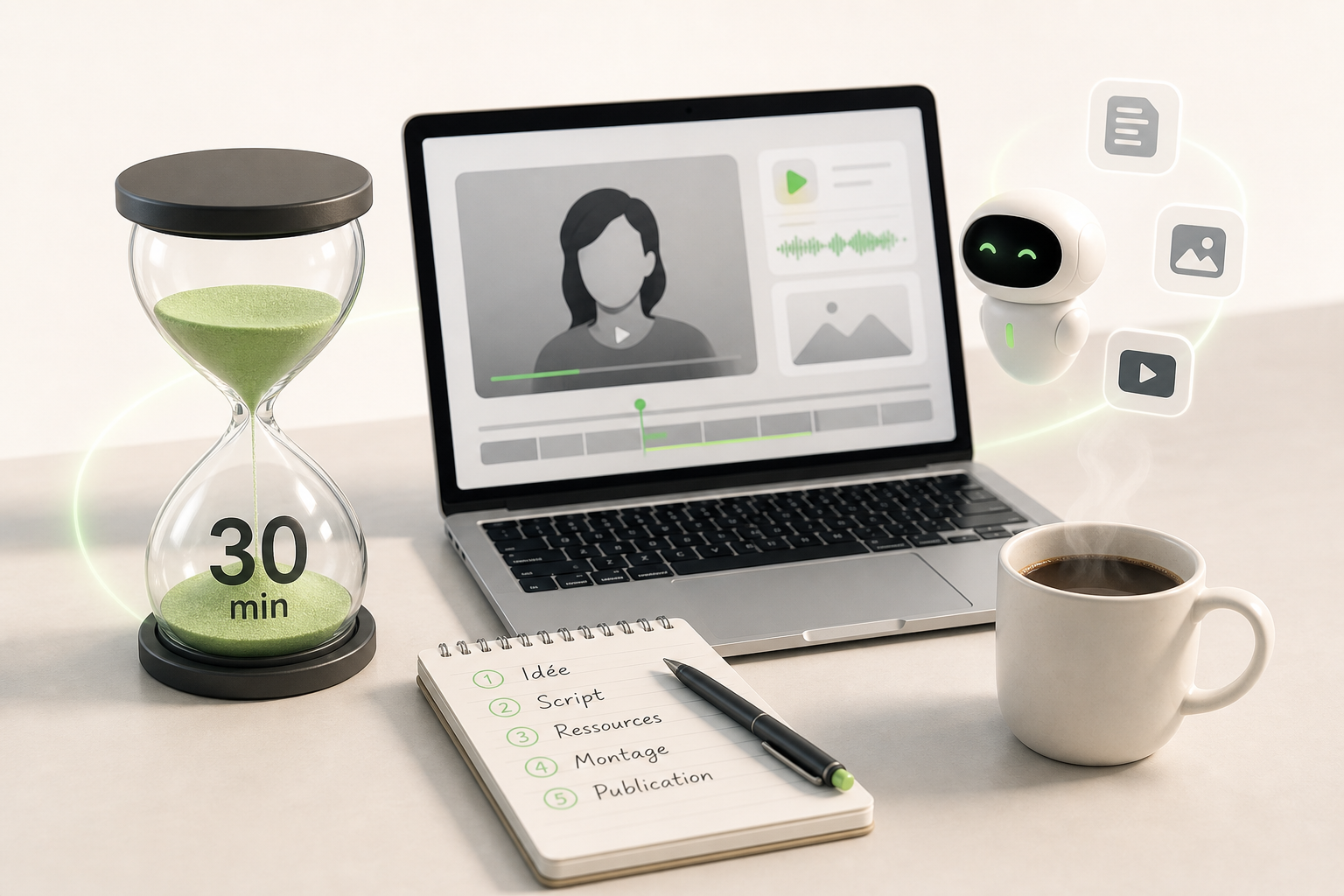
You don't need a full day to publish. Here's a free faceless reels workflow that fits in 30 minutes on the clock, even as a solo creator.
The steps, in order:
- 0–5 min: pick one strong angle (a stat, a quote, a polarizing question) — no endless brainstorming
- 5–12 min: generate your voiceover with a free tool like ElevenLabs or Clipchamp, text pasted directly from your notes
- 12–20 min: assemble royalty-free visuals (Pexels, Pixabay) in CapCut or VN, cut tight, zero padding
- 20–27 min: auto-captions turned on, trending music low in the mix, vertical ratio confirmed
- 27–30 min: export at 1080p, publish directly or schedule
Speed is your edge as a solo creator. No approval chains, no meetings. You decide, you export, you publish. This workflow removes the anxiety of "where do I even start" — because now you know exactly.
Pitfalls to avoid when you're just starting with free faceless videos
When you're diving into free faceless video, enthusiasm can sometimes make you overlook the details that make all the difference. Here are the common mistakes that hold creators back right out of the gate.
First mistake: overlooking export quality. Many free tools default to mediocre resolution or slap a visible watermark on your video. Always check the settings before publishing — a blurry video kills interest within two seconds.
Second pitfall: a hook that's too generic. "In this video, I'm going to show you…" — no. You have three seconds to grab attention, so open strong, with a concrete promise or immediate tension.
Third mistake: forgetting subtitles. Over 80% of videos are watched without sound. Without captions, you lose a huge chunk of your audience before you've even reached the halfway point.
Finally, watch out for a lack of consistency. Testing a format once and then moving on to something else is the surest way to never take off. The algorithm rewards regularity — give it something to work with.
Level up: when AI becomes your faceless co-creator

You've explored the free tools, you've internalized the logic of faceless content — now imagine what it looks like when AI video generation handles the assembly for you.
This is exactly where solo creators level up. No more juggling five different apps: the script, the visuals, the editing, the subtitles… everything flows through a single intelligent workflow. You focus on the ideas, the AI handles the rest.
When it comes to scaling your content on TikTok, Instagram, and YouTube simultaneously, the limits of free tools always end up making themselves felt — watermarks, limited exports, capped features. That's normal; it's their business model.
When you feel like you've outgrown the free faceless video stage and you genuinely want to build a channel that runs like clockwork, Vidrale is the logical next step. Built for solo creators who want to publish fast, often, and well — without ever showing their face on camera.
The algorithm rewards consistency. And you deserve tools that match your ambition.
Conclusion
You've got no more excuses to stay in the shadows. The free tools to create faceless videos are right there, accessible, and honestly more powerful than most people realize at first. The key is to start — one video, then another, until your creative rhythm becomes second nature.
If you want to move faster without sacrificing quality, keep an eye on Vidrale, an AI video generation platform built for solo creators on TikTok, Instagram, and YouTube. No technical jargon, no endless learning curve — just videos that look like what you had in mind.
The best time to create your first faceless video? Yesterday. The second best time is right now. Go for it.
Create your videos with Vidrale
Turn your ideas into publish-ready videos for TikTok, Instagram, and YouTube — no editing, no camera required. Vidrale generates attention-grabbing videos for you in just minutes.