
Realistic AI Video Generator: The Tools That Actually Impress
A no-nonsense overview of the best realistic AI video generators for independent creators who want results that genuinely turn heads.
Why Realistic AI Video Has Become Essential in 2026
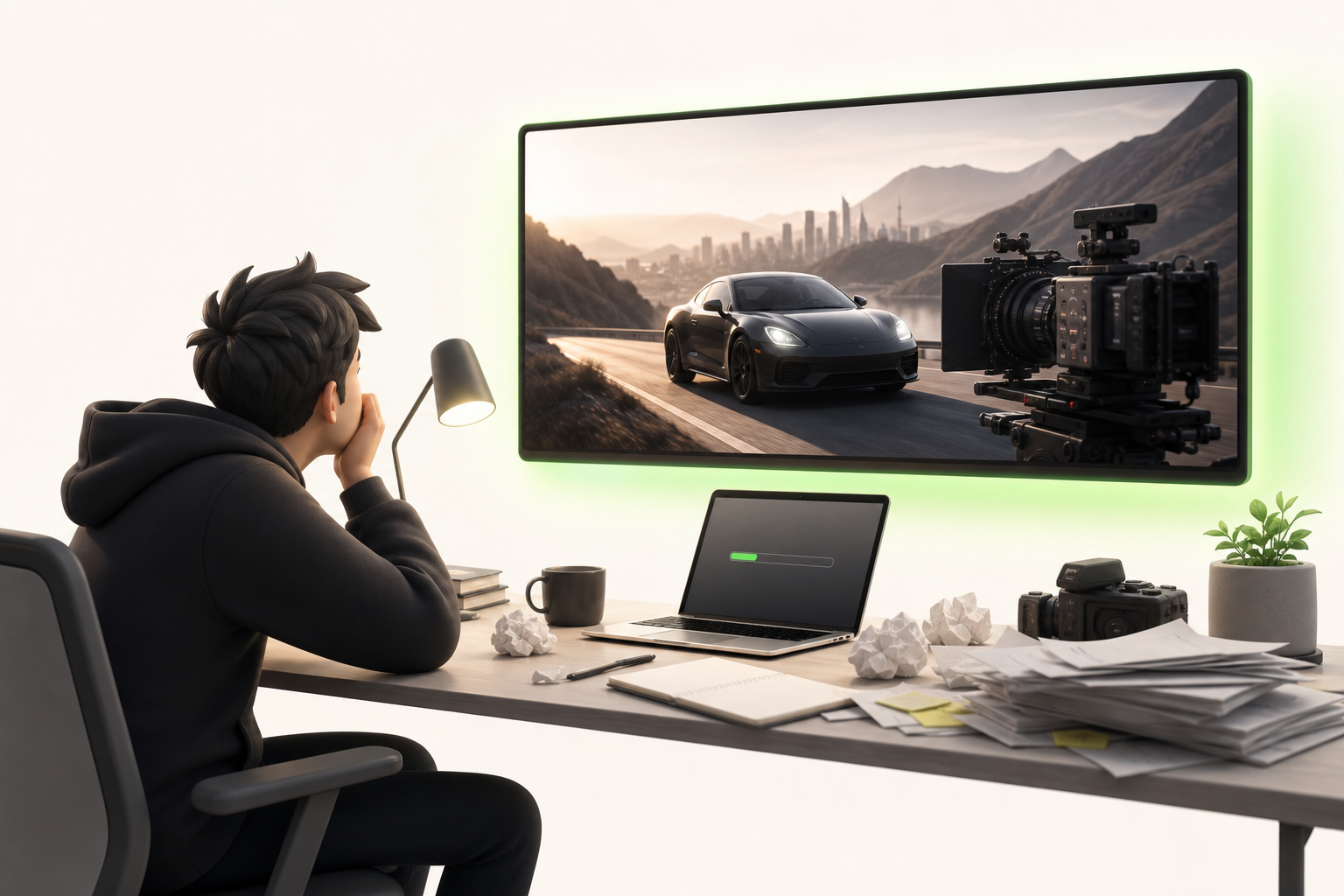
Picture this: you need to deliver three videos this week for TikTok, Instagram, and YouTube, your budget is basically zero, and your "team" is you, your laptop, and a cold cup of coffee. This is the reality thousands of solo creators wake up to every Monday morning.
That's exactly why the realistic AI video generator has gone from curious gadget to genuine lifeline in 2026. Platform algorithms reward consistency — not artisanal perfection churned out once every three months. Content volume has become a form of currency, and those who publish frequently gain more visibility, more audience, more revenue.
The catch was that producing fast *and* producing well used to be reserved for studios with real budgets. Not anymore.
AI video generation tools have crossed a decisive threshold: renders are smooth, faces convincing, movements natural. We're not talking about those choppy clips that got a laugh eighteen months ago. We're talking about content that genuinely impresses — for real.
What "Realistic" Actually Means for an AI Video Generator
Before you get swept away by a carefully curated Instagram demo, ask yourself: what actually makes an AI video *truly* realistic? Because "impressive" on a three-second clip is one thing — convincing across a full minute is something else entirely.
The real evaluation criteria come down to four concrete dimensions. Motion fluidity first: do human gestures follow physical logic, without jerky movement or weird distortions at the joints? Then visual consistency across shots — same character, same lighting, same skin texture from one second to the next. Next, the overall render quality: depth of field, shadow handling, natural grain. And finally, audio-visual synchronization — that one detail that immediately gives away a generated video when the lips go out of sync.
Picture this: you're watching a scene thinking it's real, then a hand passes in front of a face — and the fingers melt into each other. Illusion shattered.
These are the exact points you need to test every tool on, not its promotional visuals.
The 5 Criteria for Choosing the Right Tool for Your Creative Workflow

Before diving headfirst into any tool, ask yourself one honest question: does it actually fit your creative workflow, or will you end up spending more time tinkering than creating?
Picture this: you find the perfect tool, but the export formats don't match what your clients need. Frustrating, right?
Here are the five criteria that truly make the difference:
- Generation speed — a few seconds or several minutes? Depending on your production pace, this changes everything.
- Ease of use — an intuitive interface saves you hours from day one.
- Export formats — MP4, MOV, 4K resolution... make sure it matches your deliverables.
- Pricing — monthly subscription, pay-per-use credits, or freemium? Calculate the real cost per use.
- Social platform compatibility — vertical formats for TikTok, optimized ratios for Instagram Reels or YouTube Shorts.
A tool that checks all five boxes on your personal list is worth ten times more than a "popular" tool that slows down your creativity.
Honest Comparison: Realistic AI Video Generators That Actually Deliver
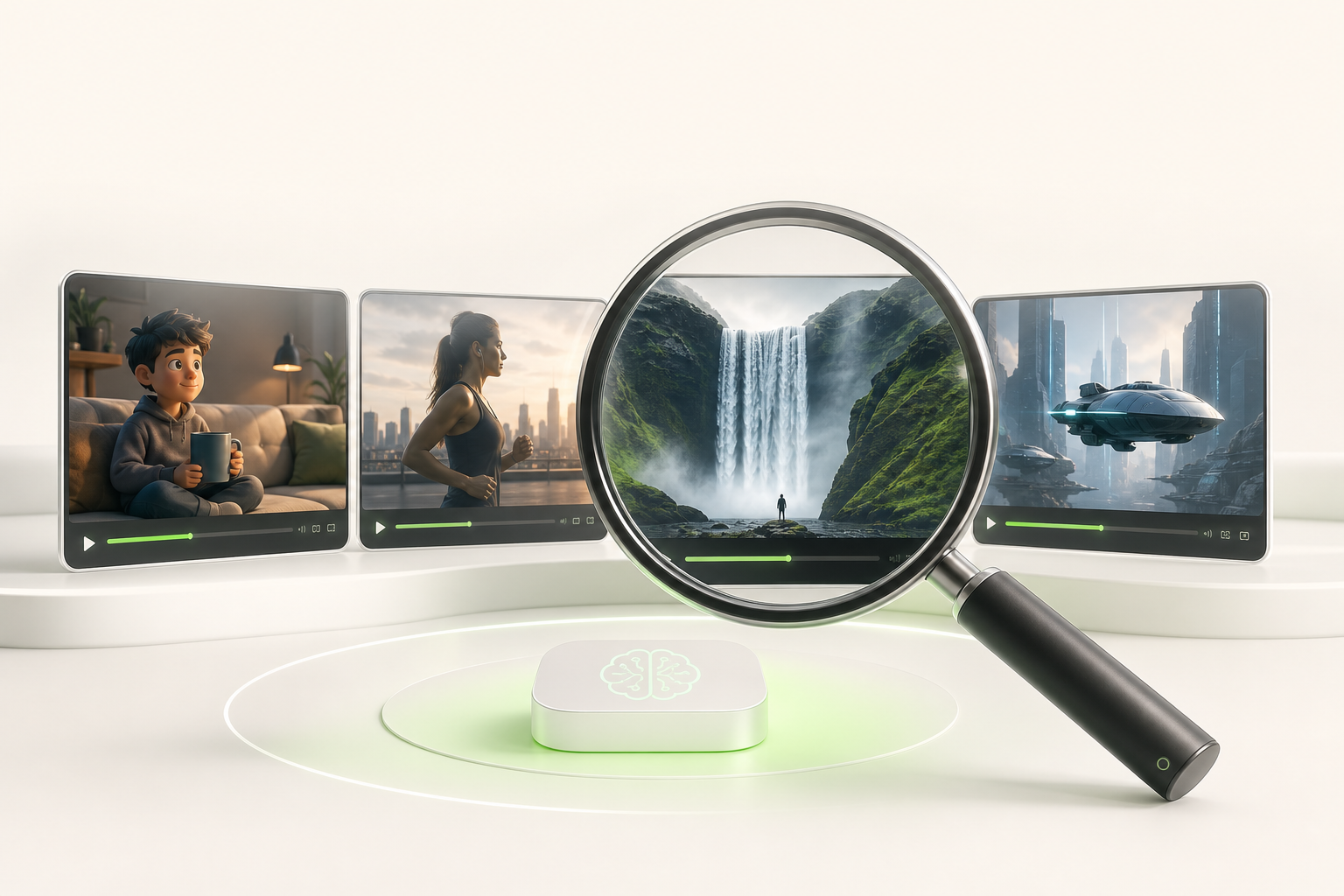
Here's the no-nonsense comparison — because a tool that shines in a demo can disappoint under real working conditions.
Runway remains the versatile benchmark. Strengths: camera movement consistency, fine-grained prompt control. Real limitation: human face renders can still look slightly "floaty." Ideal use case: cinematic content, brand teasers.
Pika wins people over with its speed and free access. Strengths: intuitive interface, stunning stylized animations. Limitation: short durations and textures that can look plasticky on wide shots. Ideal use case: social media, dynamic short-form content.
Kling is the surprise entry in this comparison. Developed by Kuaishou, it impresses with natural movement — picture this: a character walking without that usual robotic gait. Strengths: convincing physics, solid lighting. Limitation: access is still restricted depending on your region.
What does this comparison actually reveal? No single tool wins on every front. The winning strategy is to choose based on your specific use case, not based on hype.
Classic Mistakes That Ruin AI Video Renders (And How to Avoid Them)
Picture this: you spend an hour setting up your tool, hit generate… and the result is blurry, choppy, almost laughable. Frustrating, right? These common mistakes are entirely avoidable.
Vague prompts are enemy number one. AI generators need concrete details to produce something convincing. Instead of "a woman walking in the city," try "a woman in a beige coat, slow stride, rain-slicked Parisian cobblestone street, warm golden late-afternoon light." Strong prompts are your raw material — don't cut corners.
The second classic trap: neglecting resolution from the start. Generating at low definition to "go faster" condemns you to a disappointing final quality, even with the best upscaling tools.
Then there's over-editing in post-production. Adding too many filters or color corrections after generation amplifies existing artifacts. The golden rule? Touch things as little as possible in post, and only to refine — never to compensate.
Fix these three things, and you'll see the difference immediately.
Creator Tips for Pushing Realism Even Further
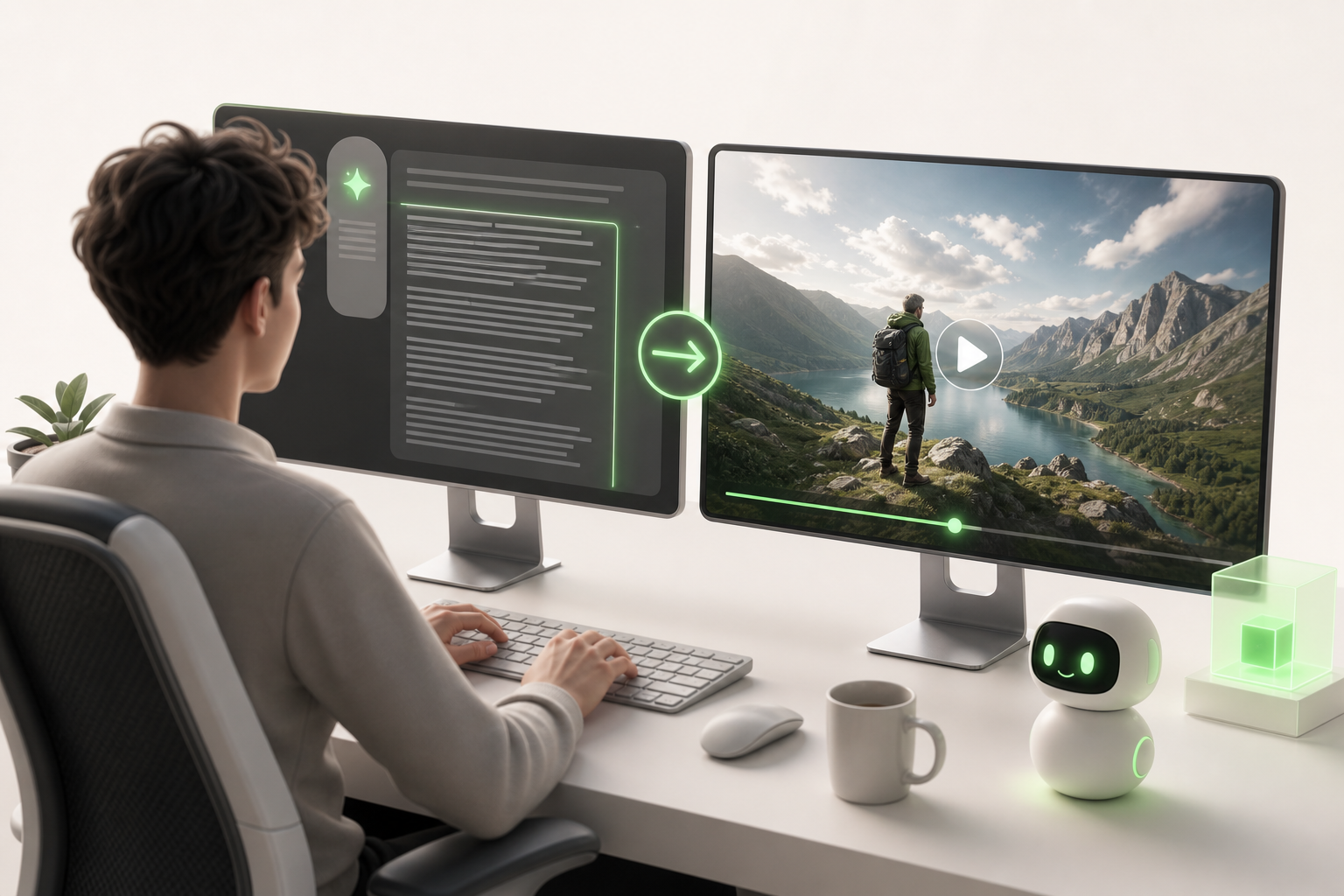
Here's what creators who are truly crushing it do differently: they never stop at the first render.
The key is advanced prompting techniques. Rather than describing a scene broadly, be surgical: specify the light ("lateral golden hour"), the texture ("slightly grainy skin, 16mm look"), the camera movement ("slow dolly-in"). The more grounded your prompt is in specifics, the higher the realism climbs.
Next, embrace iteration without getting discouraged. Picture this: you generate ten versions of the same shot, keep the two best, and feed their parameters into a new batch. It's slow, but that's exactly how standout results emerge.
The real game-changer is combining tools. An AI video generator for motion, a color grading tool for atmosphere, an upscaler for definition — together, they create something no single piece of software can achieve alone.
And on the audience engagement front? The videos that stop people in their tracks are the ones that seem "too real to be generated." That's exactly the effect this approach produces.
What Budget Should You Expect for a Realistic AI Video Generator as a Solo Creator?
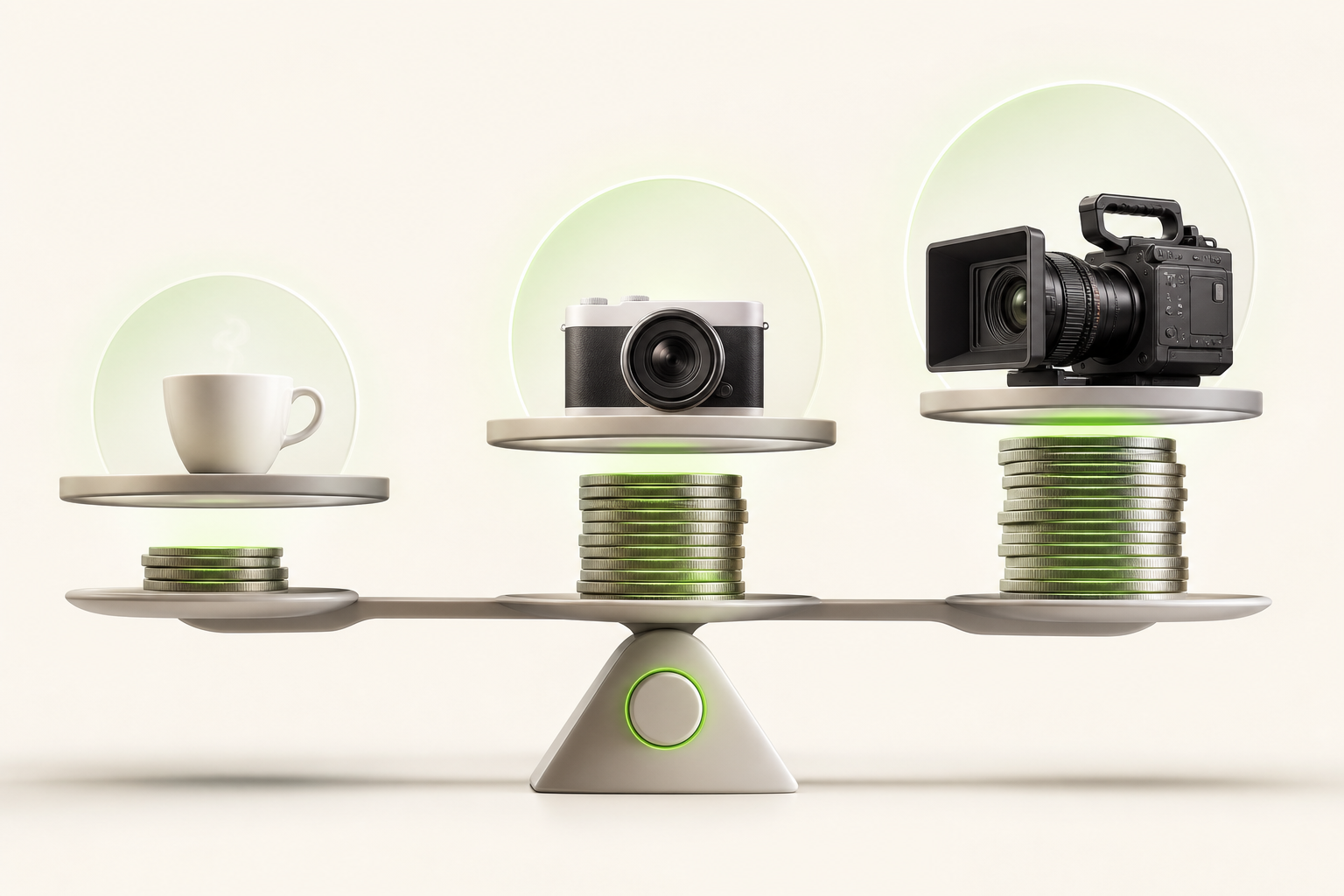
Let's be straight: the budget question feels intimidating, but the reality is usually gentler than you'd expect.
Most serious tools run on a freemium model — you test, you validate, you pay only if it genuinely works for you. For a creator publishing 2 to 4 videos per month, entry-level pricing tends to sit around $15 to $30 per month. That's the "semi-pro" tier: enough for polished Reels or product presentation videos.
Picture this: you launch a pro subscription at $50 per month, generate 20 videos, and each one brings in a sale or a qualified new follower. The return on investment becomes clear very quickly.
It all depends on your publishing volume. Here's how to calibrate:
- Low volume (1–3 videos/month) → freemium or starter plan
- Medium volume (4–10 videos/month) → mid-tier plan at ~$30
- High volume (10+ videos/month) → pro subscription between $50 and $120
The classic mistake? Under-investing when consistency is precisely what makes an audience take off.
Conclusion: Which Realistic AI Video Generator Should You Choose to Scale Your Solo Content?
After exploring the different options on the market, one thing is clear: the right realistic AI video generator isn't necessarily the most powerful one — it's the one that fits your reality as a solo creator.
You don't need an enterprise suite with 47 features you'll never use. You need a tool that understands your constraints: publishing regularly on TikTok, Instagram, and YouTube, without it taking over your life.
That's exactly where Vidrale comes in. Built as a dedicated AI platform for solo creators, it's a true *AI video generation platform for solo creators on TikTok, Instagram and YouTube* — designed from the ground up for your workflow, your pace, your formats.
Picture this: you arrive with a raw idea in the morning, and you leave with a credible, polished video ready to post. No friction, no endless learning curve.
So if you're ready to take action and scale your content without drowning in the process, Vidrale is absolutely worth your curiosity. Start with the free trial — and let the results speak for themselves.
Create Your Videos with Vidrale
Turn your ideas into videos ready to publish on TikTok, Instagram, and YouTube — no editing, no camera required. Vidrale generates attention-grabbing videos for you in just minutes.