
AI video creation from a photo: animate for free
Turn your photos into animated videos with AI — no budget, no team, and no sacrificing your weekend.
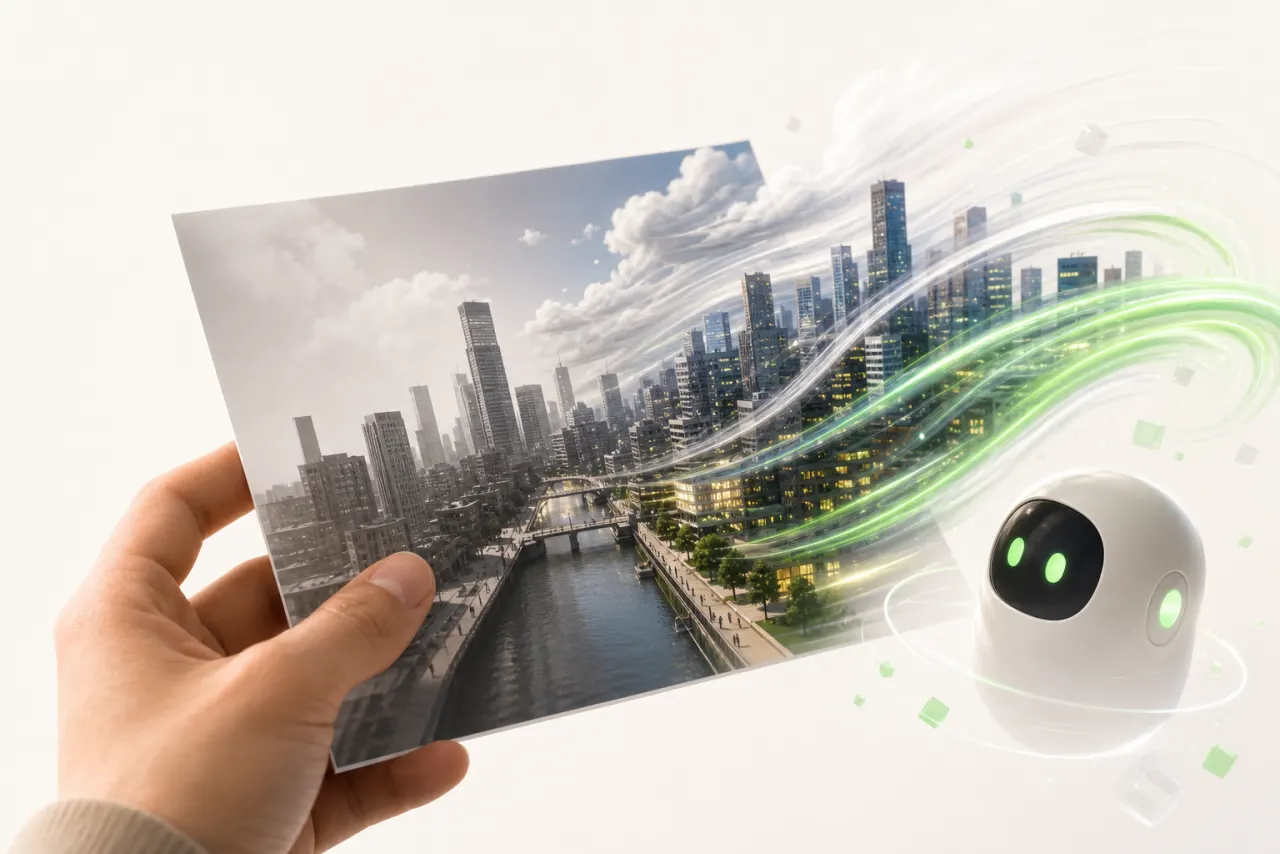
Why animating your photos with AI is a total game-changer for solo creators
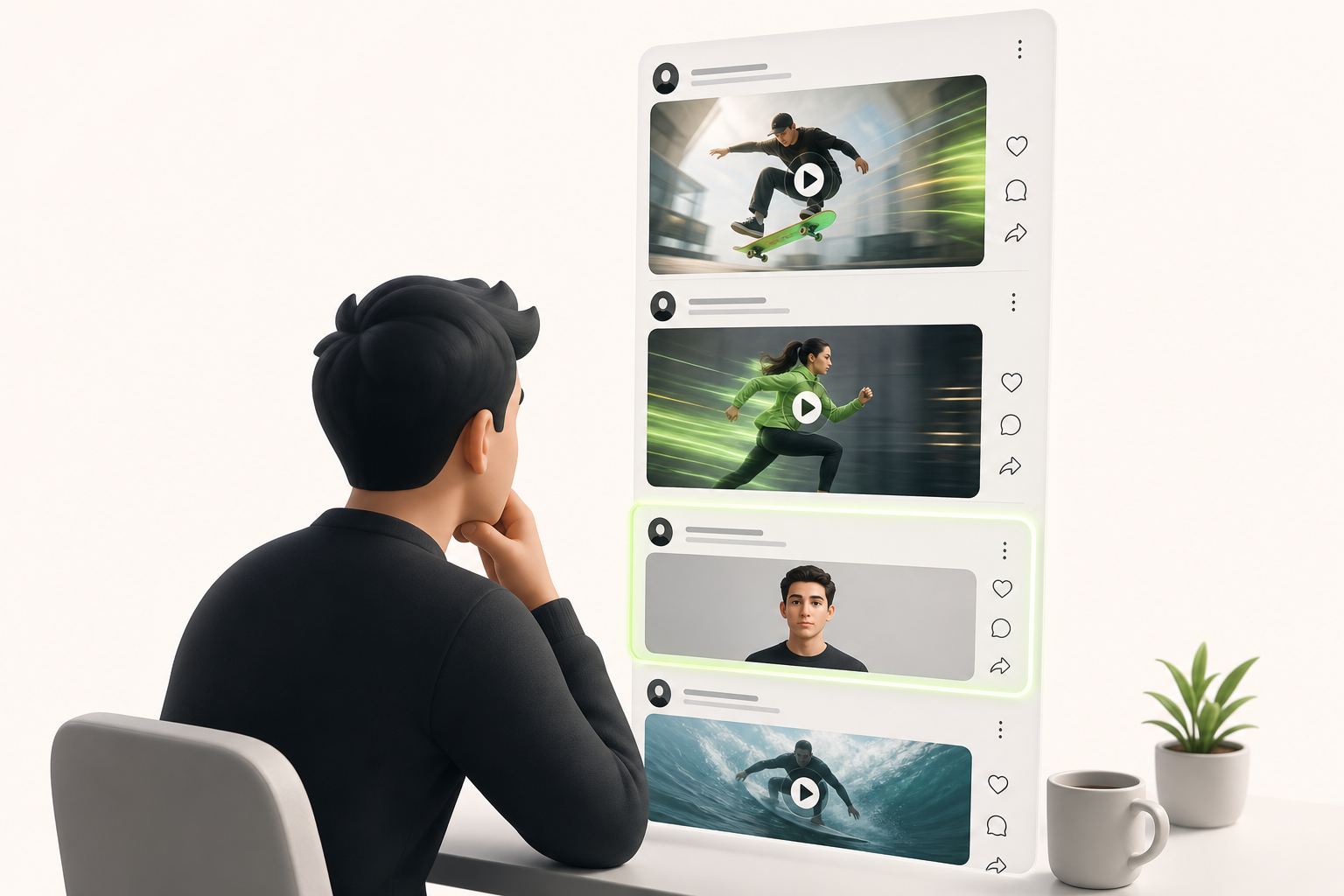
You post an amazing photo, you wait… and nothing. Two likes, one of them from your mom. We've all been there.
The problem is that TikTok, Instagram, and YouTube algorithms massively favor motion. A static image, no matter how stunning, disappears into the feed within seconds. Animated content, on the other hand, catches the eye, stops the scroll, and drives engagement.
That's exactly where free AI video creation from a photo becomes a secret weapon for solo creators. No need for a team of motion designers or a massive budget — with just a few clicks, your photo comes to life: a gaze that shifts, a landscape that breathes, a scene that gently animates.
The data on animated vs. static content is crystal clear: AI-generated videos get an average of two to three times more organic reach on these platforms.
And the best part? This skill is available right now, for free, to any solo creator ready to level up.
How an AI video generator from a photo actually works
Remember staring at a photo wondering "but how is it going to move?" That's exactly the question an AI video generator from a photo asks itself — except it solves it in a matter of seconds.
Here's what's happening under the hood:
- Diffusion models analyze every pixel in your image to understand textures, depth, and the subjects present.
- Interpolation creates intermediate frames between two visual states, producing a smooth transition rather than a jarring jump.
- Motion synthesis generates coherent movement — hair floating in the breeze, eyes blinking, a scene that breathes — without you having to draw a single keyframe.
The result? An animated sequence that looks completely natural, even if all you provided was one static shot.
The good news is that there are no technical prerequisites to use these tools today. The AI handles the complex work behind the scenes; all you bring is the image and the creative intent. That's genuinely it.
The best free tools to create a video from a photo in 2024
Want to create a video from a photo for free? Good news: serious options do exist, but each one has its own personality.
Runway (Gen-3) impresses with the smoothness of its motion and its handling of fine details. The free plan offers 125 credits — enough to experiment, but they go fast if you're producing at volume. Exports as MP4 at decent quality.
Kling is the breakout hit of 2024. Developed by Kuaishou, it generates longer animations (up to 5 seconds on the free tier) with jaw-dropping realism, making it ideal for portraits and cinematic scenes. Export format: MP4 720p on the free tier.
Pika Labs bets on simplicity: an accessible interface, fast results, and a perfect fit for creators just starting out or quickly testing concepts. Its animations lean more stylized than photorealistic.
The limitations of free plans are universal: frequent watermarks, capped resolution, and a restricted number of generations. Here's how to choose based on your needs:
- Runway → premium quality and advanced control
- Kling → realism and duration
- Pika Labs → speed and instant usability
Step by step: create your first free AI video from a photo
Ready to dive in? Here's the exact workflow I use to produce a free AI video from a photo in under ten minutes.
-
Choose your source photo. Go for a sharp, well-lit image with a recommended photo resolution of at least 1080 × 1920 px to avoid blurry artifacts after animation.
-
Import it into the AI tool. Kling AI, Runway, and Pika Labs all offer a free tier — upload your photo directly through the interface.
-
Write your motion prompt. Be specific: "gentle breeze in the hair, gaze slowly turning to the left" delivers far better results than a vague "animate this portrait."
-
Set the optimal duration. Between 3 and 5 seconds is the sweet spot: long enough to captivate, short enough to loop perfectly on social media.
-
Run the generation and refine. If the result looks off, adjust the prompt before re-running — one or two iterations are usually enough.
-
Export in vertical 9:16 format. This is the native ratio for TikTok, Instagram Reels, and YouTube Shorts, so it's essential for maximizing your organic reach.
And just like that, your first animated video is ready to share!
Which types of photos get the best results with AI
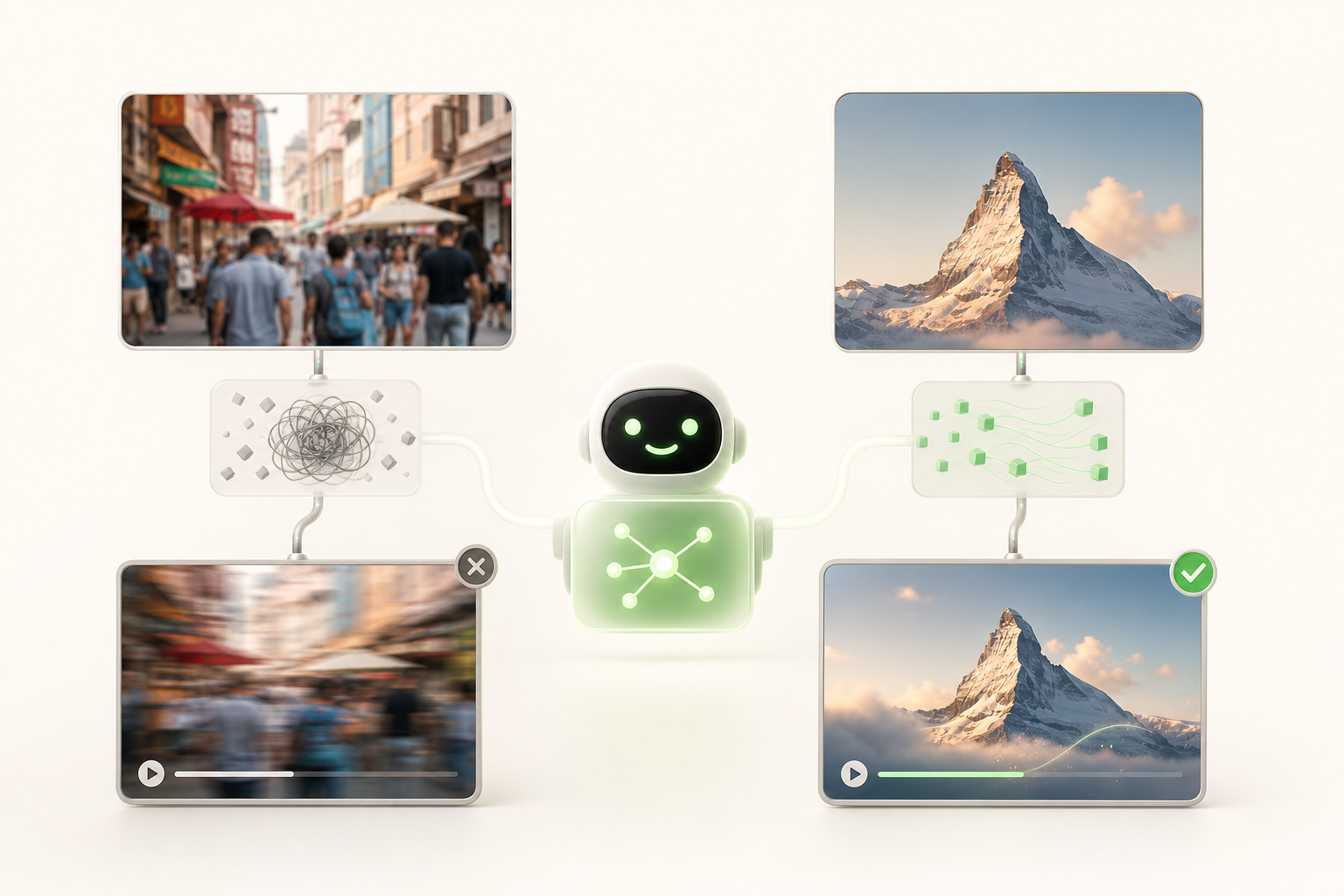
Everyone has experienced that moment of disappointment: you upload your best photo and the animated result looks like a wet watercolor painting. The good news? It's usually a question of image selection, not the tool.
Portraits work exceptionally well — a sharp, well-framed face with soft natural lighting gives the AI precise information to simulate smooth, realistic animation. Landscapes also produce beautiful results, especially when the horizon is clear and the light is even.
For e-commerce creators, products on a solid background are your best friends: the AI knows exactly what to move and what to leave still.
A few principles to keep in mind:
- Favor a centered composition with the main subject clearly visible
- Avoid busy backgrounds — too many competing elements confuse the algorithm
- Go for natural light rather than harsh, artificial lighting
In short, think like a minimalist photographer: simplicity and clarity up front, magic behind the scenes.
Creator tips for making your AI videos genuinely go viral on social media
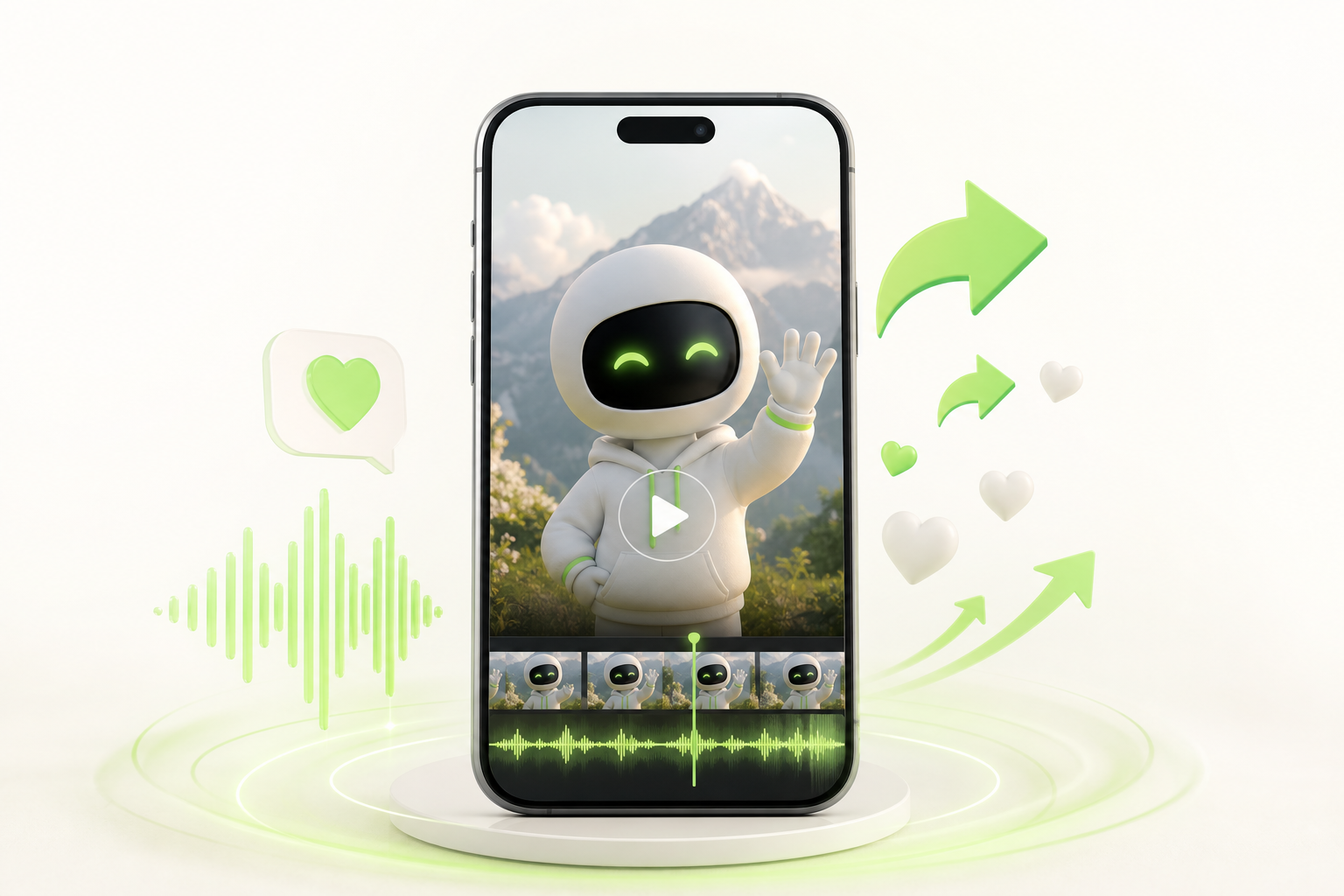
You have your animated video — great — but now it needs to hook people. Here's what I wish I'd known from the start.
On TikTok, open with a punchy text overlay in the first second: "You thought this was just a photo?" The brain stops, the thumb hesitates, and your retention rate spikes.
On Instagram Reels, lean into the seamless loop: end your animation exactly where it begins. People watch two, three times without even realizing it — and the algorithm absolutely loves that.
On YouTube Shorts, nail the trending sound: picking a viral audio track at the right moment can multiply your reach tenfold. Sync the motion effect to the beat for a result that really pops.
A few habits that make all the difference:
- Post during your niche's peak hours (test, adjust, repeat)
- Maintain a consistent posting schedule — at least three times a week
- Vary your animation effects to keep your audience curious
Consistency is your real superpower.
Classic mistakes that sabotage your AI video editing (and how to avoid them)
You spend an hour on your animation, you export, and... your grandmother's face looks like melted wax. Welcome to the club.
Face distortion is the number one mistake. It happens when you push the motion intensity too hard. Always start at 20–30% animation strength maximum on portraits.
A vague prompt also costs you a lot of time. "A smiling woman" tells the AI nothing. Describe the lighting, the mood, the desired movement. Be specific — you'll see the difference immediately.
The wrong aspect ratio before export is a classic trap. Make sure your format matches the target platform — 9:16 for Reels, 1:1 for posts — before you start the render, not after.
Watch out for the watermark on the free version: it sometimes only appears at low resolution. Test in HD first.
Finally, avoid cropping after export, which blurs everything. Frame correctly within the tool upfront.
The key? Rapid iteration: generate, review, adjust, re-run. Three cycles in and you'll have something clean.
Level up: automate your AI video creation as a daily workflow
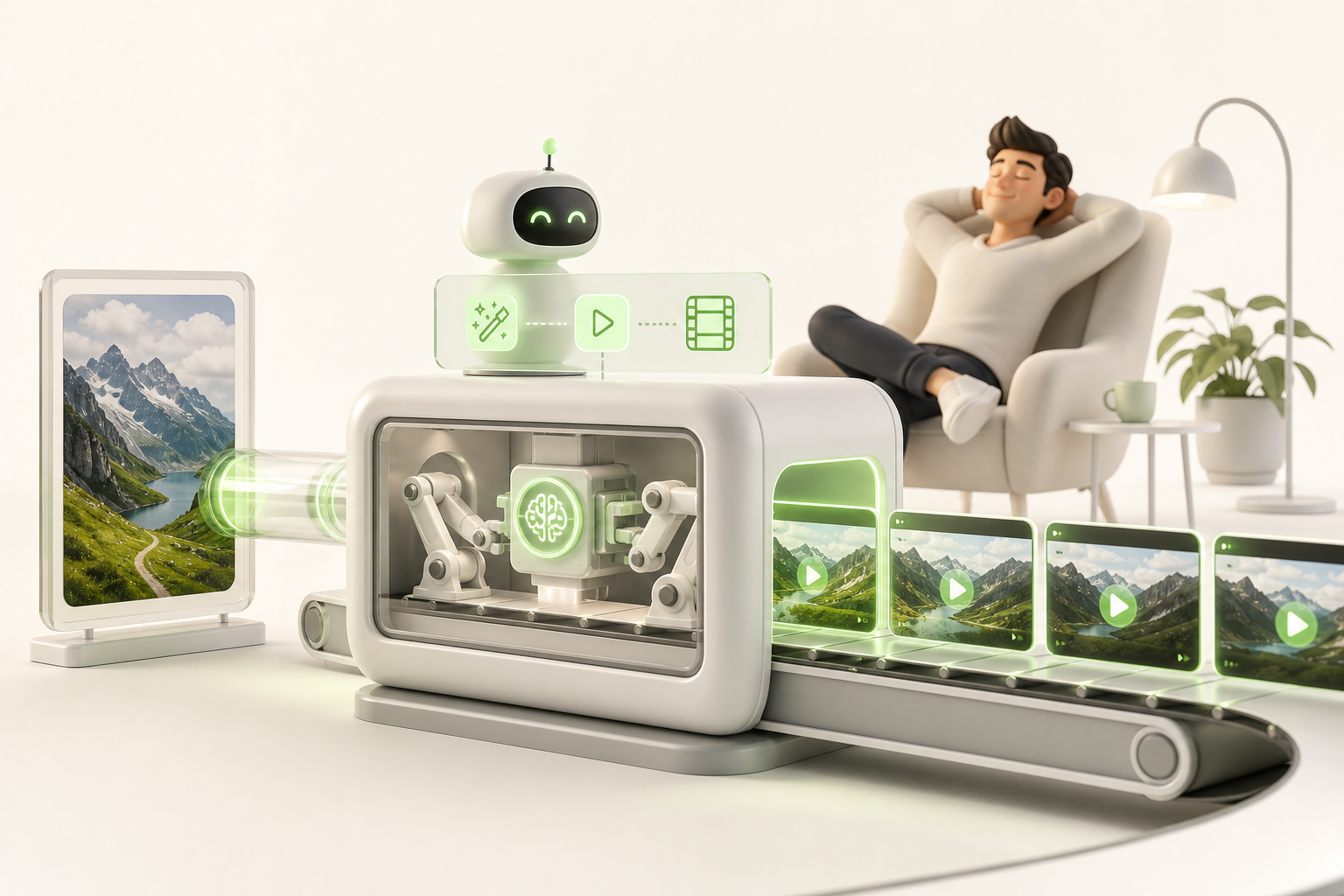
You've crossed the first milestone: turning a simple photo into an animated video using free AI video creation from a photo. But the real challenge for a solo creator is consistency — publishing without burning out, week after week, across TikTok, Instagram, and YouTube all at once.
That's exactly where a sustainable workflow changes everything. Rather than starting from scratch with every post, you build a system: one photo, a tried-and-tested process, one published video. Multiply that by thirty days and you quickly understand why the creators who last are the ones who've automated the essentials.
To go even further, Vidrale was built precisely for this. It's an AI video generation platform for solo creators that centralizes your entire creative process, from animations to formats optimized for every platform. No need to be a professional video editor — just the right tool.
Curious to see what it looks like in practice? Explore everything Vidrale has to offer at vidrale.com and start creating differently.
Conclusion
Look how far you've come. Not long ago, animating a simple photo required a real budget or serious technical skills. Today, a solo creator with a phone and a good idea can produce something genuinely impressive — for free.
The key takeaway: start small, experiment without judging yourself, and let the AI do the heavy lifting while you focus on the story you want to tell.
If you're looking to level up, Vidrale is an AI video generation platform built specifically for solo creators on TikTok, Instagram, and YouTube. No endless learning curve — just tools that adapt to your pace and your ambitions.
So, which photo are you going to animate first?
Create your videos with Vidrale
Transform your ideas into videos ready to publish on TikTok, Instagram, and YouTube — no editing, no camera required. Vidrale generates attention-grabbing videos for you in minutes.