
AI automatic video editing: a solo creator's guide
AI automatic video editing is a game-changer for solo creators — here's how to integrate it into your workflow without getting lost in the tech.
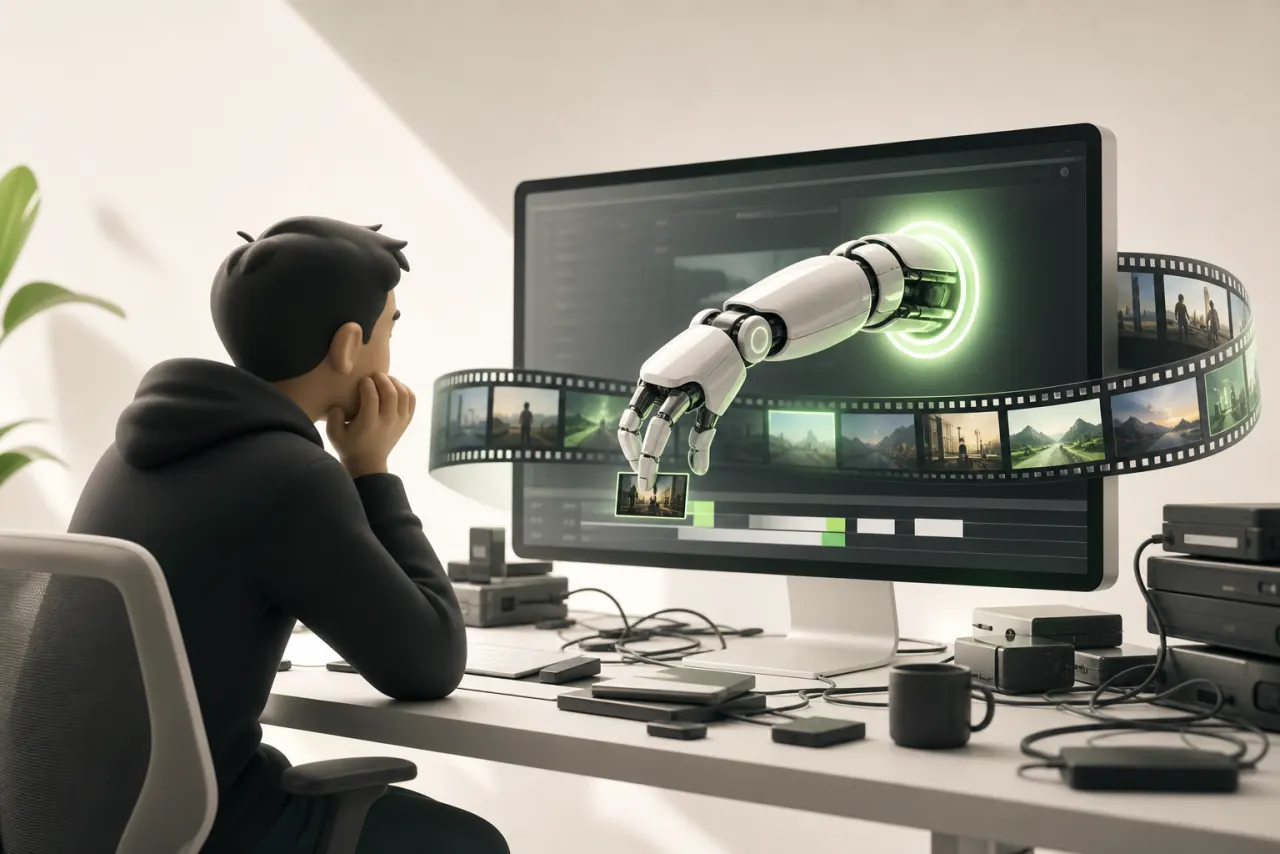
Creating solo is beautiful — until you hit the editing stage
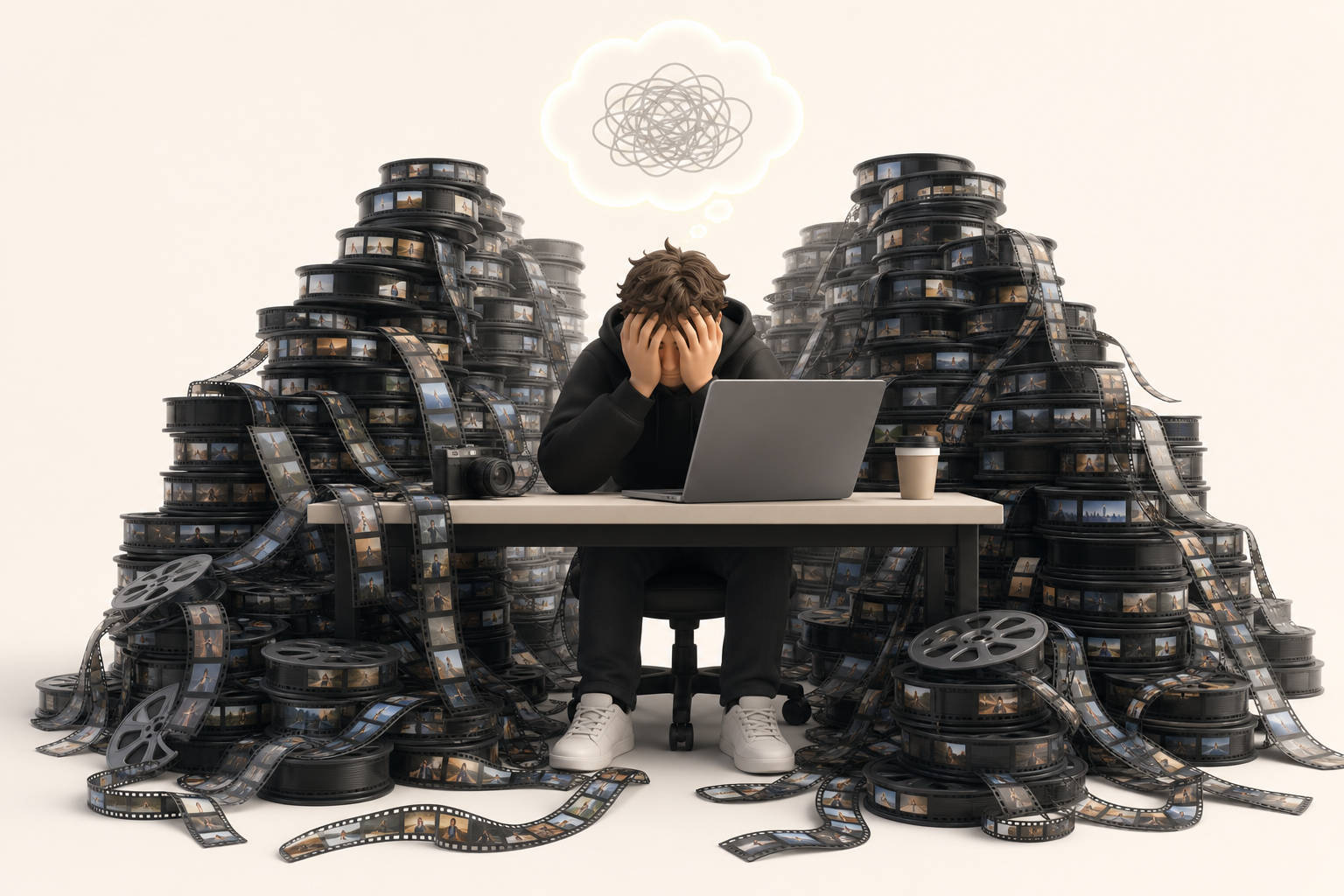
You filmed. You pushed past the camera shyness, showed up, and captured something real. Then you open your editing software — and the air goes right out of the room.
Editing time stretches on. One hour of footage easily turns into six hours of cutting, syncing, color correcting, and exports that crash at the last second. It's not that you lack talent; it's that you're single-handedly carrying a production pipeline built for entire teams.
That's the real pain of the solo creator's mental load: you have to be the director, the editor, the creative director, and the project manager all at once. As you juggle everything, the creative energy that drove you to pick up a camera evaporates somewhere between the audio track and the timeline.
The good news: the landscape is changing fast. The promise of AI automatic video editing is to take repetitive tasks off your plate and give you back the space where you're truly irreplaceable — intention, story, voice. In this guide, we take a concrete look at how these tools work, what they actually do well, and how to integrate them without losing your style.
What "AI automatic video editing" actually means
Imagine an assistant that watches your raw footage for you, spots the moments where the light shifts or someone speaks, then assembles a first cut in minutes. That's exactly what AI automatic video editing does: it analyzes content frame by frame to identify logical cut points through scene detection, generates automatic subtitles by transcribing audio in real time, and proposes a coherent narrative structure without you ever touching a timeline.
In practice, these tools read visual and audio signals — a silence, a shot change, an emotional spike in someone's voice — and use them as a compass to edit on your behalf.
But let's be honest about the limits of automation: AI doesn't feel your story. It doesn't know why a three-second glance is worth more than ten seconds of dialogue. It optimizes; it doesn't create.
What you can hand off: repetition, syncing, subtitling. What you keep, no matter what: your point of view, the emotional rhythm, your creative signature. That division of labor is what makes these tools genuinely powerful.
Why solo creators have everything to gain by adopting it now
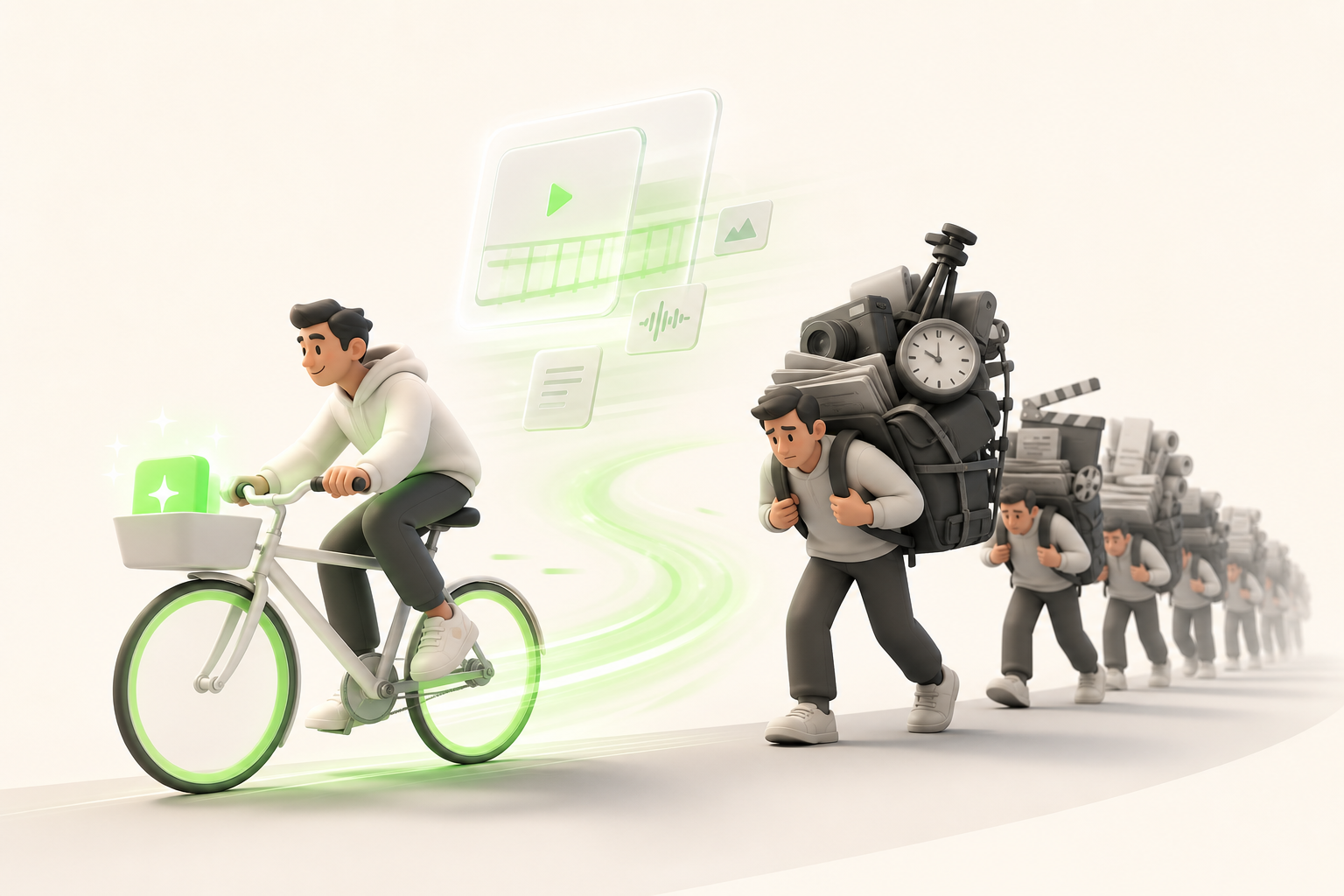
Picture this: you shoot a vlog on Saturday morning, and by Monday, three formats are already live — an edited YouTube video, a punchy Instagram Reel, a TikTok built for the algorithm. No team, no all-nighters. That's exactly what AI makes possible today.
Publishing cadence has become the crux of the matter. Creators who post consistently across YouTube, Instagram, and TikTok build an exponentially larger audience than those putting out one exhausting video a month. The problem is that one hour of footage can swallow six to eight hours of manual work. AI brings that number down to under an hour — a concrete time saving that changes everything.
And that's where your competitive edge as a solo creator lies: big channels have teams, but they also have heavy processes. You can pivot in 24 hours, test five different angles in a week, iterate without a meeting or an extra budget.
Waiting for everyone else to adopt these tools means letting your window of opportunity close. Early movers reap the algorithm rewards.
What is the best free AI for video editing?
The honest answer? There is no one best free AI for video editing — it all depends on what you want to create. But a few names keep coming up in every comparison, and they're worth a closer look.
CapCut remains the go-to for beginner creators: smooth interface, impressively accurate automatic subtitles, and a generous free plan. Runway wows with its generative effects, perfect if you want to experiment with AI video in a cinematic way. Descript wins over creators who edit from a text transcript. All three offer solid freemium options, but watch out for the free plan limitations: watermarks on exports, restricted clip length, or a capped number of projects.
To choose without getting overwhelmed, ask yourself three questions:
- Are you editing short-form content (Reels, TikTok) or long-form?
- Do you need automatic subtitles or generative effects?
- Is a watermark a problem for your distribution?
Your answers are worth more than any ranking. The best free AI for video editing is the one that fits your next project exactly — not someone else's.
What is the best free program for video editing?
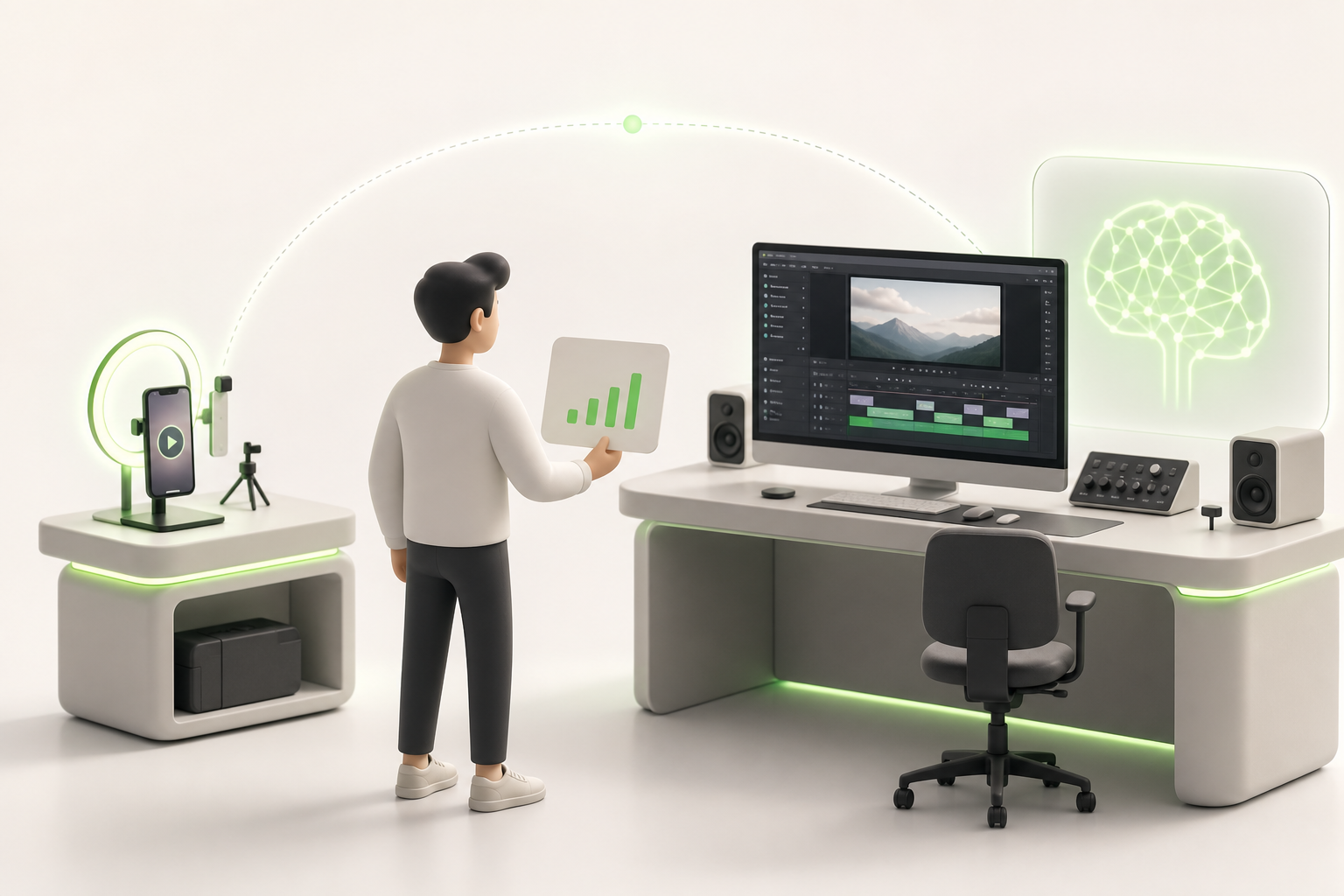
The honest answer? It depends on you. Not on your budget — we're talking free — but on your screen and your ambitions.
On mobile, CapCut reigns for short-form content: templates, automatic subtitles, trending effects in three taps. You film in the morning, you publish in the evening. Perfect for beginners who want clean results without a learning curve.
On desktop, DaVinci Resolve is free and surprisingly powerful for long-form — interviews, mini-documentaries, structured vlogs. It takes a few hours to get used to, but every hour you invest shows on screen.
Somewhere in between? Clipchamp (built into Windows) offers a solid middle ground: clean interface, some basic AI assistance, ideal if you're starting on a computer without wanting to drown in menus.
The real deciding factor is your target format:
- Reels, TikToks, Shorts → CapCut mobile, fast and native
- Videos 5 minutes and longer → DaVinci Resolve desktop, precise and scalable
Choosing the right tool from the start means you won't be migrating your projects six months from now because you've outgrown your software.
How to integrate AI into your workflow without reinventing everything
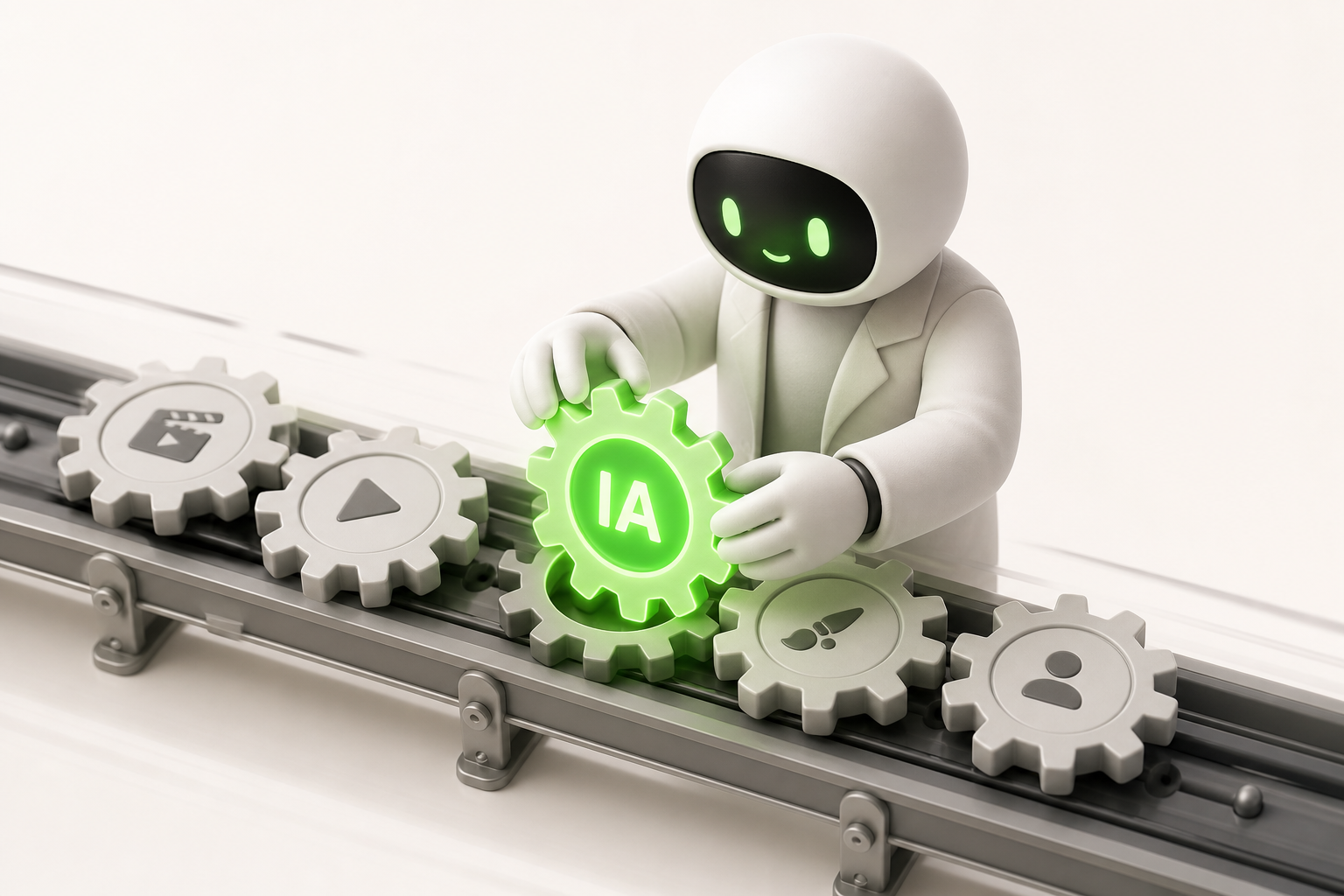
Good news: you don't need to burn everything down to adopt AI automatic video editing. The key is gradual integration, not revolution.
Think of your current week as a train already in motion. AI is just a new carriage — not a new engine.
Here's how to build this step-by-step workflow without losing your footing:
- Identify your bottleneck. Where do you lose the most time? Subtitling? Rough cutting? Start there, and nowhere else.
- Test on a single format. Pick your Reels, your YouTube Shorts, or your Stories — just one. Get the process dialed in before expanding.
- Create in batches. Shoot multiple videos in one go, let the AI process while you sleep. You get entire hours back.
- Anchor it to your publishing routines. Monday = filming, Tuesday = AI generation, Thursday = going live. Consistency turns an experiment into a habit.
- Decide fast, move forward. To avoid analysis paralysis, set yourself a rule: if the AI delivers something that's 80% there, you publish.
One carriage at a time. The train picks up speed on its own.
Pitfalls to avoid when starting out with automatic editing
Starting out with automatic editing is a bit like handing your personal journal to an ultra-efficient assistant: they get the work done fast, but they don't know you yet. Here are the common traps that catch enthusiastic creators off guard.
The first mistake is over-automation. Letting AI choose every cut, every transition, every music track risks producing a clean video… with no soul. The loss of creative voice creeps in quietly, when you accept the default output without asking whether it's really you.
Then there are music rights. Many tools offer "royalty-free" libraries that hide murky licensing terms. Read the licenses before you publish, or your video may be silenced or taken down without warning.
Another trap: tool dependency. If your entire workflow relies on a single platform, the day it changes its pricing or shuts down, you're back to square one.
The golden rule for keeping your uniqueness? Use AI for the grunt work — subtitles, rough cuts, basic pacing — and save your human judgment for what makes your content recognizable out of a thousand.
Publish more, burn out less: taking action with the right tools
You don't need a production team to consistently publish content that resonates. This guide has shown you that AI automatic video editing concretely means: fewer hours spent on the timeline, more energy to create, and a publishing cadence you can actually sustain without collapsing on Sunday night.
The benefits add up fast: subtitles generated in seconds, automatic cuts, formats adapted for each platform — TikTok, Instagram, YouTube — without starting from scratch every time.
That's exactly why tools like Vidrale exist. This AI platform was built for solo creators who want to publish more without sacrificing their lives. No endless learning curve, no technical jargon: you import your video, the AI does the heavy lifting, you tweak whatever needs your personal touch.
The best time to try it is right now — while your next video idea is still fresh. Head over to vidrale.com and see for yourself what it changes.
Conclusion
You're now equipped to turn a raw idea into a published video — no team, no studio budget, no nights lost on an endless timeline. AI-powered automatic editing isn't cheating: it's your new silent collaborator, handling the technical side while you stay focused on what truly matters — your creativity.
The road from inspiration to publication has never been shorter. Tools like Vidrale, an AI video generation platform built for solo creators on TikTok, Instagram, and YouTube, show exactly where all of this is headed: one creator, a clear vision, and content that holds its own against big productions.
So don't let your next video collect dust in your drafts. Open a tool, import your first footage, and hit "publish." You'll figure out the rest as you go.
Create your videos with Vidrale
Turn your ideas into publish-ready videos for TikTok, Instagram, and YouTube — no editing, no camera required. Vidrale generates attention-grabbing videos for you in minutes.