
AI automatic video editing: a solo creator's guide
Discover how AI automatic video editing is transforming the daily lives of solo creators — no massive budget or team required.
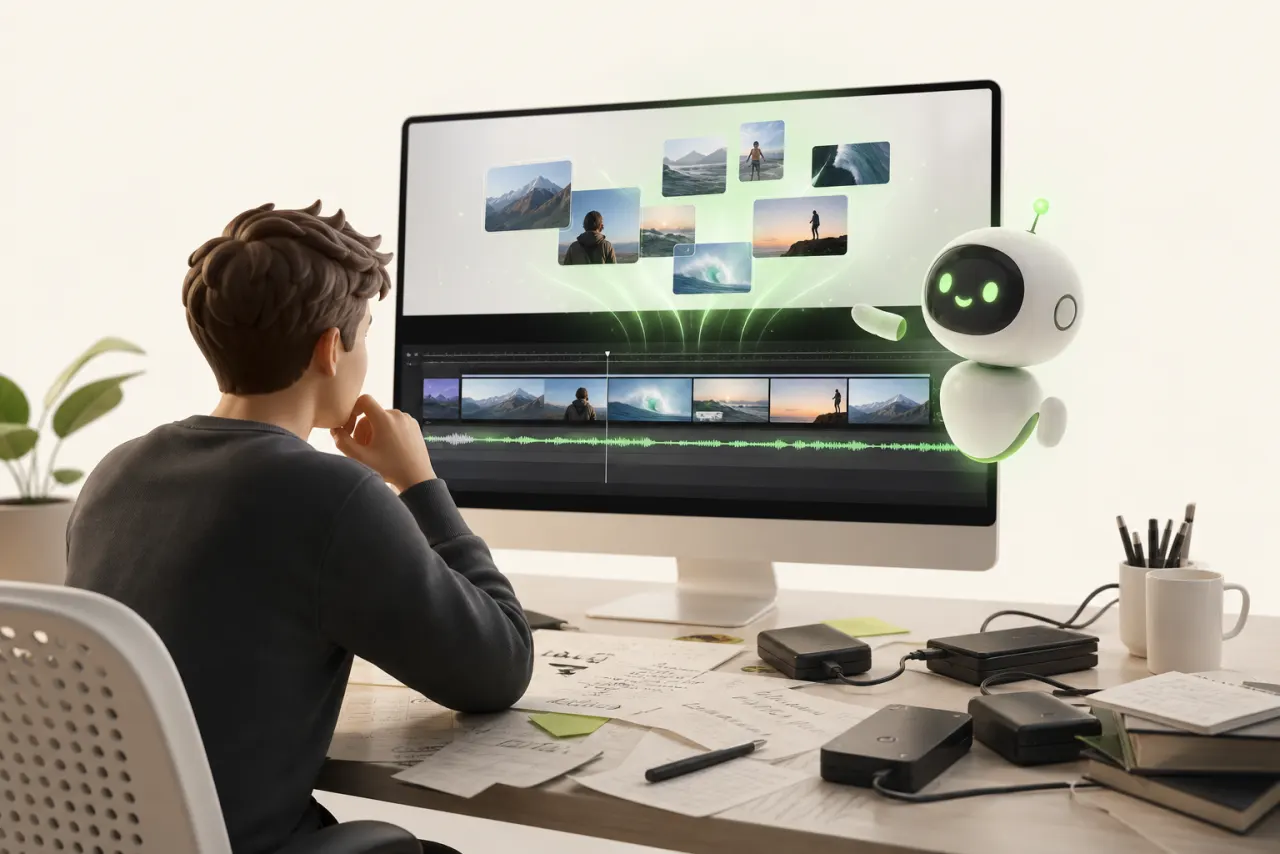
Why video editing burns out solo creators (and how AI changes everything)
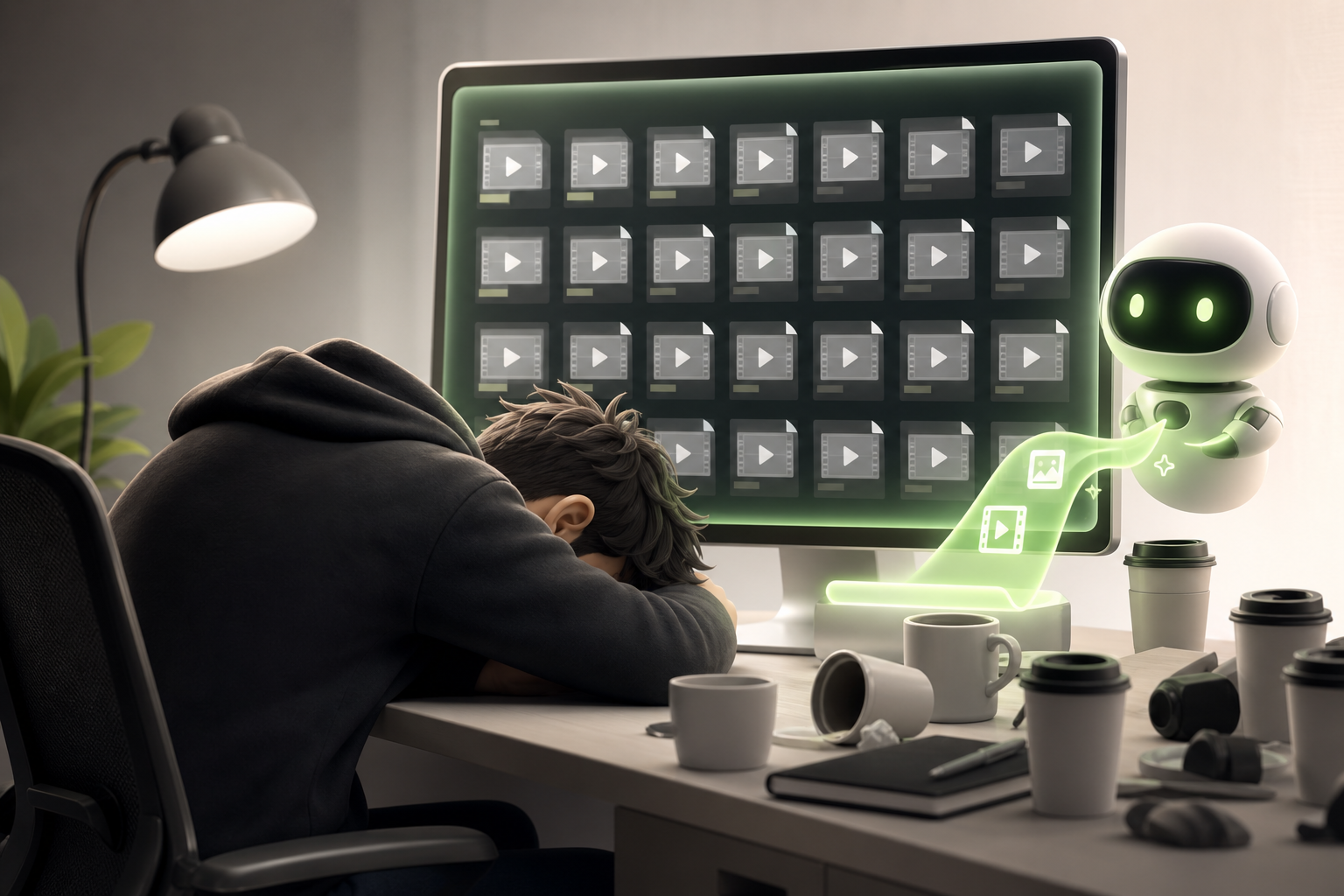
Picture this: you come home from a shoot, buzzing with excitement about your footage. Then you open your timeline. Three hours later, you're still trimming silences, still syncing music, still hunting for that perfect shot. The excitement has completely drained away.
That's the harsh reality of being a solo creator. Editing time devours everything — your creative energy, your consistency, sometimes even your will to keep going.
The good news? AI automatic video editing is completely reshaping that equation.
These tools don't just cut clips. They analyze your content, detect the strongest moments, remove filler words and hesitations, and assemble a first cut in minutes — not hours. What used to take a full day can now fit into a coffee break.
For the solo creator, this is a genuine paradigm shift. You get back time for what actually matters: filming, creating, and publishing more often.
AI doesn't replace your vision. It frees up time so you can finally express it fully.
What an AI automatic video editing tool actually does (no jargon)
Picture this: you upload an hour of raw footage. A few minutes later, you get back a clean, well-paced edit that's almost ready to publish. No black magic — just AI processing quietly analyzing every frame in the background.
Here's what's actually happening. The tool identifies the strongest moments using face detection, motion analysis, and audio cues. Then comes automatic cutting: awkward silences, blurry shots, and dead footage are gone. You're left with the good stuff.
Next up: music synchronization. The AI lines up your cuts with the beats of your soundtrack — that "polished music video" effect you used to spend hours perfecting by hand.
Finally, automatic subtitles appear, generated through speech recognition, already formatted and positioned on screen.
The result? A workflow that used to span multiple days now takes just a few clicks. The tool doesn't replace your creative eye — it simply eliminates the repetitive tasks that were wearing you out before you even got started.
What's the best free AI for video editing? The real criteria for choosing

What's the best free AI for video editing? There's no one-size-fits-all answer — and that's actually a good thing. The right question is: best for you.
Before diving in, run every option through these selection criteria like a hard filter.
Export quality first. Some free tools cap out at 720p or slap a very visible watermark on your videos. Always test a full export before committing.
Free plan limitations next. Video length, number of projects per month, access to advanced AI features — read the fine print. What looks free can quickly become frustrating.
The learning curve. You're creating solo; your time is precious. An intuitive tool you can master in 20 minutes beats a technically flawless beast that takes weeks to learn.
Format compatibility. MP4, MOV, vertical, horizontal — make sure the tool accepts your source files without requiring conversion beforehand.
Test two or three options side by side on the same short project. You'll immediately see which one fits your workflow. The best free AI for video editing is the one that disappears behind your content.
What's the best free program for video editing? An honest overview
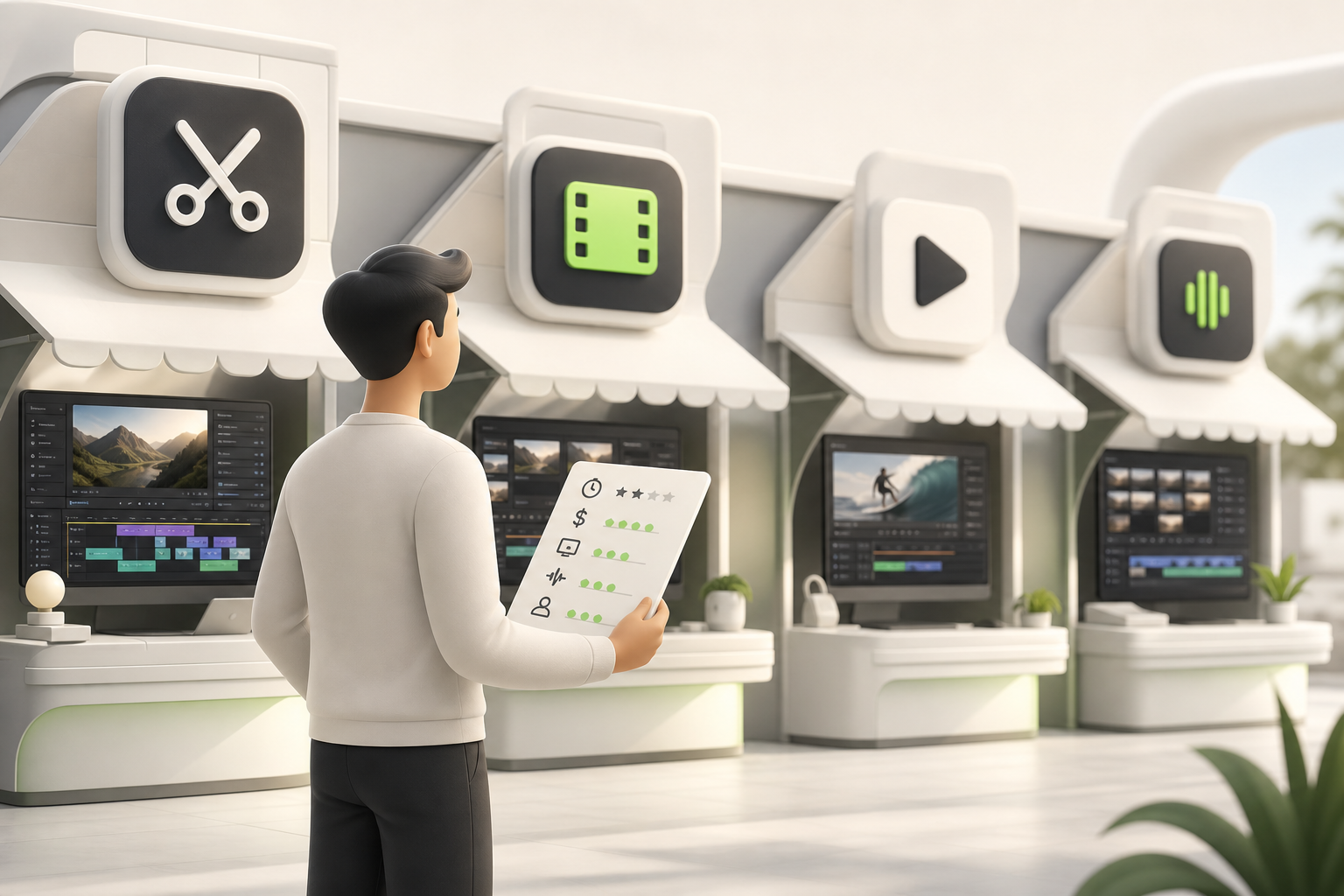
The question comes up all the time: what's the best free program for video editing? Honestly, there's no universal answer — it depends on your skill level and your goals. Here's a quick, no-nonsense free tools comparison.
CapCut is the go-to for solo creators. Intuitive interface, built-in AI effects, one-click automatic subtitles. Perfect for Reels and TikToks. Its limitations? Export capped at 1080p on the free plan, and your data is stored on foreign servers.
Clipchamp (built into Windows) is a great fit for beginners who want something simple and fast. But advanced templates stay locked behind a paywall.
DaVinci Resolve is in a different league entirely. It's a professional-grade tool offered completely free — cinematic color grading, audio mixing, multi-camera editing. The learning curve is real, but the power is genuinely impressive.
The honest take? Start with CapCut if you want to publish fast. Move to DaVinci Resolve when you're ready to level up. Clipchamp is a handy fallback option in between.
Short-form first: why TikTok, Reels, and Shorts are the perfect playground for AI
Picture this: you film a 60-second video in the morning, and by the afternoon it's already blowing up. That's the magic of short-form content.
TikTok, Instagram Reels, and YouTube Shorts all share the same logic: vertical format, relentless pace, attention grabbed in under three seconds. And that's exactly where AI automatic video editing shines brightest.
Why are these platforms the ideal playground?
- The constraints are crystal clear: limited duration, 9:16 ratio, trending audio — the AI knows exactly what to do.
- Feedback is instant: you post, you see what works, you adjust. The cycle runs in hours, not weeks.
- Failure is cheap: a Reel that doesn't perform? No big deal. Post the next one tomorrow.
Fast editing is no longer a bottleneck when AI cuts, syncs, and optimizes your clips in minutes. For a solo creator, that's total freedom.
The big accounts you admire post multiple times a week. Their secret? Often, it's automation. Now that advantage belongs to you too.
How to integrate AI automatic video editing into your solo workflow without starting from scratch
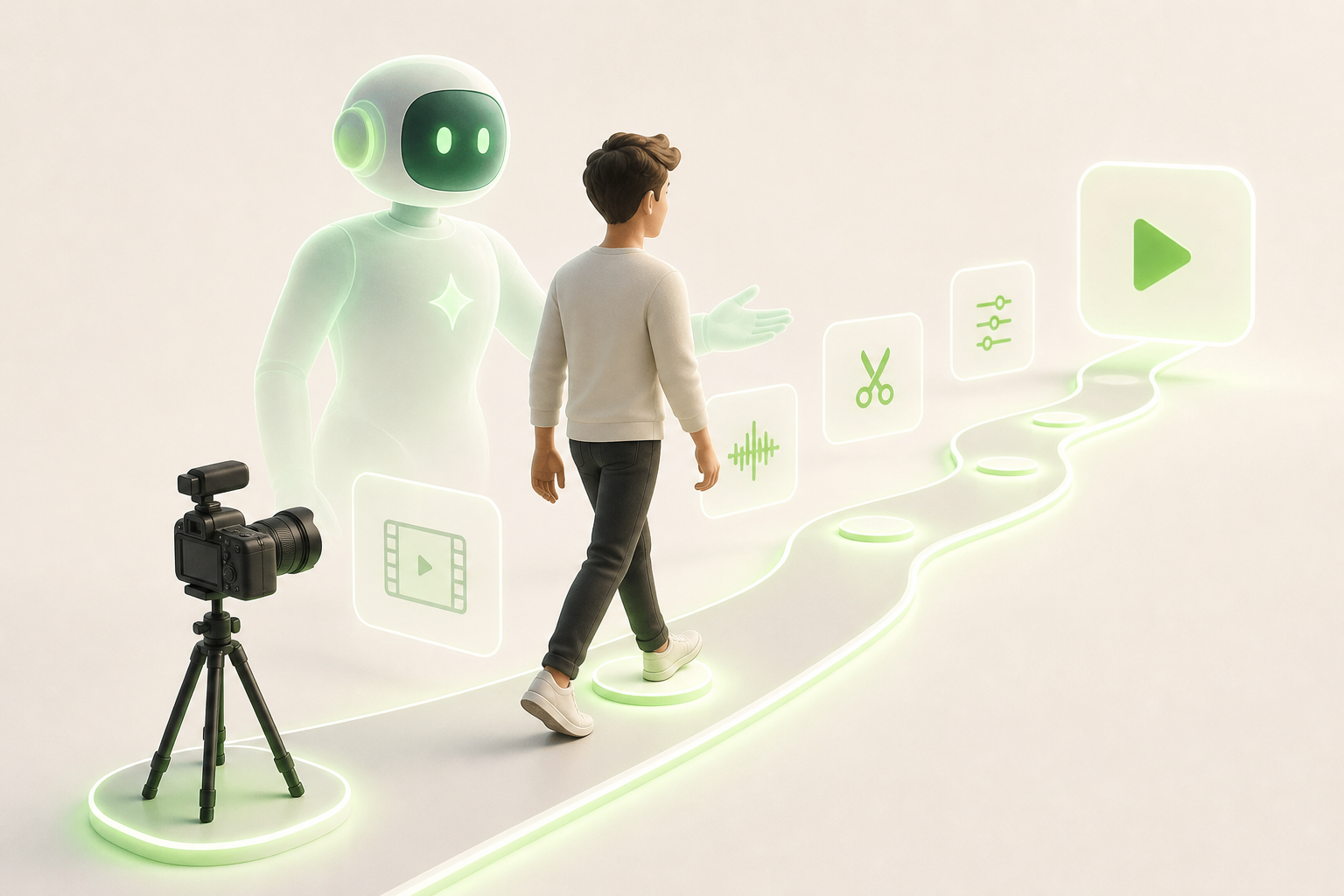
Integrating AI automatic video editing into your solo creator workflow doesn't mean throwing everything out and starting over. Think of it as adding an invisible assistant between your existing steps — not switching careers.
Here are the adoption steps that actually work:
- Import your raw footage into your chosen AI tool — let it cut the silences and automatically identify the best moments.
- Review the suggested structure before touching anything — you've already saved 30 to 50% of your editing time right there.
- Manually refine only what the AI misses: your humor, your signature transitions, your personal rhythm.
- Export and publish with the automatically generated subtitles — no more half-days lost to captioning.
The real time savings: you go from raw footage to published in a few hours instead of a full day. You keep your creative touch; the AI handles the mechanical work. The result? You publish more often without burning out. And publishing consistently is exactly what grows a solo audience.
Pitfalls to avoid when starting out with an AI automatic video editing tool
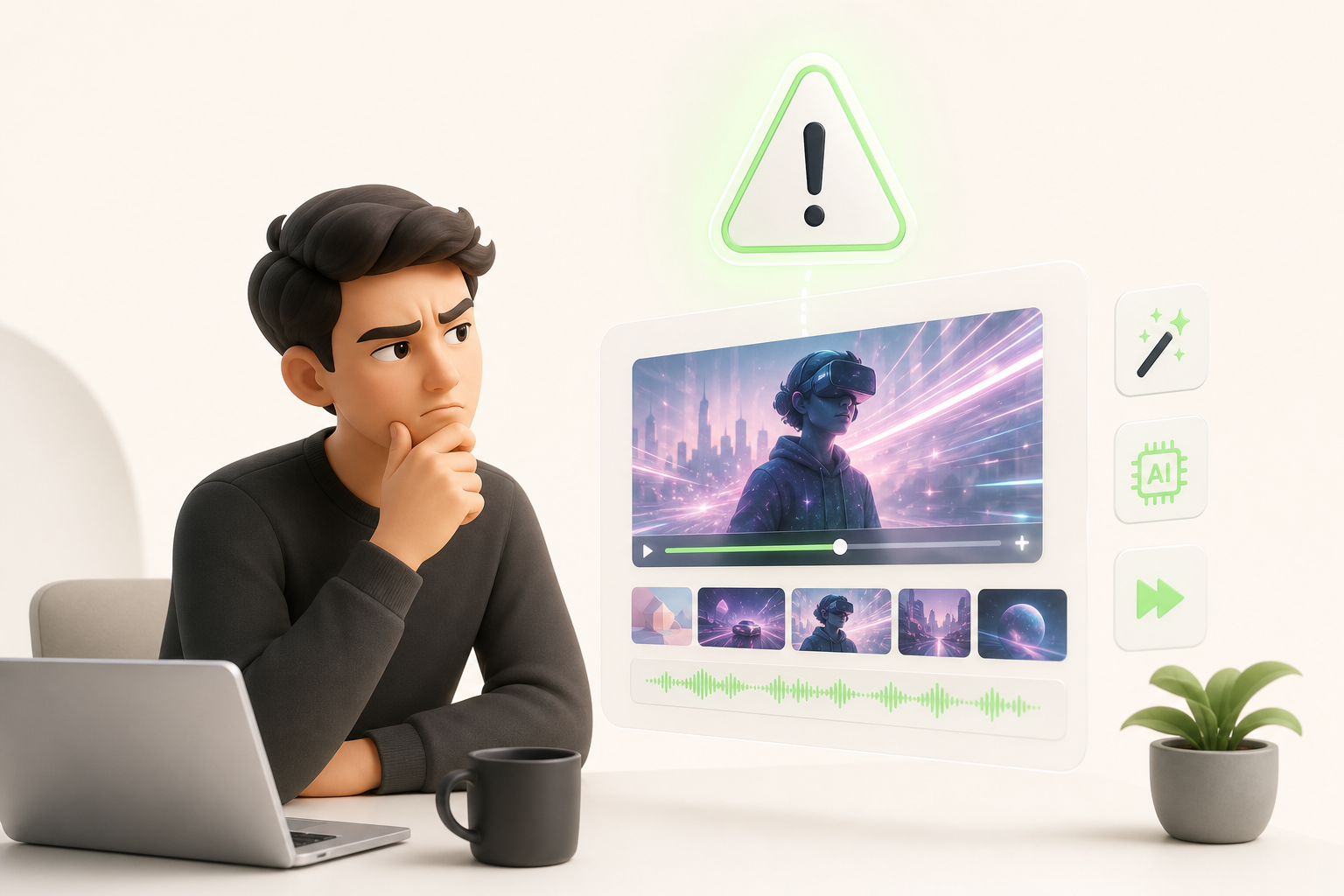
Getting started with an AI automatic video editing tool is exciting. But a few common mistakes can quickly turn that exciting promise into a frustrating experience.
First pitfall: over-automation. Letting the AI decide everything — cuts, music, transitions — produces videos that look like everyone else's. Let the tool handle the mechanics; you stay in charge of the creative direction.
Second trap: forgetting your brand identity. The AI doesn't know your color palette, your offbeat tone, or the way you talk to your community. Set up your font, color, and effects presets from the start. Otherwise, every video feels like square one.
Visual consistency follows the same logic. Transitions that change with every video? Your audience will tune out. Build a base template and stick to it.
Finally, never overlook your export settings. Resolution, format, aspect ratio… every platform has its own requirements. Exporting a square 1080p video for a 16:9 YouTube upload is immediately noticeable — and it instantly undermines your credibility.
AI is powerful. You're still the one in the driver's seat.
Conclusion: creating solo no longer means creating slowly
Creating solo didn't always mean creating freely. For a long time, it mostly meant spending hours cutting, assembling, exporting — and doing it all over again. AI automatic video editing is radically changing that reality.
Today, you bring the idea, and the machine handles the heavy technical lifting. Everything else — the vision, the tone, the authenticity — that's all you. That's exactly what creative independence looks like: no longer being slowed down by your tools, but propelled forward by them.
Imagine posting regularly on TikTok, Instagram, and YouTube with no team, no studio, no agency budget. That's no longer a distant promise. That's your next Monday morning.
For solo creators who want to go even further, Vidrale is an AI video generation platform for solo creators on TikTok, Instagram, and YouTube — built precisely for this workflow. No unnecessary features. Just what you need to create fast, create well, and create your way.
Curious? Start by exploring vidrale.com — your next piece of content is already waiting.
Create your videos with Vidrale
Turn your ideas into publish-ready videos for TikTok, Instagram, and YouTube — no editing, no camera required. Vidrale generates attention-grabbing videos for you in just minutes.