
Free AI video editing without sign-up: the tools worth trying
A complete breakdown of free AI video editing tools that require no sign-up — for solo creators who want to produce more content, faster, with zero friction.
Why free AI video editing is a game-changer for solo creators

You know that feeling — you've captured something great, a sharp idea, a raw moment — and then you spend the next four hours cutting, reframing, syncing audio… and you're completely burned out before you've even hit publish. That's exactly where a lot of solo creators throw in the towel.
The problem isn't talent. It's the time and money that traditional tools demand.
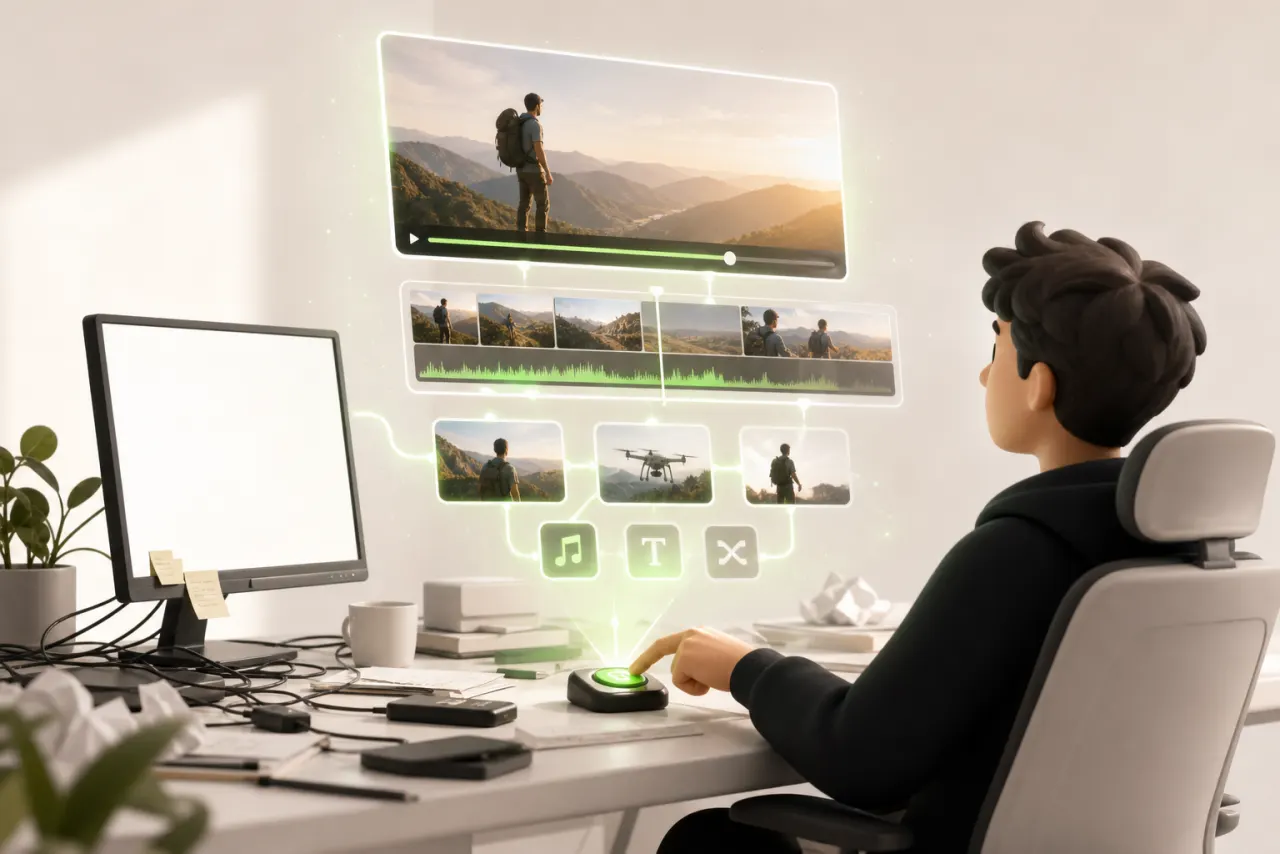
That's why free AI video editing with no sign-up is changing everything. You no longer need a team, a three-figure subscription, or six months learning Premiere Pro. Smart tools now do the heavy lifting for you: automatic cuts, captions generated in seconds, smooth transitions with zero manual effort.
The time savings are real and measurable — some creators get back several hours every week. Hours they reinvest in what actually matters: filming, creating, publishing.
For solo creators, it's a genuine leveling of the playing field. You can finally focus on your voice rather than the technical side of things.
What you should actually look for in a free no-sign-up AI video tool
Before you dive into the first tool you find, take two minutes to get clear on what you actually need. Not every tool labeled free AI video editing with no sign-up is created equal — and some hide their limitations until the very last moment, right when you're ready to export.
Here's what really matters:
- Watermarks: subtle, massive, or non-existent? A giant logo plastered in the middle of your video is often a dealbreaker for professional use.
- Export limits: how many videos per day? Maximum duration? These caps determine whether a tool is genuinely usable or just good for experimenting.
- Render quality: resolution, smoothness, visual consistency — an AI that outputs blurry, pixelated footage isn't doing you any favors.
- Intuitive interface: if you spend more time figuring out the tool than actually creating, you've lost the whole point of using AI.
The ideal tool gives you a clean, exportable result you can use without any friction. Keep these criteria in mind, and the comparisons below will make immediate sense.
The best free online AI video editing tools to try today
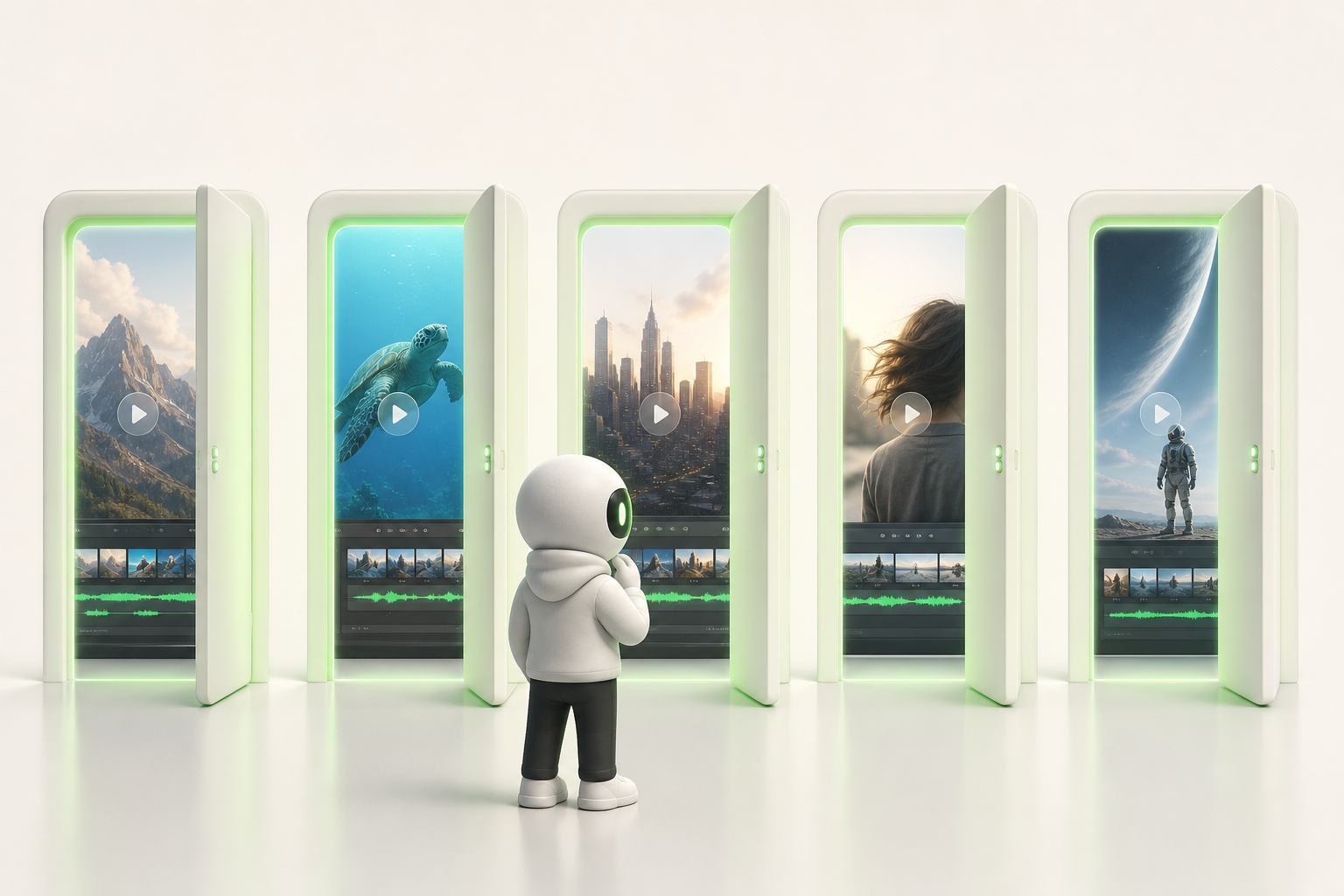
Here's the truth: you don't need a credit card or a lengthy registration form to edit a polished video with AI. These free online AI video editing tools let you jump straight in.
- Runway — The creative benchmark. Stunning generative effects, a clean interface, and the ideal choice if you want to go beyond simple cuts.
- CapCut online — The go-to for short-form content creators. Fast, intuitive, with ready-made templates that save a serious amount of time.
- Clideo — Perfect for quick, lightweight edits: trimming, merging clips, adding captions. No headaches involved.
- Kapwing — Excellent for automatic subtitles and multi-format cropping. Great for adapting a single video to every platform.
- Veed.io — A polished interface, no-sign-up tools you can access instantly, and AI that cleans up your audio in seconds.
Each tool has its own personality. Start with the one that fits your immediate need — you can always explore another one tomorrow.
How to use these AI tools in under 10 minutes flat
Got raw footage on your desktop and ten minutes to spare? That's more than enough. Here's a quick workflow you can repeat for every project.
- Upload your file directly into your chosen tool — no account, no form, just drag and drop.
- Run the automatic edit: the AI analyzes your footage, cuts the silences, and assembles a coherent version in seconds.
- Enable AI captions: the transcript generates itself — you just need to fix a word or two if needed.
- Export in one click, directly in the format suited to your platform.
These steps might sound almost too simple — and that's exactly the point. The AI handles the mechanical side so you can stay focused on what truly matters: your message and your energy on camera.
The first time might take twelve minutes. The second time, seven. After that, it's second nature.
TikTok, Instagram, YouTube: adapting your format without re-editing everything
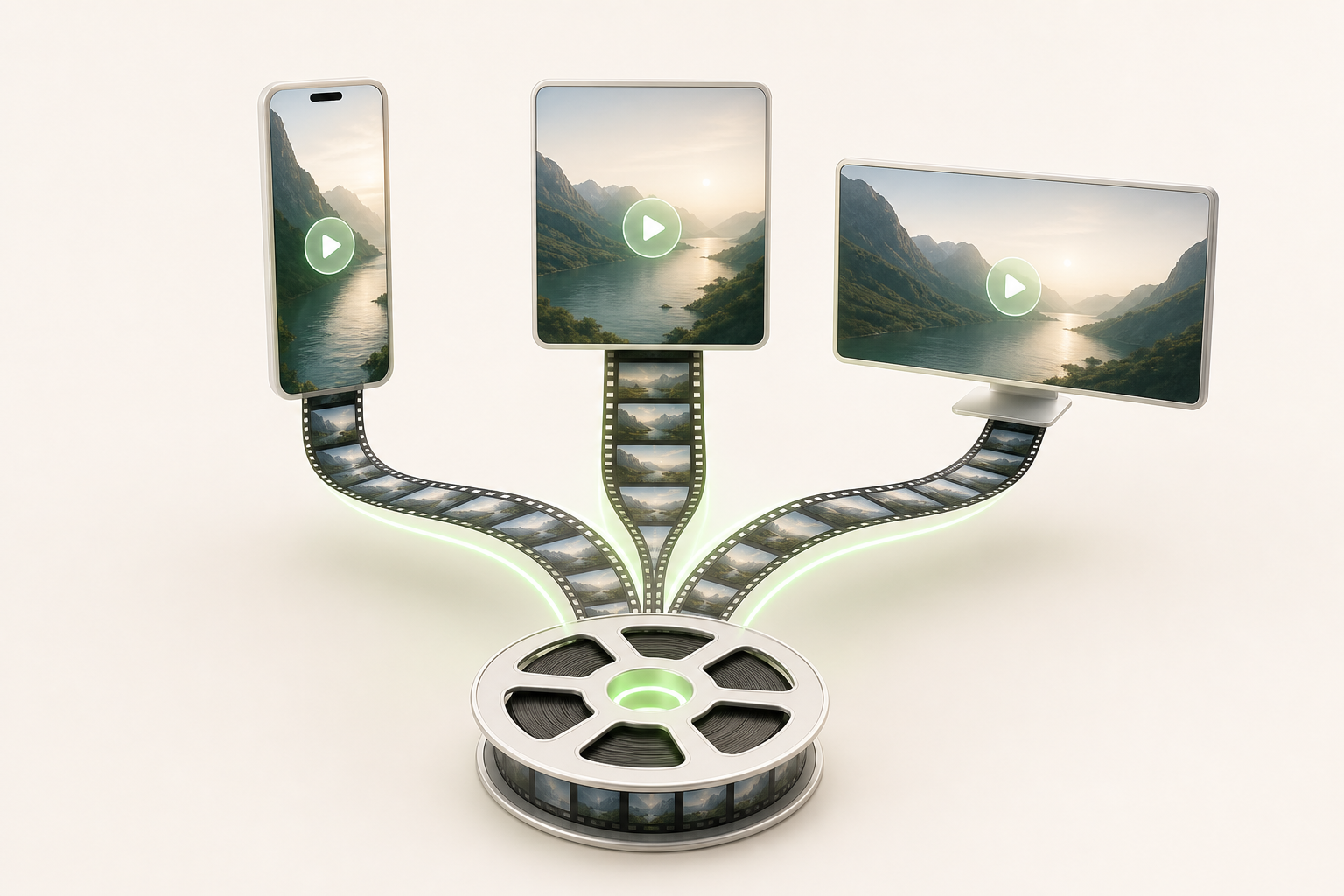
You shoot a video, carefully edit the whole thing, and then… you start over from scratch for TikTok, then again for Instagram, then for YouTube Shorts. It's exhausting, and honestly, it doesn't have to be that way anymore.
Free AI video editing tools with no sign-up solve exactly this problem. Automatic cropping detects the main subject in your frame and tracks it in real time as the format shifts from 16:9 to 9:16. Your subject stays centered, with no need to manually reframe every single second of footage.
The bottom line: one editing session gives you multiple versions ready for all your social media channels.
Vertical formats for TikTok and Instagram Reels are generated in a few clicks, length adjusts to match each platform, and you don't have to relearn everything each time. It's your content — just intelligently reformatted.
For a solo creator juggling multiple channels, that's easily two to three hours saved every week — time you can reinvest where it counts: filming, storytelling, growing.
The real limitations of free tools (and how to work around them)
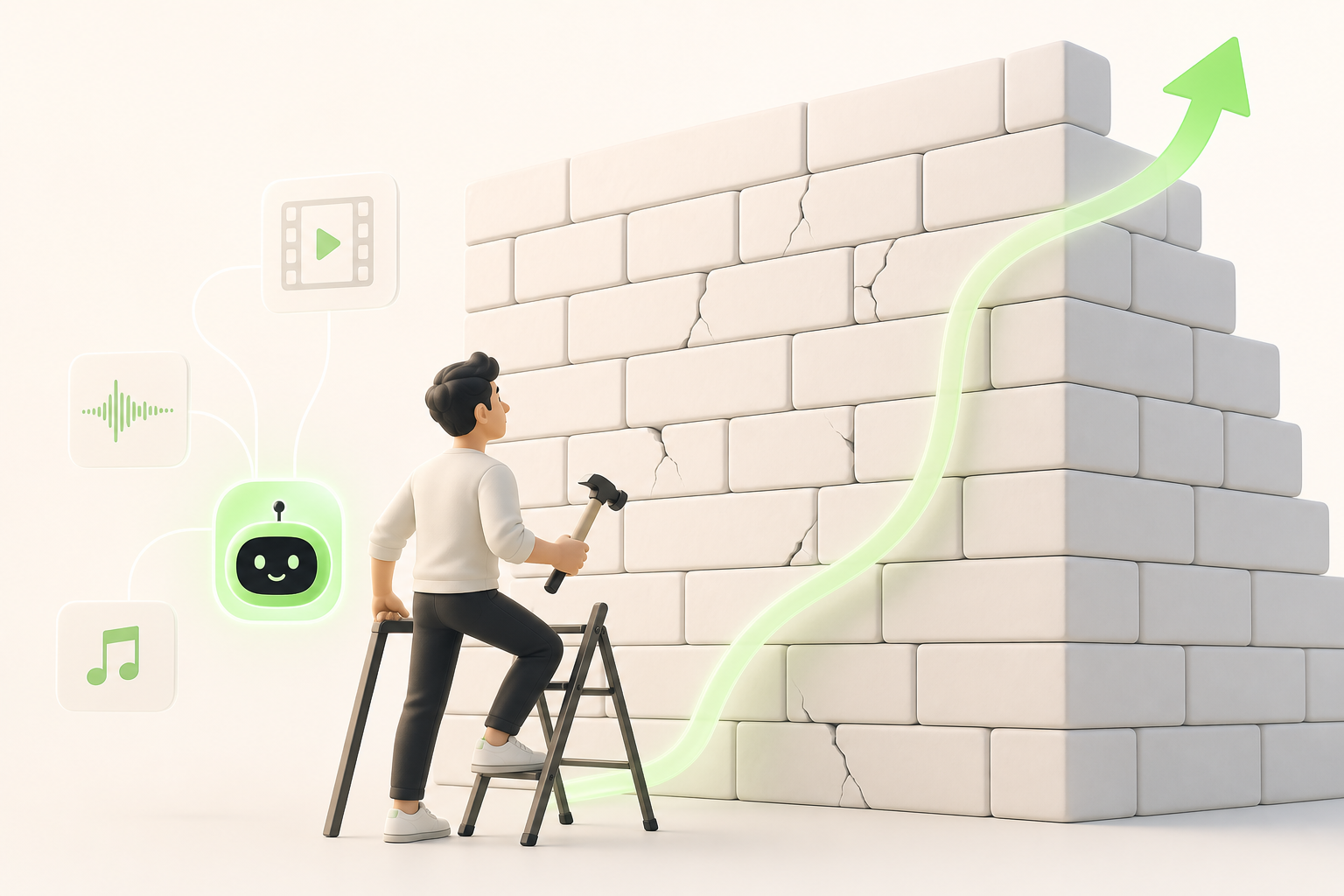
Let's be honest: the limitations of free tools are real, and pretending they don't exist won't help you. Most free no-sign-up AI video solutions come with genuine constraints — visible watermarks on exports, clips capped at 30 or 60 seconds, export quality maxed out at 720p. Nothing catastrophic, but worth planning for.
Watermarks? Some tools let you remove them by creating a free account, without paying a cent. Worth trying before you panic.
Limited resolution? If your content is headed to social media — Stories, Reels, TikTok — 720p holds up just fine. It only becomes a real issue for YouTube or professional broadcast.
For clips that are too short, the fix is simple: break your project into segments, process them separately, then stitch everything together in a basic editor like DaVinci Resolve (free and unlimited).
Paid alternatives exist, sure. But with a bit of method, free-tier constraints become puzzles to solve, not walls to crash into. You have the tools — now use them.
Common mistakes creators make with free AI video tools (and how to avoid them)
We've all been there. You try a free AI tool, let the automation handle everything, and the result looks like… nothing like you. It's one of the most common beginner mistakes: handing 100% of the editing over to the algorithm without taking any creative control back.
Here's what I've learned from testing these tools extensively:
- Don't neglect audio quality. AI can enhance your visuals, but it won't rescue distorted sound or an invasive background noise. Record clean from the start.
- Always enable captions. Most free tools generate them automatically — use that feature. 80% of your audience watches without sound.
- Maintain your brand consistency. Fonts, colors, tone: if you change everything with each video because the AI offers different templates, your audience stops recognizing you.
AI is an accelerator, not a replacement. Treat it like an assistant who needs your direction, not an autonomous director. You're still the creative mind behind every video — and no algorithm can do that part for you.
Ready to level up? What serious creators do next

You've explored the free tools, experimented, maybe already published a few videos. That's exactly how it starts.
But at some point, you feel the limitations holding you back. The watermark, the 30-second quota, the laggy interface… You want to create consistently, not just tinker.
That's when serious creators take the next step.
Vidrale is an AI video generation platform built for solo creators — designed precisely for this moment. Not for studios, not for teams with unlimited budgets — for you, alone behind your screen, wanting to feed TikTok, Instagram, and YouTube without burning out.
The idea is straightforward: generate, refine, publish. Repeat. With tools that adapt to your pace, not the other way around.
If you recognized yourself somewhere in this article — in the frustration, in the desire to do more with less — then the logical next move is to take a look at vidrale.com.
Not to reinvent everything overnight. Just to see what becomes possible.
Conclusion
You have no excuse to stay stuck staring at a blank project. These free, no-sign-up tools are here to help you start right now, not tomorrow.
The real secret is to test, iterate, and publish. AI doesn't replace your vision — it accelerates it.
If you want to take your content creation even further, check out Vidrale, an AI video generation platform built specifically for solo creators on TikTok, Instagram, and YouTube. The goal is to help you produce more, faster, without sacrificing your style.
You have the tools. You have the ideas. All that's missing is the first click.
So what are you waiting for? Dive in, and let AI handle the grunt work while you focus on what truly matters: telling your story.
Create your videos with Vidrale
Turn your ideas into publish-ready videos for TikTok, Instagram, and YouTube — no editing, no camera required. Vidrale generates attention-grabbing videos for you in minutes.