
Free AI Video Editing for TikTok: The Tools That Change Everything
Free AI video editing for TikTok is no longer just for pros — here are the tools that actually make a difference for solo creators.

Why Manual Video Editing Is Holding Back Your TikTok Growth
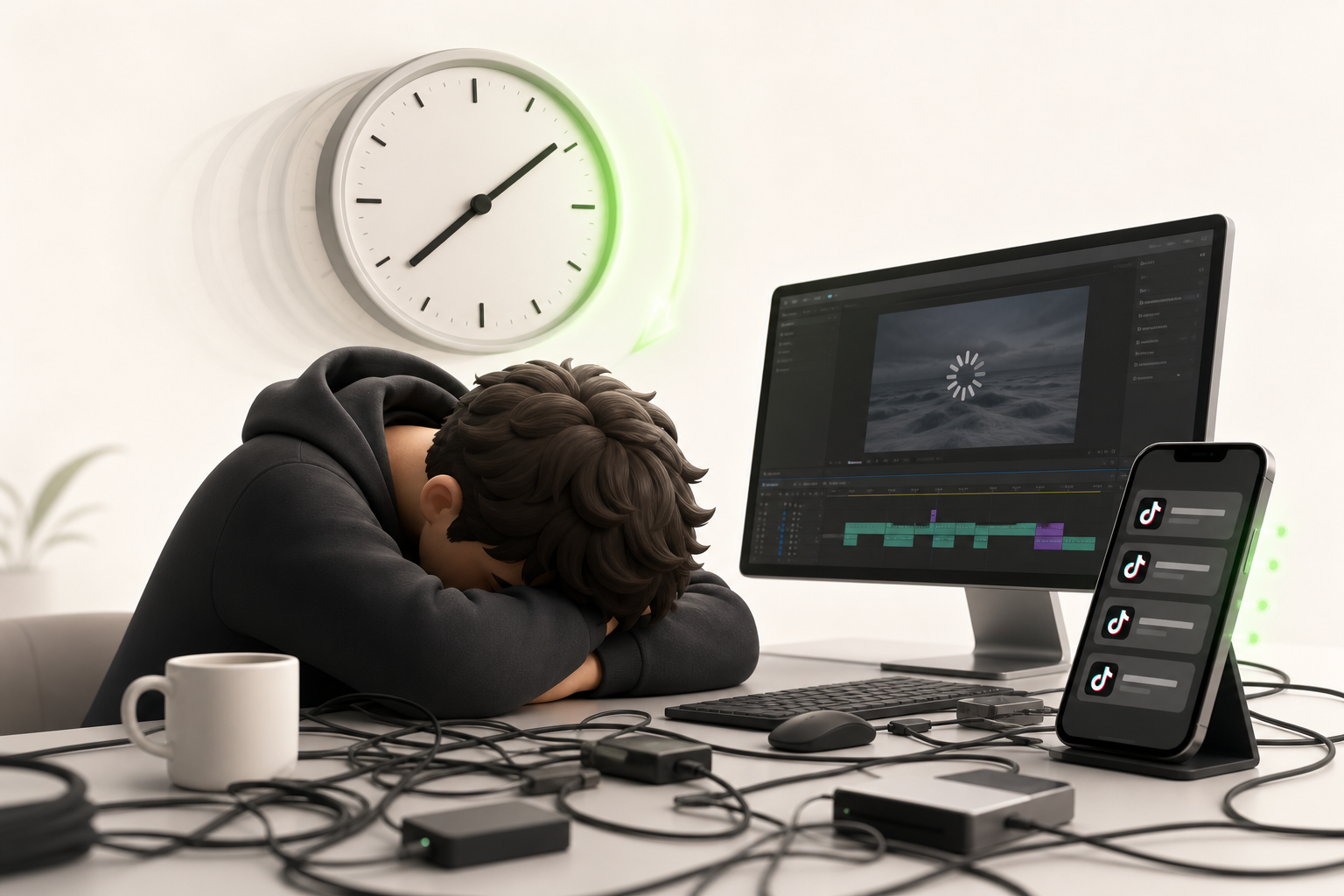
You have a brilliant idea. You film it. And then… you spend two hours cutting, cropping, syncing the music, adding captions. Editing time vanishes, and your video ends up going live the next day — or never at all.
This is the classic trap of the solo creator. No budget, no team — just you versus an endless timeline.
The problem is that TikTok is a ruthless machine. The algorithm doesn't reward perfection — it rewards consistency. Posting regularly on TikTok — often and quickly — is literally the fuel that propels an account toward new audiences. Miss two days and you lose momentum. Miss ten and you're almost starting from scratch.
So you end up in a vicious cycle: the more you want to polish each video, the less you post. The less you post, the less the algorithm pushes you. The less it pushes you, the slower you grow. And eventually, motivation crumbles.
The good news? This bottleneck isn't inevitable. It has a name — and now it has a solution.
What AI Really Changes in the TikTok Content Creation Process
Before AI, editing a decent TikTok video could easily eat up an hour. Today, you can cut that time in half — as long as you understand what these tools actually do, and what they don't.
What AI concretely changes is your creator workflow at three specific levels. First, automated cutting: the tool detects silences, removes filler moments, and syncs the rhythm to the music without you touching the timeline. Then, automatic captions generated in seconds, calibrated for the short-form formats where attention is won or lost in the first three seconds. Finally, some platforms suggest aspect ratios, durations, and narrative structures tailored to TikTok's current algorithm.
But let's be honest: AI doesn't replace your creative eye. It eliminates the grunt work so you can focus on what matters — your angle, your energy, your authenticity.
In practice, you spend less time clicking and more time creating. That shift in approach is what turns an occasional creator into someone who posts consistently without burning out.
How to Choose the Right Free AI Video Editing Tool for TikTok

Before testing any tool, ask yourself the right questions. Saving time with AI is great — but picking the wrong tool costs you twice as much.
Ease of use is your first filter. If you spend twenty minutes figuring out the interface, AI isn't helping you anymore — it's slowing you down. Look for an intuitive experience, ideally with zero learning curve.
Next, check for native 9:16 export. TikTok lives in vertical, and cropping a video after editing destroys quality. A good tool outputs directly in that format without any extra fiddling.
Render quality makes all the difference on a smartphone screen. Blurriness, aggressive compression, stuttering transitions — these flaws are instantly visible and kill engagement.
Finally — and this is where a lot of people get caught out — take a close look at the free-tier limitations. Some free versions cap the number of exports per month, slap a visible watermark on your videos, or lock the best features behind a paid plan.
Keep these four criteria as a mental checklist. They'll help you evaluate every tool with clear eyes, so there are no nasty surprises mid-edit.
CapCut AI: The Must-Have Tool to Get Started Without Spending a Cent
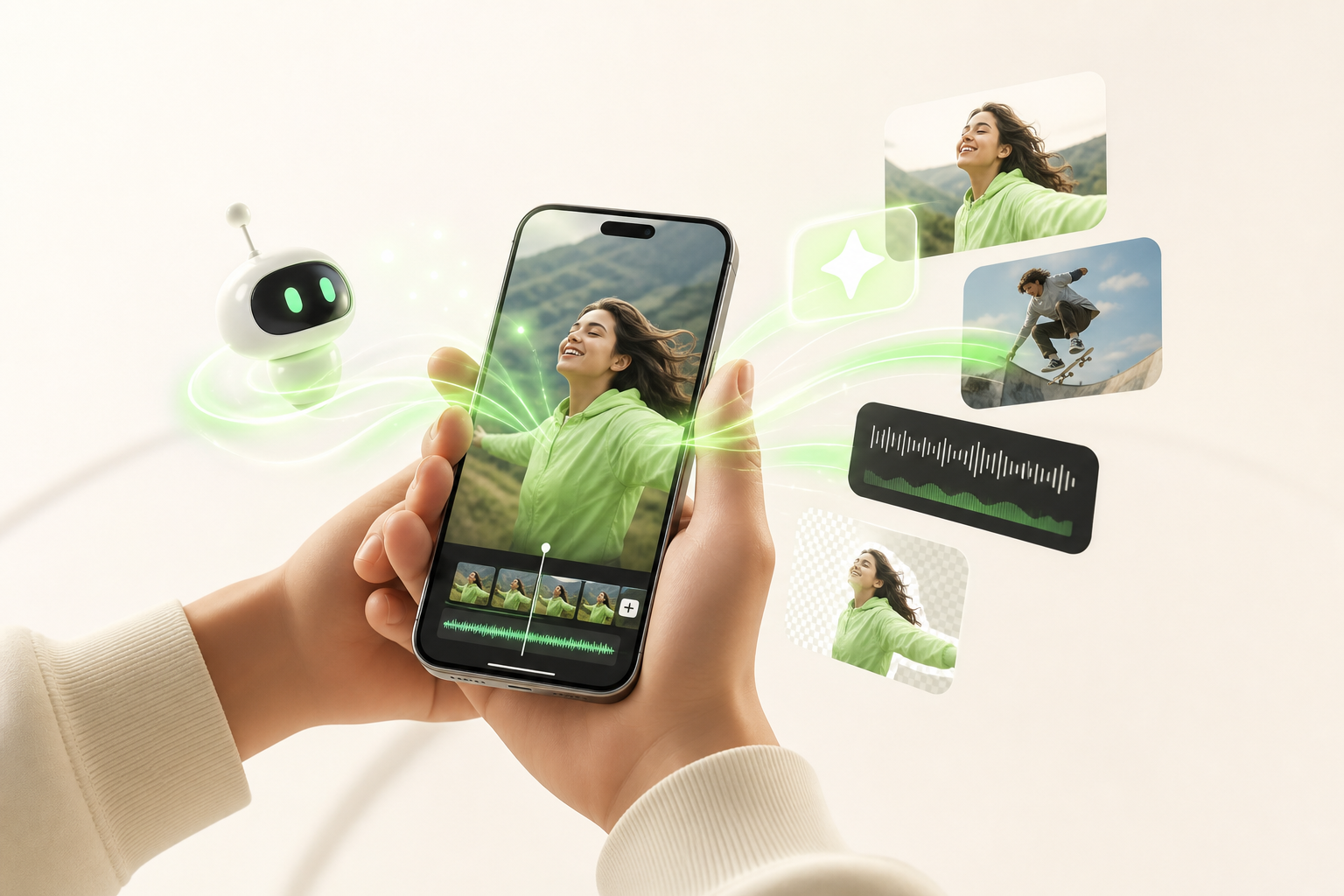
Want to launch on TikTok without draining your wallet? CapCut is probably the first tool you'll adopt — and for good reason.
The app is built entirely around accessibility. From your very first project, you get access to ready-to-use TikTok templates: import your footage, and the AI automatically syncs your clips to the music's beat. Results in seconds, without touching a single timeline.
The auto-cut feature detects the best moments in your raw footage and trims the rest for you. Combine that with AI effects — background removal, dynamic transitions, face retouching — and you get a polished result even from a budget smartphone.
Here's what makes CapCut so powerful for getting started:
- Templates optimized for TikTok short-form content
- Smart auto-cut based on content analysis
- AI effects applied in a single tap, no technical skills needed
Now, let's be real. The watermark limitation is genuine: the CapCut logo is embedded in your videos on the free plan, which can hurt your brand image over time. You can remove it, but it takes a few extra steps — something to keep in mind as you build your visual identity.
Runway, Descript, and Veed: When Free AI Video Editing Wants to Go Further
You've outgrown the basics and you're ready to level up? Three tools deserve your attention.
Runway is your powerhouse for background removal: precise, fast, and genuinely impressive. Its free plan gives you 125 credits to explore the magic — enough to experiment, but too limited for bulk production.
Descript completely changes the way you work. Here, you edit your video like a Word document: edit the transcribed text, and the video follows. Text-based editing is its superpower. The free plan includes one hour of transcription — perfect for short-form content like TikToks or Reels. When you want to export without a watermark, you'll need to upgrade.
Veed goes all-in on versatility with an ultra-accessible interface. Automatic captions, smart cropping, visual branding — it's all there. The free plan is generous enough to get started, but the watermark on exports becomes increasingly frustrating as your channel grows.
The perfect match by creator profile:
- Premium visual effects → Runway
- Fast editing through transcription → Descript
- Versatility across multiple formats → Veed
Choose the tool that fits your workflow — not the other way around.
How to Structure a High-Performing TikTok Video with AI
You have the tool. Now let's talk about how to use it to create videos that actually hold attention.
It all starts with the TikTok hook. AI analyzes thousands of viral videos and suggests openers calibrated to stop the scroll in the first three seconds. You're no longer guessing — you're working from data.
Then, editing pace makes all the difference in a short-form format. Tools like CapCut AI and Runway automatically detect the high points in your audio and sync your cuts accordingly. The result: your video breathes, pulses, and moves forward without dead air.
To maximize audience retention, AI can also flag the moments where viewers are most likely to drop off — often around the 8–12 second mark — and suggest inserting a cutaway or a visual re-engagement cue.
And finally, the call to action: AI helps you place it at exactly the right moment — not too early, not too late — with wording that matches the tone of your video.
Structure + data + creative instinct. That's the winning combination.
Mistakes to Avoid When Using AI to Edit Your TikTok Videos

You've got the tools down — great. But knowing the common mistakes that stall creators is what truly sets you apart from the crowd.
First pitfall: over-reliance on generic templates. AI serves up dozens of them, and it's tempting to churn through them without thinking. The result? Your videos look like a thousand other accounts. Use templates as a starting point, never as your final destination.
Second mistake: sacrificing your authenticity at the altar of automation. AI optimizes, but it doesn't know who you are. Your voice, your signature transitions, your unique rhythm — those come from you. Don't let the algorithm erase what makes you memorable.
Third pitfall, often underestimated: ignoring trending sounds. TikTok is an audio-visual platform first and foremost. A sound that's on the rise can multiply your reach tenfold. Check trending sounds before you edit, not after.
And finally, the TikTok thumbnail. Many creators overlook it because the platform doesn't require one. Big mistake. It's the first image visible in search results and on your profile — and it converts visitors into followers.
Keep these guardrails in mind and you're already playing in a different league.
Conclusion: Free AI Video Editing for TikTok — Your Real Solo Growth Lever
You now have everything you need. Free AI video editing isn't here to replace your creativity — it's here to multiply it. You're still the engine; AI becomes your co-pilot, handling the repetitive tasks while you focus on what truly matters: your message, your style, your connection with your audience.
The key takeaway? Solo creator growth is within reach. You don't need a production team or a big budget. Just the right tools, used smartly.
If you're ready to take a real next step, check out Vidrale — an AI platform built specifically for solo creators on TikTok, Instagram, and YouTube. Not another generic tool — a solution built around the reality of being an independent creator who wants to post fast, post well, and grow without burning out.
Explore what Vidrale can do for you at vidrale.com. Your next level of content creation starts now.
Create Your Videos with Vidrale
Turn your ideas into publish-ready videos for TikTok, Instagram, and YouTube — no editing, no camera needed. Vidrale generates attention-grabbing videos for you in minutes.