
Best Free Video Generator in 2025: Our Top Picks
A roundup of the best free video generators for solo creators who want to produce more, spend less, and save their energy for what truly matters.

Why solo creators are turning to free video generators

You already know how it goes: a brilliant idea, zero budget, and twenty-four hours in a day that vanish way too fast. As a solo creator, you carry everything — the script, the editing, the strategy, the posting on TikTok, Instagram, YouTube. It's exhausting, and paying for premium subscriptions on every tool ends up strangling your creativity before it even has a chance to breathe.
That's exactly why a free video generator is a game-changer. In just a few clicks, you turn text or an image into publishable video content — no need to master After Effects or drain your bank account. For solo creators working with a tight budget, it's a genuine breath of fresh air.
AI doesn't replace your vision — it accelerates its execution. You stay in control, but you win back precious hours for what actually matters: creating more, testing more, growing faster.
The tools below were chosen the same way I'd pick them for myself — based on concrete criteria, not marketing spin. Here's what's genuinely worth your time in 2025.
What "free AI video generator" actually means
Before diving into comparisons, let's get on the same page about what "free" really means in this space — because that word often hides a much more nuanced reality.
When you search for the best free AI video generator, you'll run into three very different categories. There are tools that are truly free, with no credit card required and no hidden timer — rare, but they do exist. Then there's the majority of the market, which runs on a freemium model: a free access tier that's enough to try things out, but locked down the moment you want to go further. And then there are plans that give you a handful of exports… with a watermark stamped right in the middle of your video.
The limitations of free plans vary wildly from one tool to the next:
- maximum length of the generated video
- monthly credit allowance
- resolution capped at 720p
- restricted access to premium voices or avatars
The habit to build: always ask yourself what you can actually export and use publicly without paying. That's the real test.
How to choose the right tool without getting burned

Before you rush off to test every tool out there, ask yourself the right questions — because "free" doesn't mean much if you spend two hours wrestling with a low-resolution export.
Render quality is the first filter. A blurry or pixelated video is dead on arrival before your audience even has a chance to care. Check whether the tool generates at least 1080p, even on the free tier.
Next, ease of use genuinely matters. When you're flying solo, there's no motion designer on call. The interface needs to be intuitive — no two-day learning curve required.
Also look at the export formats available: MP4, MOV, GIF — some free platforms lock your file behind a paywall just to let you download it.
And social media compatibility? Non-negotiable. 9:16 for Reels, 16:9 for YouTube — if the tool doesn't adapt, you'll waste time manually recropping everything.
Finally, the big question everyone asks: which free AI tool for creating videos actually fits your workflow? The answer depends on your format, your posting frequency, and your creative ambitions. That's exactly what we dig into next.
The 5 best free video generators to try right now
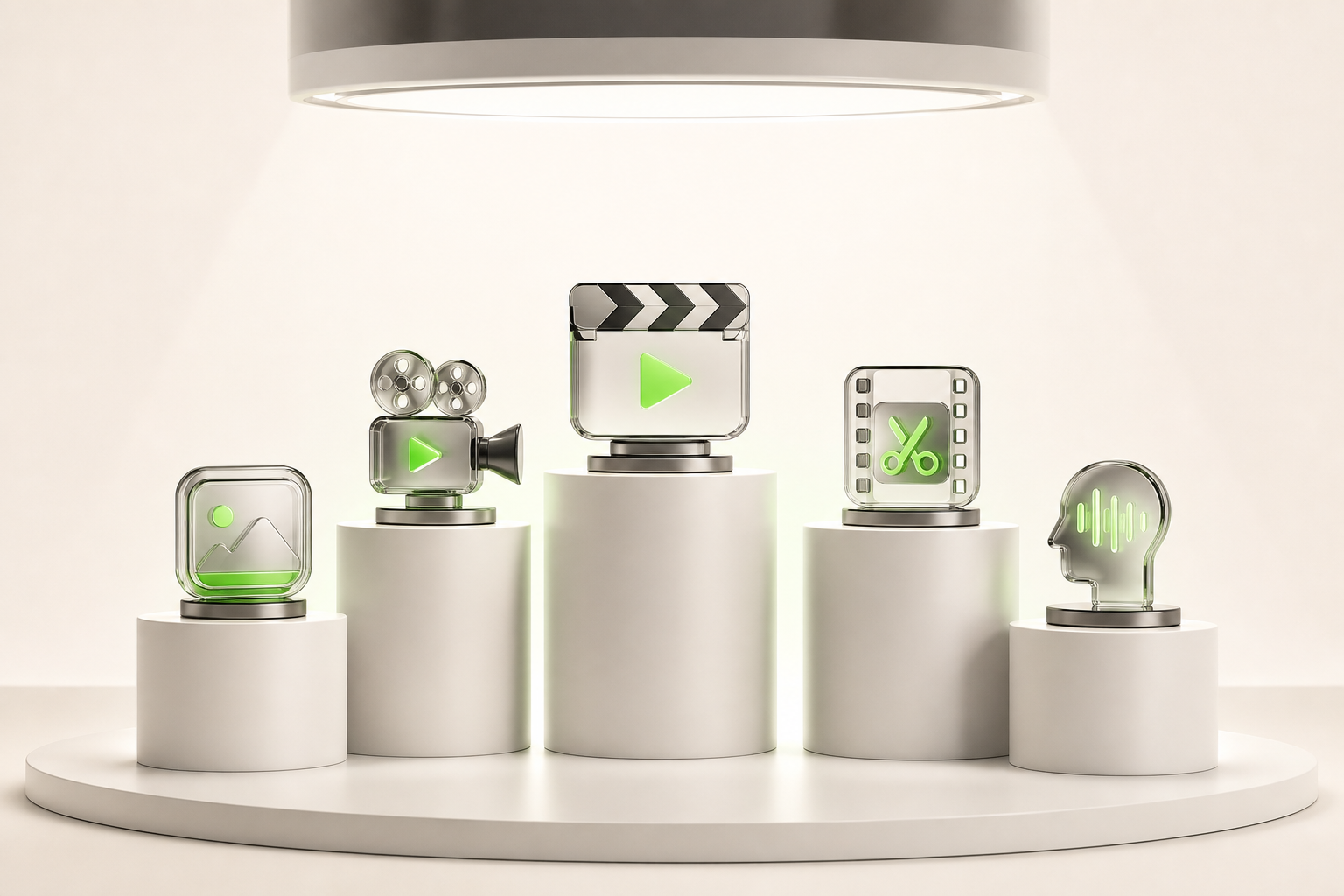
No point wasting your time with a list of 20 tools where half of them barely work. Here's the tool comparison that actually matters, tested under real conditions.
Runway Gen-3 remains the quality benchmark — stunning results, but the free export is limited to just a few seconds. Kling AI is rising fast with smooth motion and a surprisingly generous free tier. Pika Labs wins on immediate usability, perfect if you're just getting started without the hassle. Luma Dream Machine excels at realistic textures, ideal for lifestyle visuals. And Canva AI Video checks every box if you want a free video generator built right into an existing creative workflow.
The pros and cons vary depending on your needs:
- Pro-level quality → Runway, but a tight quota
- High content volume → Kling or Pika
- Everyday versatility → Canva
The best free AI video generator honestly depends on what you're making. But this selection covers 95% of what independent creators need in 2025.
Which free AI tool to choose based on your content type
Which free AI tool for creating videos really depends on what you're making — and the difference between a tool that saves you time and one that wastes it often comes down to format.
If your playground is TikTok, Instagram Reels, or YouTube Shorts, lean toward text-to-video tools like Runway or CapCut AI. They cut, pace, and subtitle quickly — perfect for vertical content that needs to hook viewers in three seconds.
Going for something longer and more structured, like a YouTube tutorial or brand presentation? Template-based generators (Canva Magic, Pictory) give you a solid framework without starting from scratch.
A few concrete use cases to help you decide:
- Short educational content → Synthesia or Pictory (clear, automatic narration)
- Music videos or emotional storytelling → Runway Gen-2 (cinematic output)
- E-commerce product content → CapCut AI (ready-to-use templates)
Bottom line: think format first, tool second. Never the other way around.
How to create your first free AI video in under 10 minutes
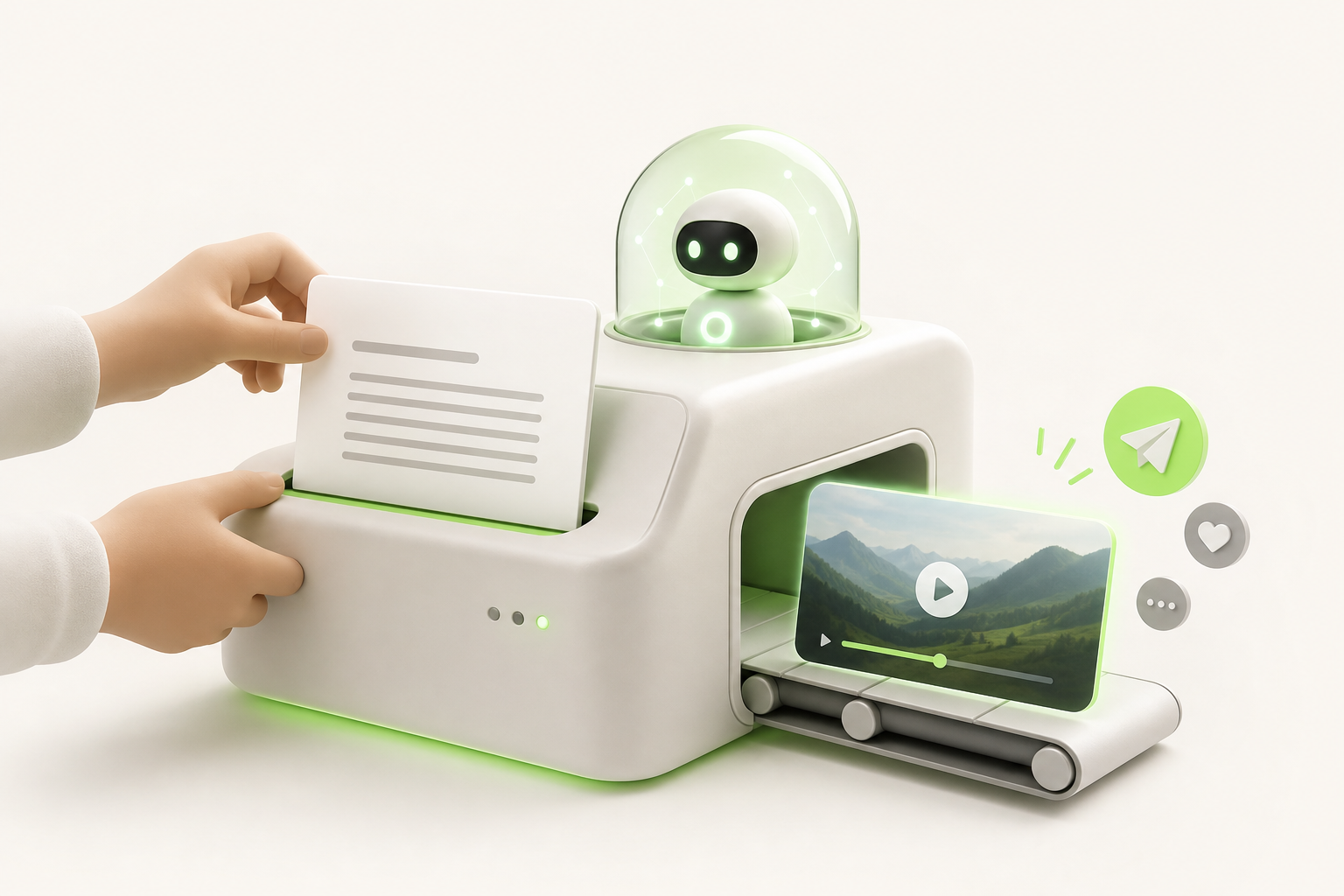
No budget needed, no full day required. With a free video generator, your first creation can be live before your coffee gets cold.
Here are the practical steps to make it happen:
- Choose your tool — create a free account in under two minutes, no credit card required.
- Write your prompt — describe your scene in one clear sentence: mood, subject, visual style. The more specific you are, the more pleasantly surprised you'll be.
- Start the generation — let the AI do its thing; it rarely takes more than 60 seconds.
- Refine if needed — adjust the length, music, or overlaid text directly in the interface.
- Export and publish to social media — download as MP4 or send directly to Instagram, TikTok, or YouTube Shorts.
The real secret? Don't wait for perfection before you publish. Your first AI video will be imperfect — and it'll still outperform the content you never made.
Pitfalls to avoid when using a free tool
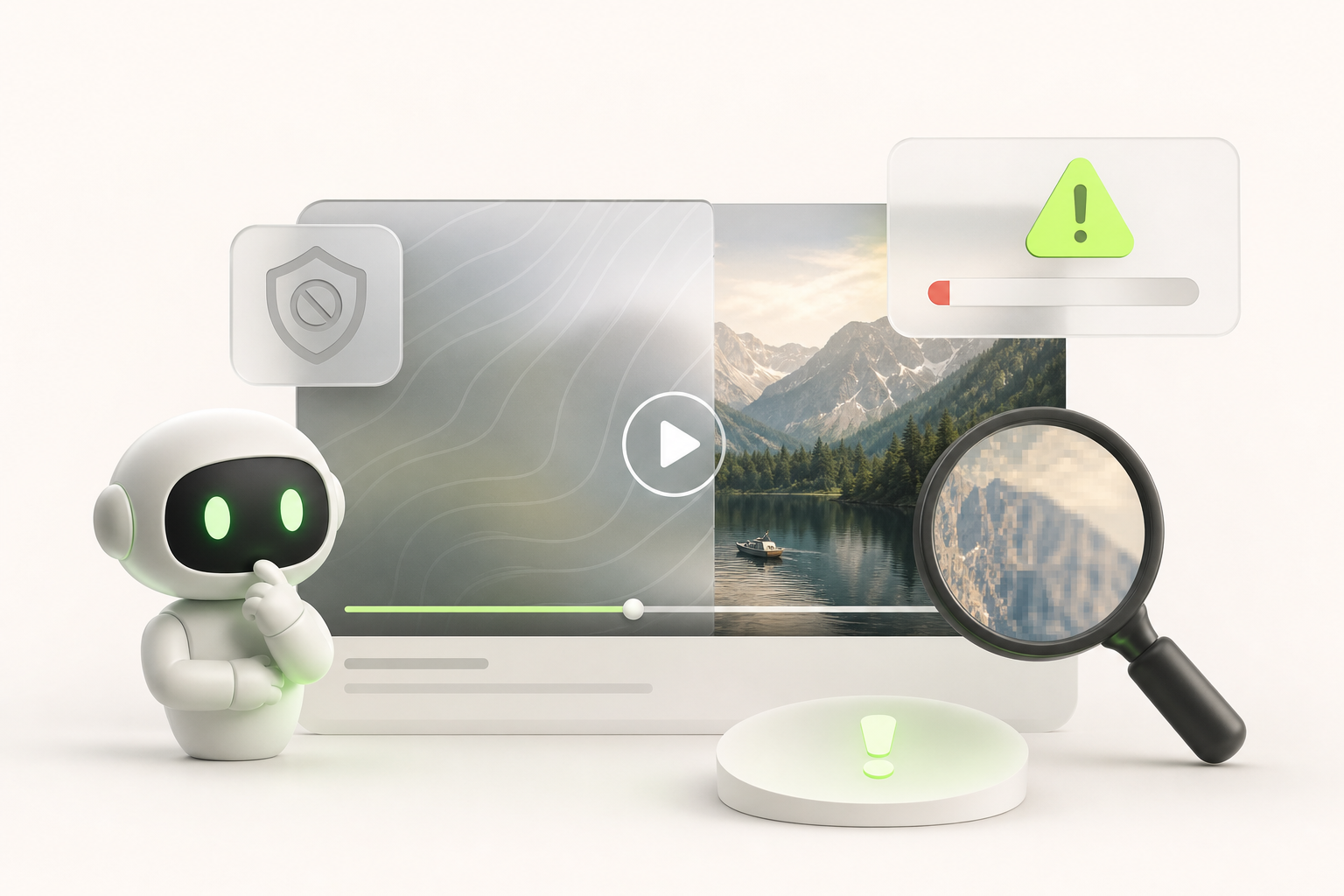
Let's be honest: free tools are great right up until you discover a giant watermark slapped dead center on your final video. That stings.
Here are the most common pitfalls and how to sidestep them:
- The watermark: always check the terms before exporting. Some tools remove it once you create a free account; others require a paid subscription. Work around it by rotating between multiple platforms.
- Export limits: many generators cap you at 5 or 10 videos per month. Plan your content in advance so you don't burn your credits on tests.
- Resolution: free tiers often cap out at 720p. For YouTube or LinkedIn, that's workable — but for a professional campaign, factor in that constraint early.
- Copyright: watch out for music and visuals added automatically. Some generators use libraries with restrictive licenses. Read the terms of service — seriously.
The best workaround for free-tier constraints? Combine two or three complementary free tools. You multiply your capabilities without spending a cent.
Conclusion: the right free video generator is the one that frees up your time — not the one that devours it
Choosing a free video generator is ultimately about reclaiming your creative energy. Not battling an interface designed for full teams, or losing an hour hunting for the right export format.
What we took away after testing everything: the best tool is the one that disappears into your workflow. You arrive with an idea, you leave with a video ready to publish — full stop.
If you create solo for TikTok, Instagram, and YouTube, there's now a solution built specifically for that profile: Vidrale. It's an AI video platform for solo creators that understands your real constraints — no agency budget, no assistant, but genuine ambition on social media.
Where other tools ask you to adapt to them, Vidrale adapts to you. Vertical format, consistent posting pace, content that performs — everything is designed for the independent creator who wants to move fast without sacrificing quality.
Curious? Head over to vidrale.com — it's the kind of discovery that can genuinely change your week.
Create your videos with Vidrale
Turn your ideas into videos ready to publish on TikTok, Instagram, and YouTube — no editing, no camera. Vidrale generates attention-grabbing videos for you in minutes.