
Best Free AI Video Generator in 2025
A roundup of the best free AI video generators in 2025 for solo creators who want to produce more, spend less, and scroll less to find what works.
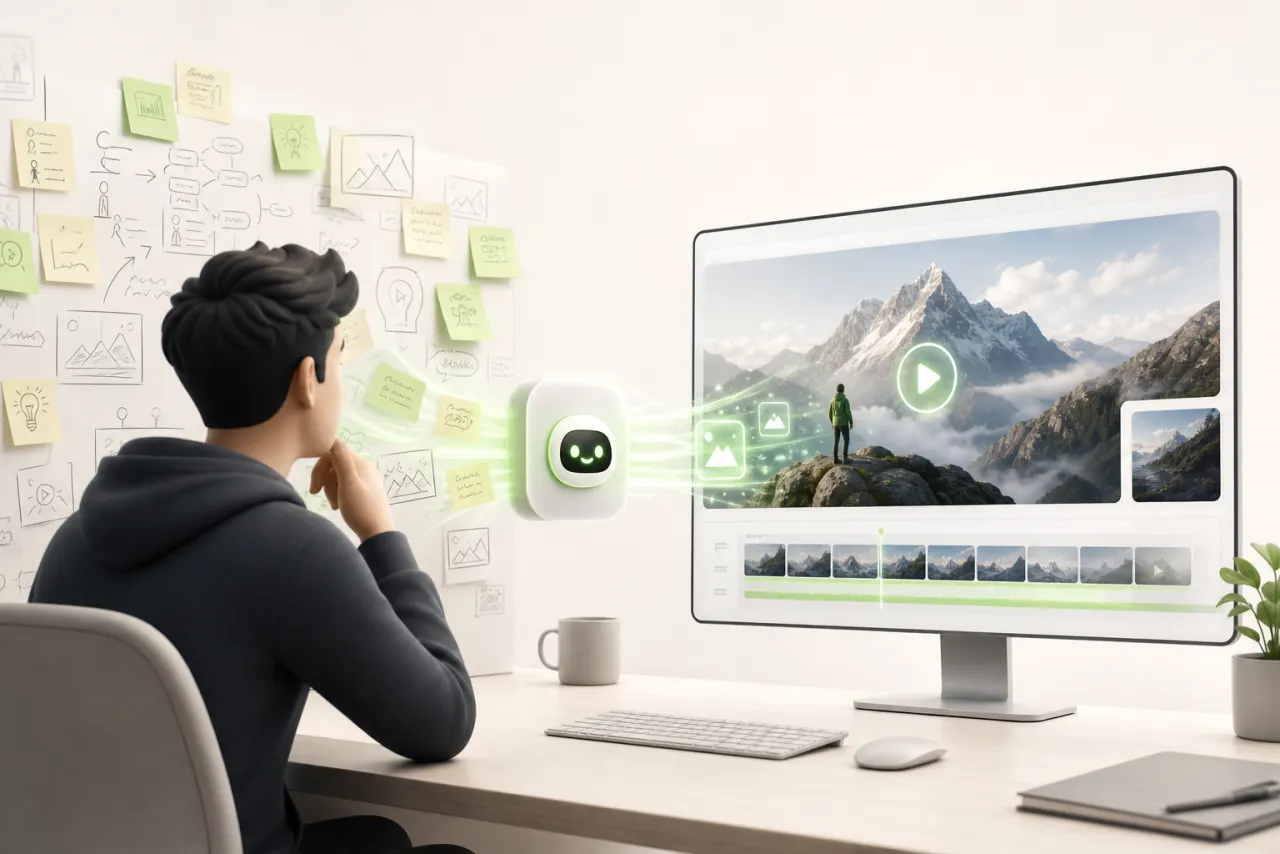
Why solo creators are looking for a free AI video generator in 2025
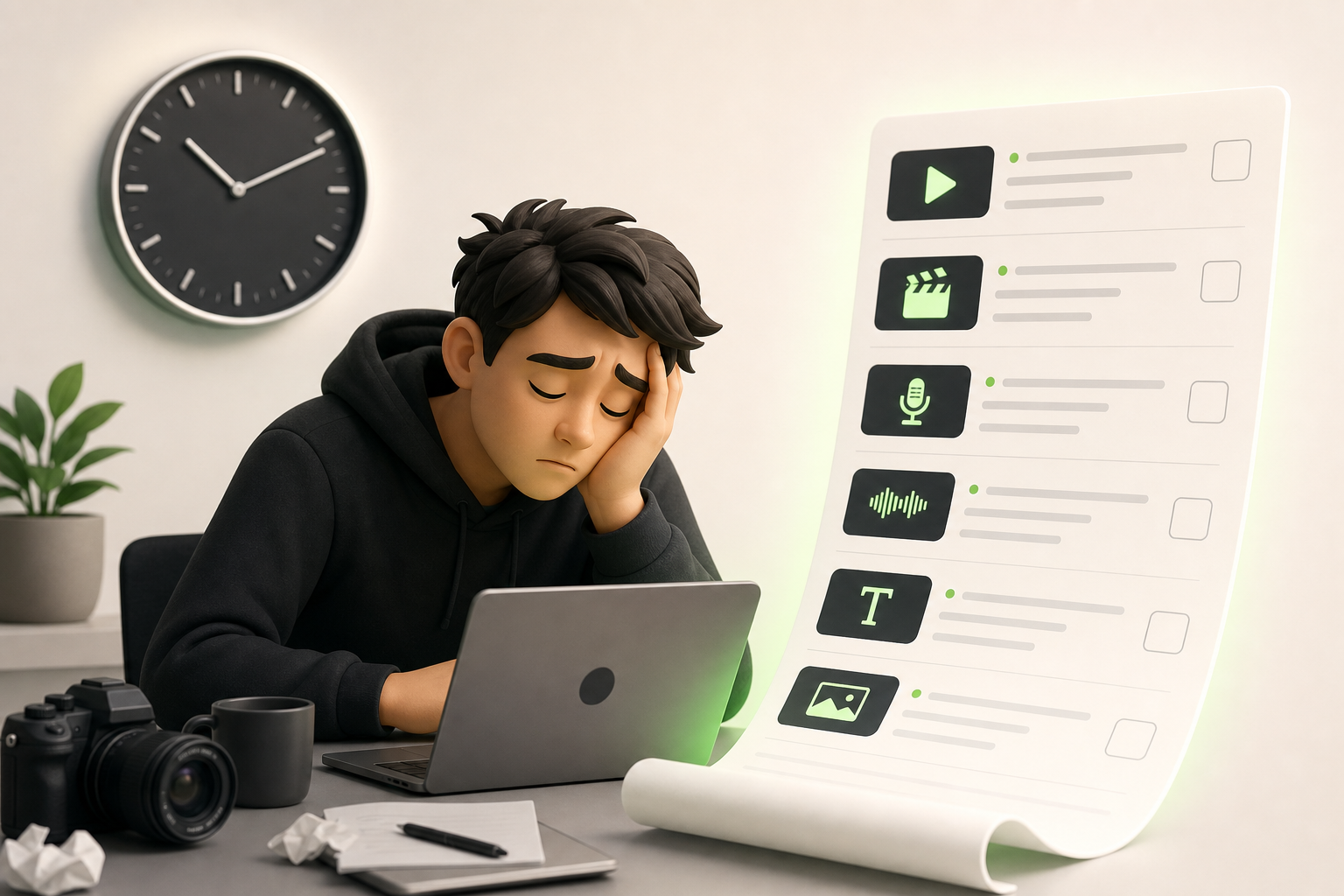
You know that moment when you're staring at your screen at 11 PM, your fourth coffee gone cold beside you, wondering how on earth you're supposed to feed TikTok, Instagram, and YouTube all at once — by yourself? That's exactly where most solo creators live today.
The content pressure has never been more real. Algorithms demand consistency, audiences want visuals, and you have neither a team nor an unlimited budget. Every video means hours of filming, editing, captioning… before you even think about strategy.
That's precisely why the search for a free video generator has exploded in 2025. Solo creators aren't looking for a gimmick — they're looking for a genuine turning point. A tool that can turn a raw idea into publishable content without draining their schedule or their bank account.
AI video has become that pivot point. And in this article, we're going to take an honest look at which solutions are actually worth your time — because they're far from equal.
What "free" actually means for an AI video tool in 2025
You land on a page screaming "100% free" and think, finally. Then you click export, and there it is: a bold watermark right in the middle of your video, or worse, a pop-up asking you to upgrade to a paid plan.
Welcome to the reality of freemium in 2025.
Most AI tools run on a free credits system, topped up each month — sometimes just enough to test things out, rarely enough to actually produce. Those credits disappear fast: a 30-second HD video can burn through half of them in one go.
Export limits are the other classic trap: resolution capped at 720p, a maximum length of 15 seconds, or a watermark you can't remove without pulling out your credit card. Understanding the free vs. paid plan before you dive in saves you an enormous amount of time.
What you really need to evaluate:
- How many credits per month, and how many a single video actually uses
- Whether the watermark is subtle or a dealbreaker for your use case
- Whether the export limits block the format you're targeting
Once you start reading the fine print with that eye, the genuinely good deals become obvious.
The essential criteria for choosing the best free AI video generator

You've probably already wasted an hour testing a tool that seemed perfect… until you discovered it didn't support English properly or that exports took forever. To save you that headache, here are the criteria that actually make a difference.
Render quality is your first filter: a blurry or choppy video hurts your credibility within seconds. Then, ease of use determines whether you'll actually integrate the tool into your daily routine or abandon it after two tries. Think about short formats too — Reels, Shorts, TikToks — because a generator that doesn't offer these aspect ratios will force you to crop your content manually, and that's a nightmare.
Generation speed matters enormously when you're working under pressure: waiting twenty minutes for a thirty-second video is a hard no. Finally, language support is still a dealbreaker today — robotic voiceover or inaccurate subtitles, and all your hard work loses its impact.
Keep these five points in mind, and every tool you come across will be much easier to judge.
Comparison: the best free AI video generators right now
You've spent hours testing tools and still can't decide. Here's the honest rundown you've been waiting for.
Runway remains the creative benchmark: cinematic quality, advanced effects, but the free plan runs out fast. Ideal for one-off artistic projects.
Pika shines for its simplicity — you type a prompt, you get a stylized video in seconds. Perfect for Reels and quick visual concepts.
CapCut AI is the secret weapon for daily content creators. Automatic editing, captions, transitions: it's all there, with zero friction. Its main use case? High-volume short-form videos.
Canva AI Video is built for solopreneurs who are already managing their visuals in Canva. The seamless integration saves a ton of time on corporate or educational formats.
To find the best free AI video generator for your profile, ask yourself one question: are you creating for aesthetics, speed, or brand consistency? Your answer will point you to your tool.
What is the best free AI for everyday video editing?
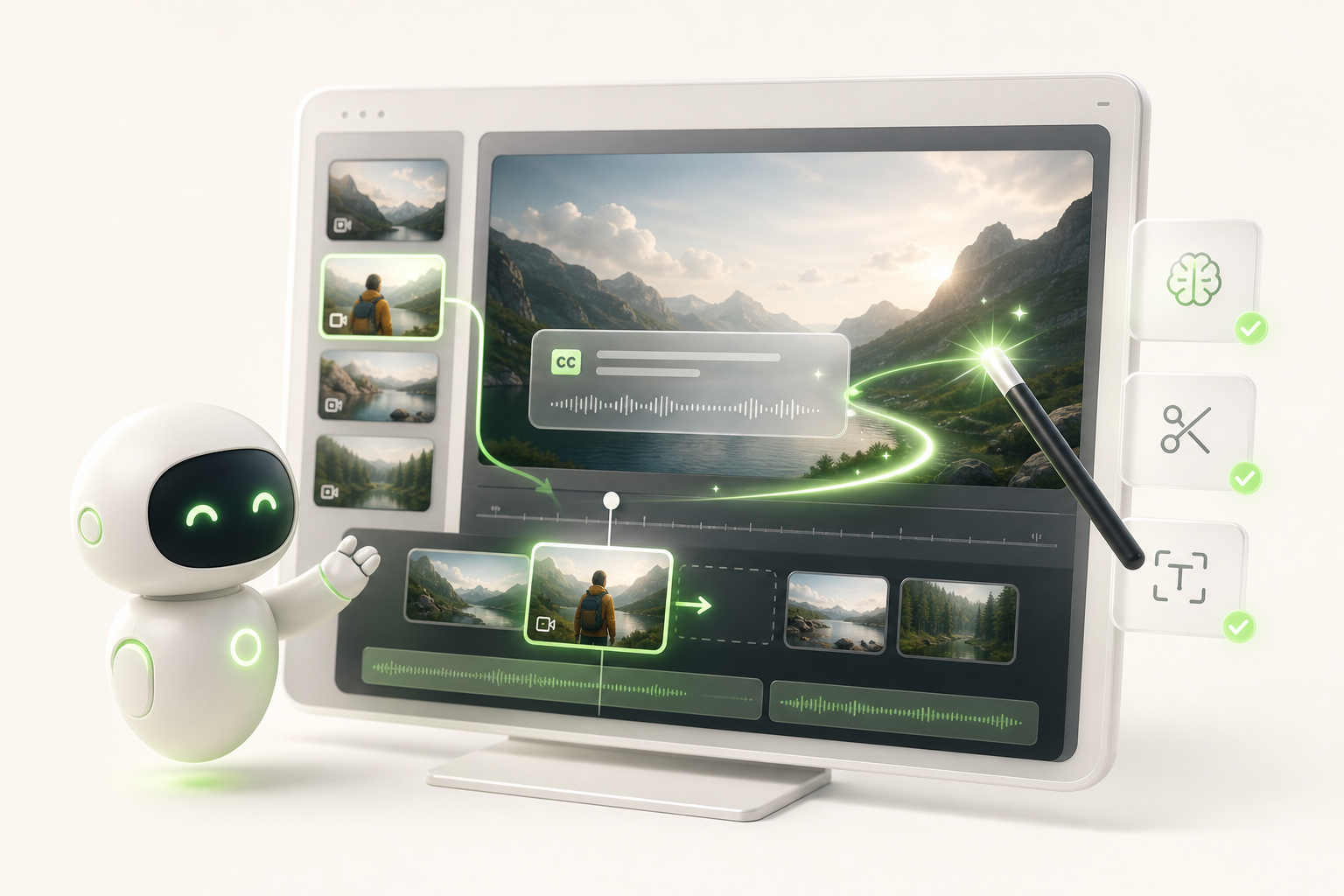
You already have footage — you don't need to create from scratch. You just need something (or someone) to handle the dirty work of editing for you. That's exactly where the question what is the best free AI for video editing gets practical.
The real game-changer for a daily workflow is combining automatic subtitles and smart cuts in a single tool. CapCut does this well: it detects silences, suggests intelligent cuts, and generates automatic subtitles in seconds, even on mobile. For those who work more on desktop, Clipchamp (built into Windows) offers a smooth experience with no subscription required.
What truly transforms a daily workflow is friction-free consistency. You import your raw footage in the morning, the AI removes the hesitations, adds the subtitles, and you publish before lunch. No complicated timeline, no export that freezes.
The simple rule: choose the tool you'll open again without a second thought the next day. That's the real criterion.
What free AI should you use to create TikTok videos and Reels from scratch?
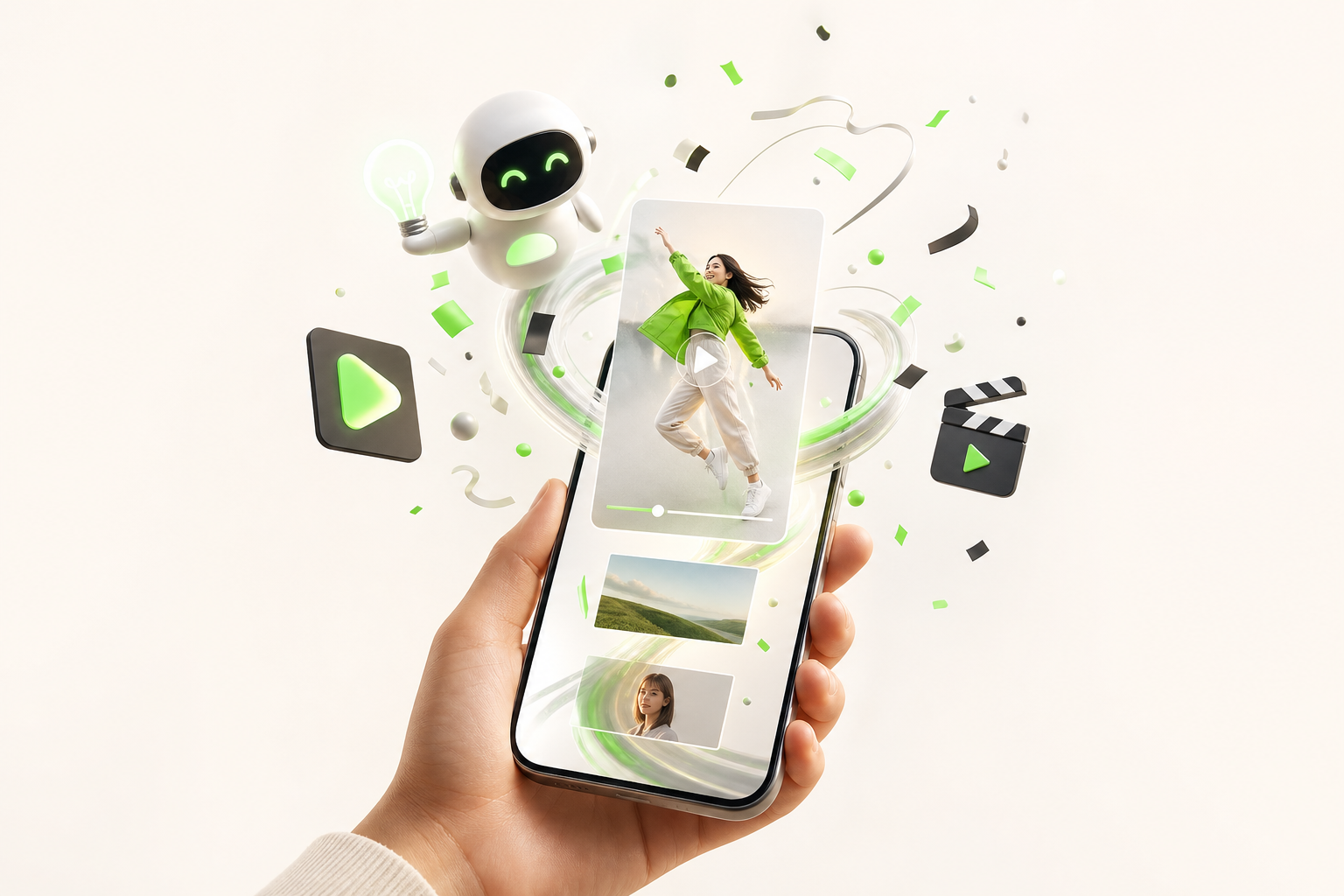
You know that frustration: you have a brilliant Reel idea at 11 PM, but zero footage, zero edit ready, and zero energy to do everything by hand. That's exactly where having the right answer to what free AI to use for creating videos changes everything.
For vertical format — TikTok, Reels, Shorts — two approaches genuinely work. The first is text-to-video: you write out your concept in a few lines, the AI generates cohesive clips with transitions and pacing already dialed in. Tools like Kling or Runway offer enough free credits to seriously test this approach.
The second, even faster option: templates built for vertical formats. CapCut AI and Canva Video are the champions here — you pick a template, swap out the text, and export in clean 9:16 in under ten minutes.
The real turning point? Stop hunting for the perfect tool and choose the one that fits your creative flow. For TikTok Reels Shorts, speed beats perfection — and these free generators deliver exactly that.
Pitfalls to avoid when using a free AI video generator
When you discover a free generator that seems perfect, the excitement can make you charge in headfirst — and that's when the trouble starts.
The first classic freemium trap: running out of credits at the worst possible moment. You launch a campaign, you're two videos away from finishing, and then… nothing left. Always plan for a buffer or a backup plan.
Next, the question of rights over generated videos is often buried in the terms and conditions. Some platforms retain a usage license over your creations. Before publishing anything for a client or a brand, read the fine print — seriously.
Brand consistency is another frequent blind spot. You test a tool, love the style, then realize it can't replicate your colors, fonts, or visual tone. The result: a video that looks like it belongs to nobody.
Finally, never sacrifice final quality for the sake of free. A pixelated video or one with a visible watermark hurts your credibility more than it helps. Sometimes one well-chosen freemium tool is worth more than five free tools used haphazardly.
Launch your first AI video today — the right tool already exists
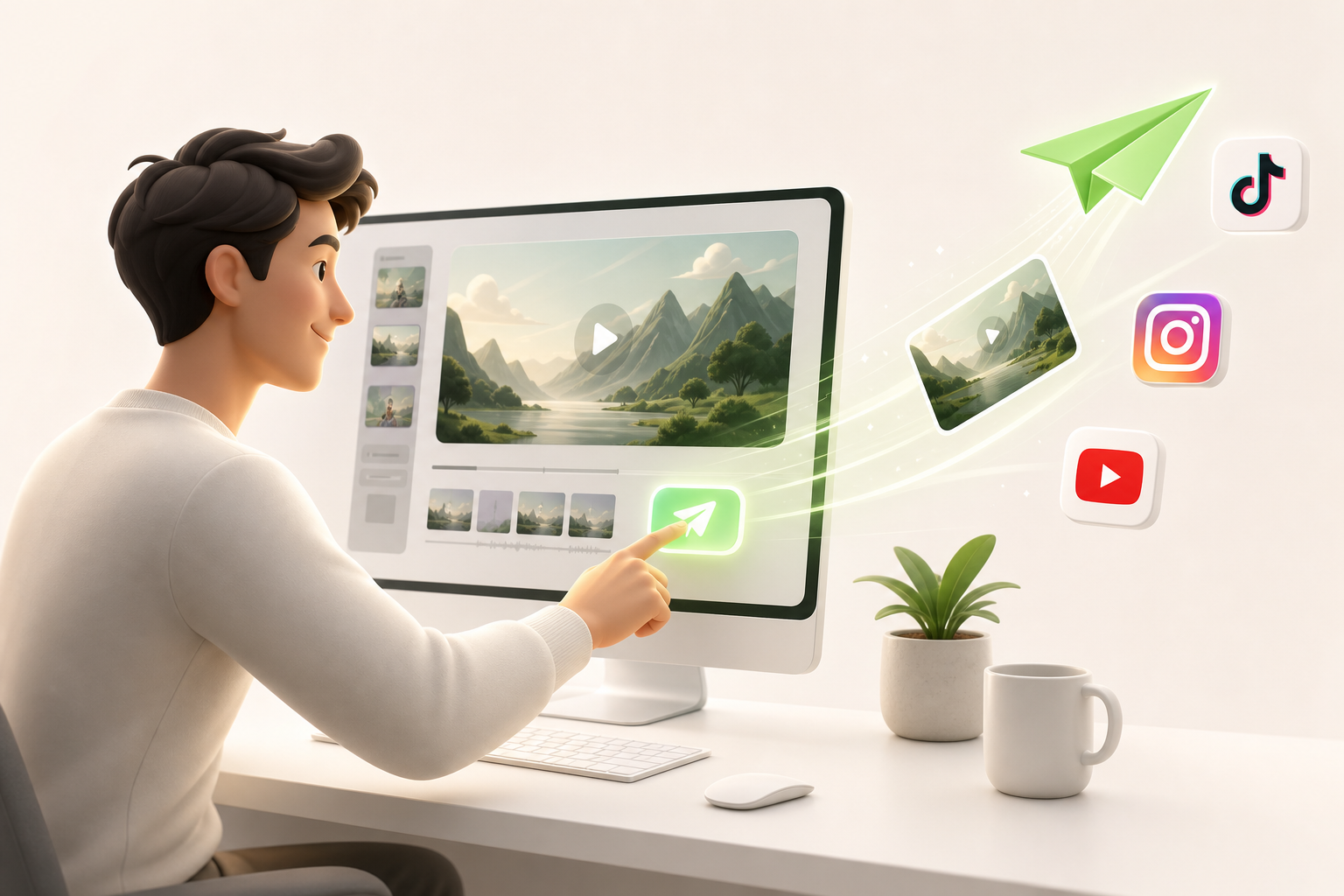
You've come a long way since the beginning of this article. You now know that the question what is the best free AI video generator doesn't have a single answer — it depends on your format, your publishing cadence, and what you actually want to accomplish as a solo creator.
What is clear is that the best tools in 2025 are no longer reserved for studios. They're accessible, fast, and getting smarter all the time.
Among them, Vidrale stands out as an AI video generation platform built specifically for solo creators on TikTok, Instagram, and YouTube — people who publish alone, often without a budget, but with real ambitions.
If you're still on the fence, here's what I'd tell you as a friend: your first AI video won't be perfect. But it will exist. And that's already a turning point.
So trust yourself, open a new tab, and explore what Vidrale can do for you at vidrale.com. The right tool was waiting for you — you just found it.
Conclusion
You no longer need a production team, a hefty budget, or entire days spent editing videos. The AI tools of 2025 have genuinely changed the game for solo creators — and the best time to take advantage of that is right now.
Among the platforms that stand out, Vidrale establishes itself as a go-to solution built specifically for you: an AI video generation platform for solo creators on TikTok, Instagram, and YouTube. No unnecessary features, just what you need to publish consistently and with style.
The real turning point comes when you stop enduring the creative process and start driving it. With the right tools, every idea becomes a video, and every video becomes an opportunity.
So — where do you start?
Create your videos with Vidrale
Turn your ideas into publish-ready videos for TikTok, Instagram, and YouTube — no editing, no camera required. Vidrale generates attention-grabbing videos for you in minutes.