
What Is Synthesia? Everything Solo Creators Need to Know
Synthesia promises to revolutionize video creation, but before you invest, here's what solo creators really need to understand about this tool — and what alternatives exist.
What Is Synthesia, Exactly?
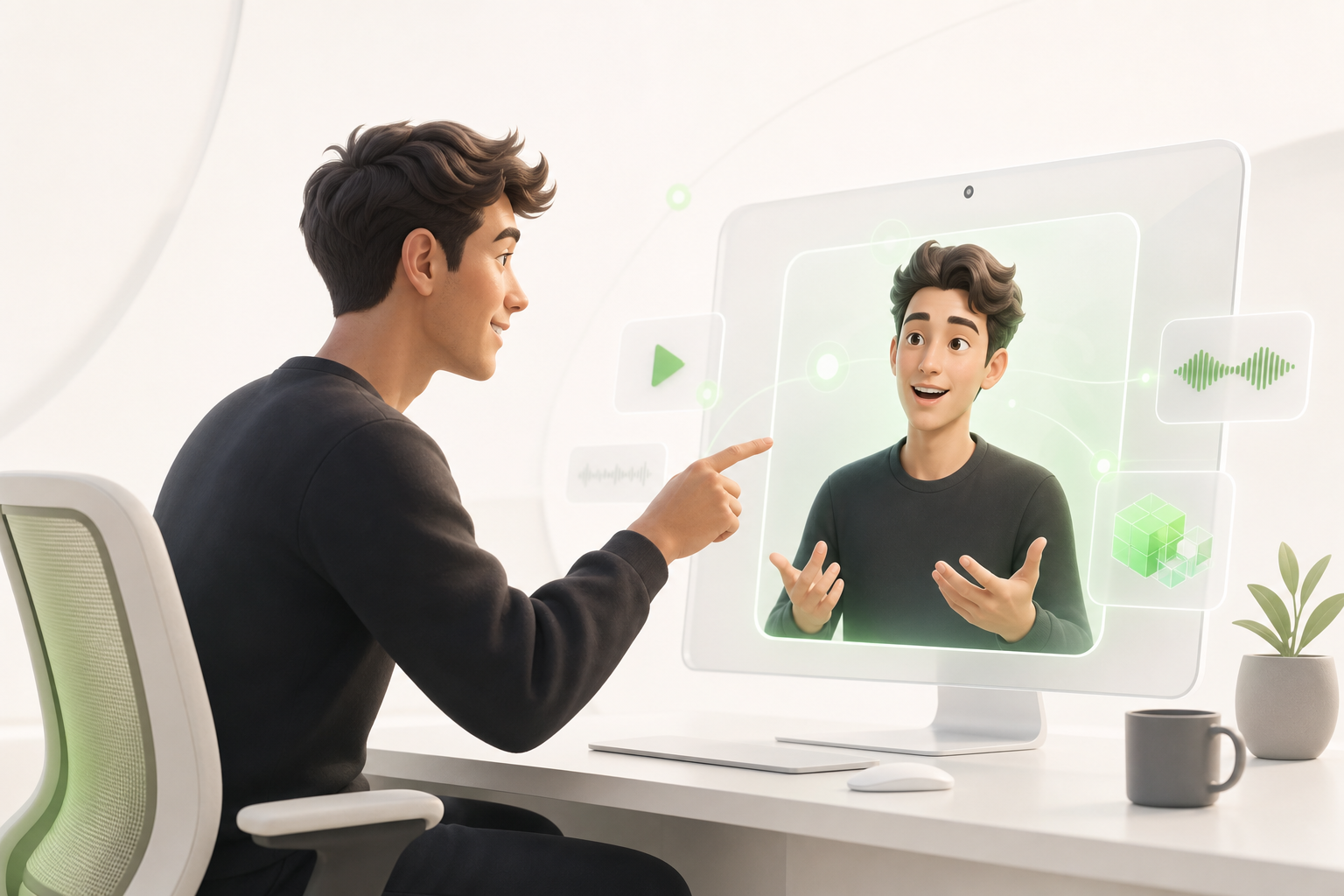
Imagine you need to deliver a video training for a client by Friday. No studio, no budget, no desire to get in front of a camera. That's exactly where Synthesia comes in.
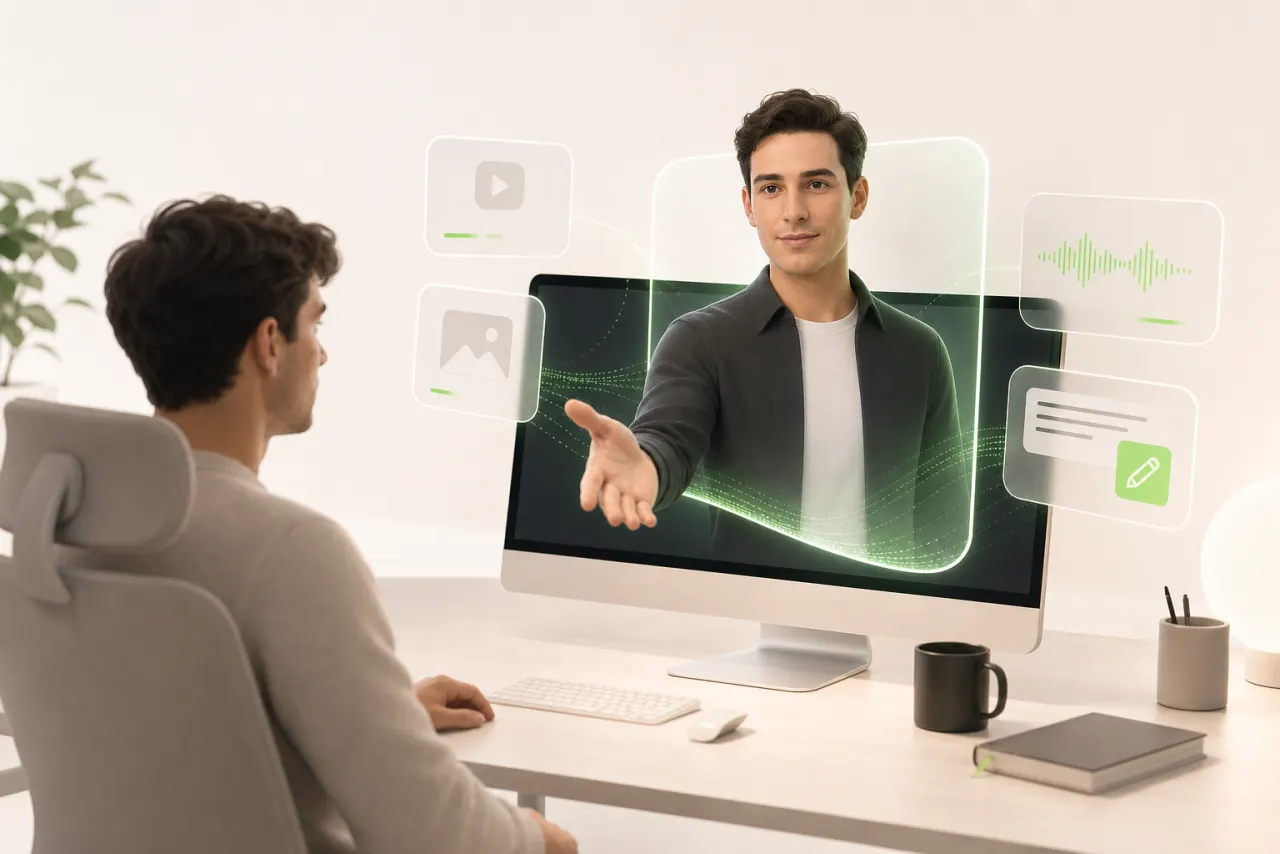
So, what is Synthesia? It's an AI video platform that lets you create professional videos without a camera, a microphone, or an actor. You write a script, choose a digital avatar from dozens of realistic characters, and the platform automatically generates your video using text-to-speech synthesis.
The result: a polished video with a virtual presenter who speaks your language — literally, since Synthesia supports over 130 languages.
What makes the tool particularly useful for solo creators is its simplicity. No need to wrestle with complex editing software. The interface runs in your browser, like an enhanced slide editor. You produce in hours what would normally take days.
It's serious video content, without the usual logistical headaches that come with it.
How Synthesia Generates a Video: The Step-by-Step Process
You arrive at Synthesia with an idea. The first step is your text script: you simply type out what you want your presenter to say. No camera, no mic — just words in a box.
Next, you choose your AI avatar. Dozens of options are available, from polished professional profiles to more dynamic characters. Synthesia automatically syncs your text to that avatar using lip-sync technology: the lips move in perfect sync with every word.
Then the automatic voiceover kicks in. You select a language, an accent, a tone. The platform generates a natural-sounding voice in seconds — no recording required on your end.
Final step: video rendering. Synthesia compiles everything — avatar, voice, background, on-screen text — and delivers a ready-to-publish MP4 file. For a solo creator, the whole process often takes just a few minutes.
The result? A clean, professional video with no set and no expensive equipment.
Who Was Synthesia Actually Built For?

Let's be upfront about this: Synthesia wasn't originally built with you in mind. The platform was designed for HR teams at large companies, corporate training departments, and organizations that need to produce dozens of onboarding videos without ever touching a camera. That's its DNA, and it owns that positioning.
The enterprise focus is everywhere in the interface: team management, shared brand portals, LMS integrations. These are features built for ten-person teams, not for a solo creator in their apartment trying to launch a YouTube channel or sell an online course.
That doesn't mean you can't get something useful out of it. But you need to go in with your eyes open. You'll be paying for features you'll never use, and the tools you'd actually care about — like fine-grained customization or flexible export options — are often locked behind higher-tier plans.
Understanding who a product was built for is the first step to avoiding nasty surprises.
What Synthesia Does Well (and Where It Truly Shines)
To be fair: Synthesia does several things genuinely well, and that deserves to be said clearly.
The production speed is remarkable. Where a traditional corporate video once required a full day of shooting, you can generate a clean result in under an hour. For a solo creator juggling ten things at once, that's a real, tangible time-saver.
The realistic AI presenters are also convincing, especially for educational or institutional formats. Not perfect, but credible enough for internal training videos or product tutorials.
What's truly impressive is the visual consistency across projects. Same color palette, same avatar, same style — your audience instantly recognizes your brand without you having to rebuild everything from scratch with each new video.
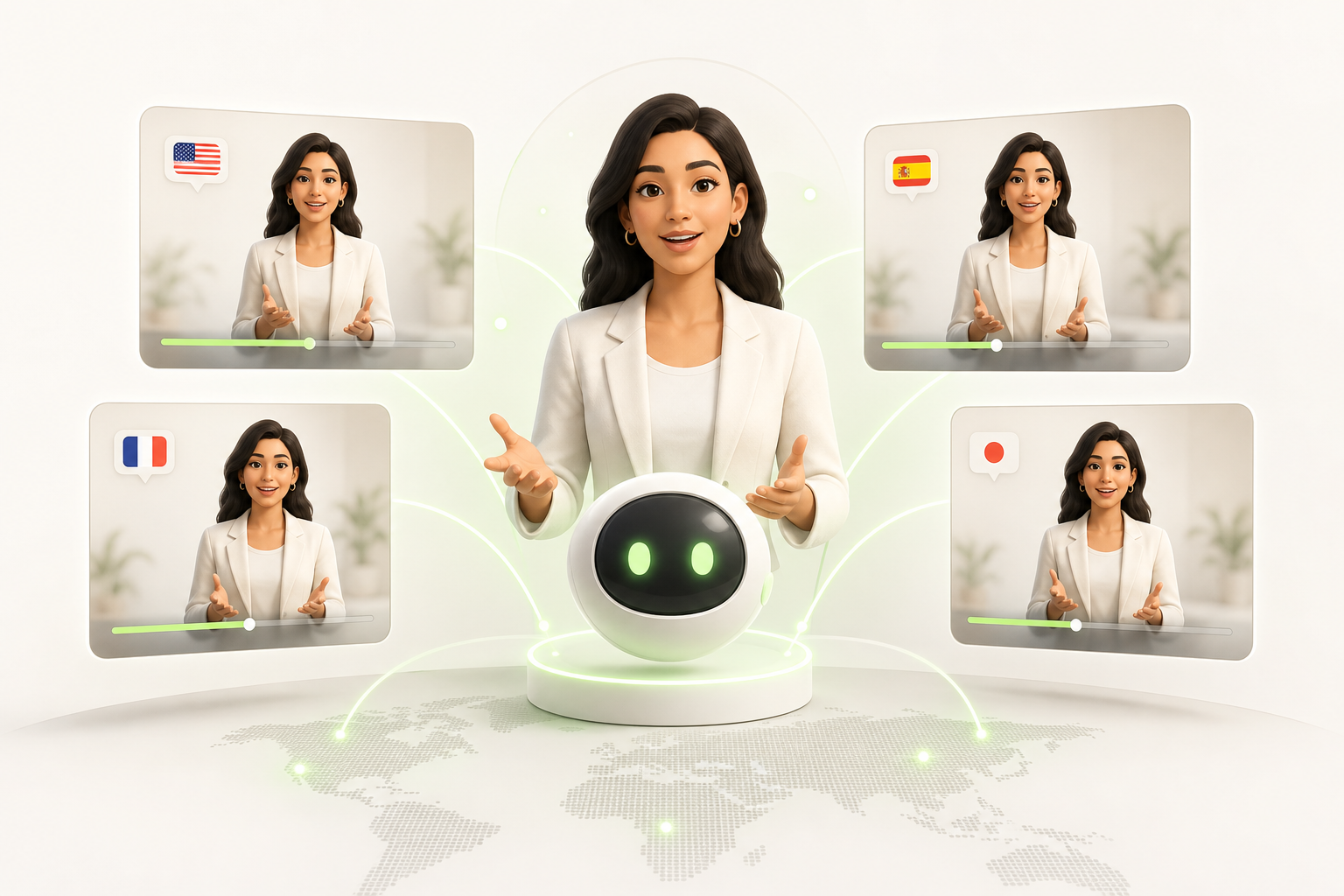
And the multilingual capability? That's where Synthesia really stands out. You write one script, choose a language, and your avatar speaks French, English, Spanish — without an awkward accent, without re-recording anything. For reaching an international audience without a video translation budget, it's genuinely hard to beat.
The Limitations of Synthesia Nobody Tells You About
Let's be real — Synthesia isn't magic for everyone.
Start with pricing. Access to the features that actually matter remains expensive for a solo creator just starting out. The base plan limits how many videos you can produce per month, and you'll quickly find yourself running the numbers in a way that doesn't feel great.
Then there's limited customization. Your avatar looks like those of thousands of other users. It's hard to build a strong visual identity when everyone's using the same generic faces. And authenticity is exactly what keeps an audience coming back.
There's also the short-form content problem. Synthesia is designed for well-structured corporate videos — not for the fast-scrolling world of TikTok, Instagram, or YouTube Shorts. The aspect ratios, the pacing, the energy: it doesn't always translate naturally.
And then there's the learning curve. The interface looks simple at first glance, but dialing in a truly polished result takes time. Several hours, sometimes several days.
None of this is a dealbreaker. But it's worth thinking through before you pull out your credit card.
Synthesia vs. Other AI Tools: How to Choose?
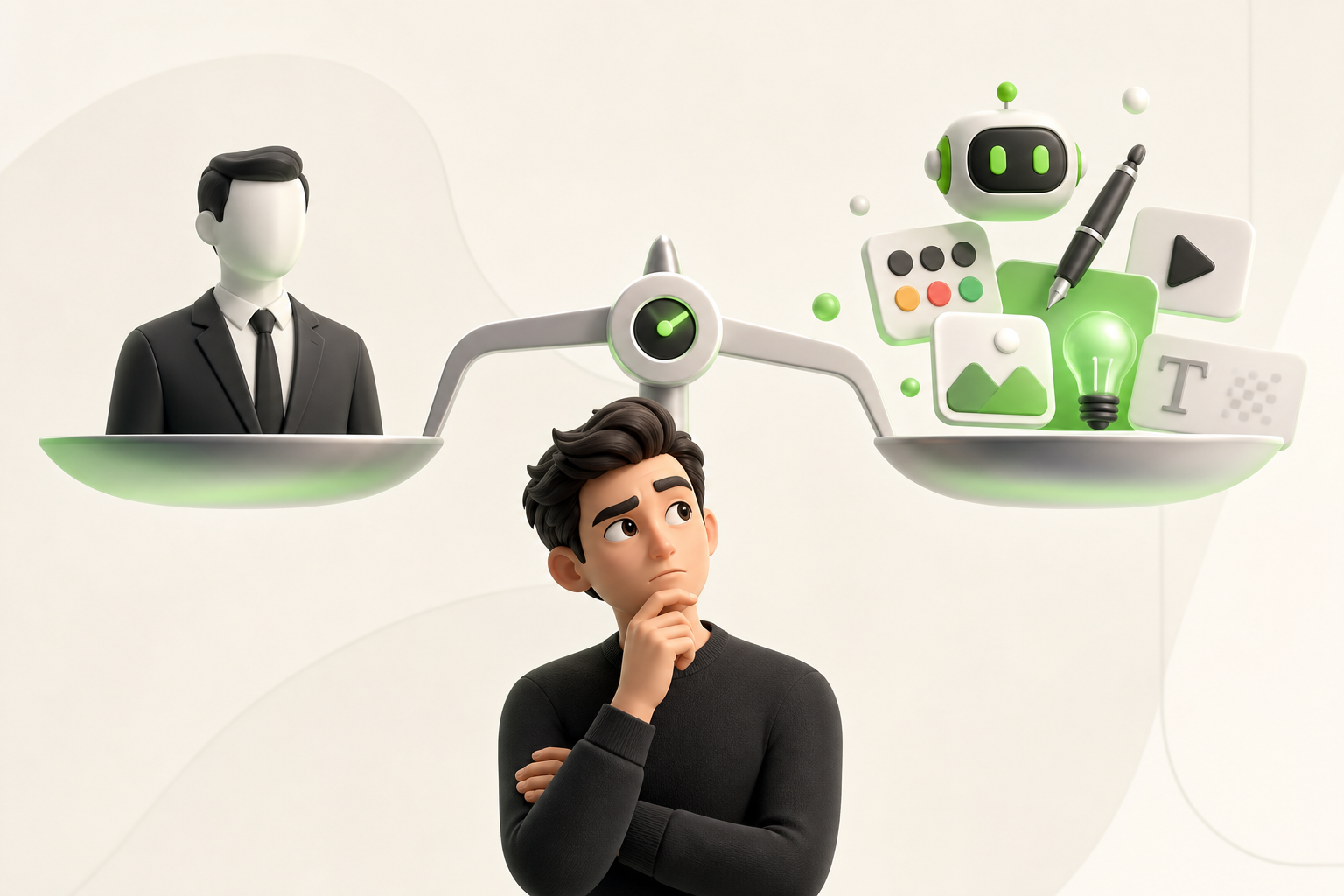
The market is packed with AI video tools, and comparing them can quickly become overwhelming. Here's how to cut through the noise.
Start by asking yourself one simple question: what exactly do you need it for? Your decision criteria shifts dramatically depending on your situation.
Synthesia excels at structured avatar-and-narration videos — tutorials, training content, professional presentations. If your solo creator use case revolves around formatted, recurring content, it's hard to beat. But for short-form vs. long-form, the calculus changes. Spontaneous Reels or urgent TikToks? Tools like CapCut or Runway will serve you far better.
Some practical benchmarks:
- Long-form educational content → Synthesia wins
- Short, viral videos → go with tools built for fast editing
- Voiceover without an avatar → ElevenLabs + a video editor is enough
- Tight budget → compare the credits included in each plan
The bottom line: no single tool does everything perfectly. Synthesia makes sense when you want volume, consistency, and a professional look — without standing in front of a camera every week.
What Synthesia Will Never Replace for a Solo Creator
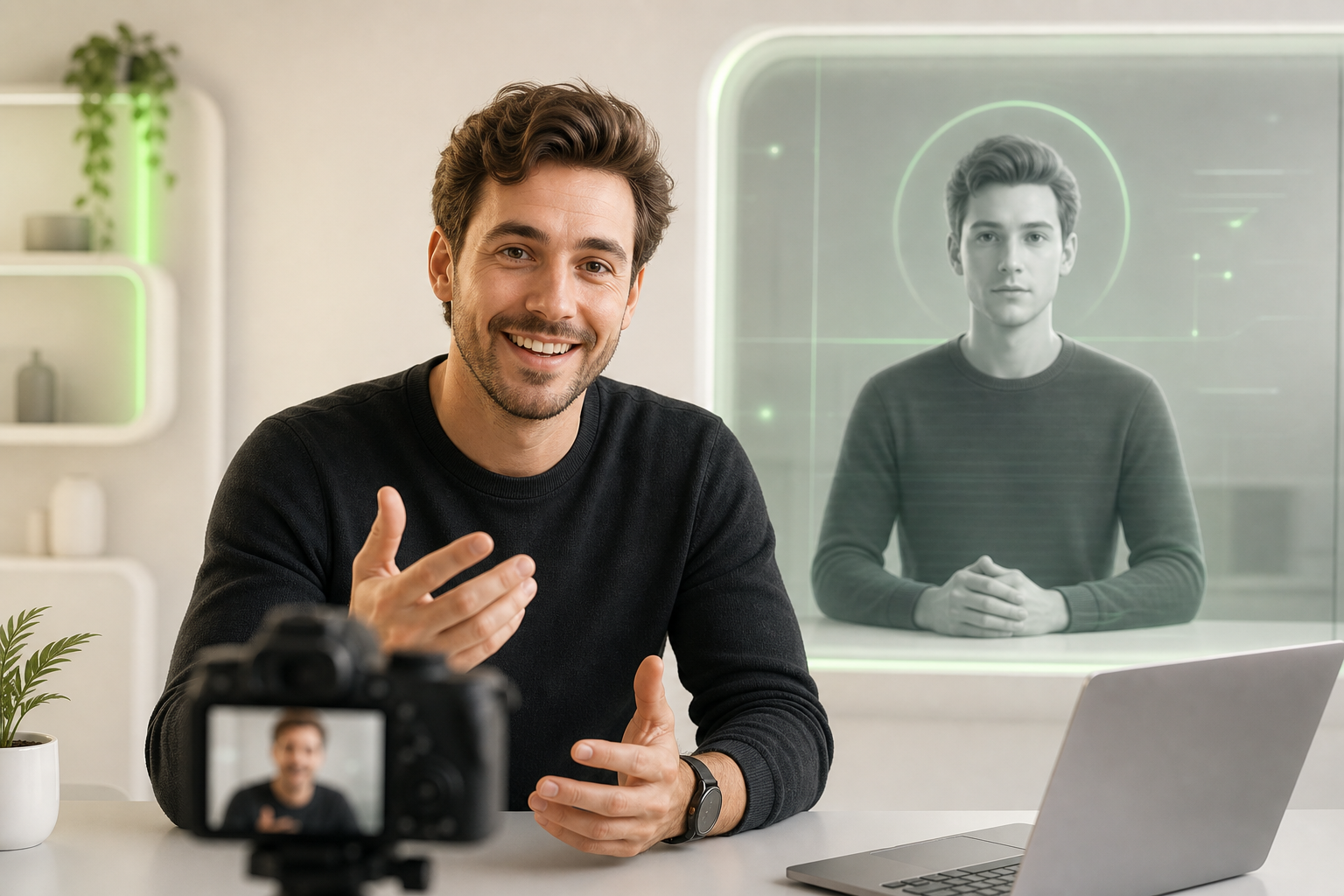
The tool doesn't make the creator. That's the most important lesson to take away after putting Synthesia through its paces.
Synthesia thrives in corporate environments — training modules, internal presentations, polished product videos. But your audience on TikTok, Instagram, or YouTube isn't following a company. They're following you. And that difference changes everything.
What no AI avatar can replicate is your raw authenticity: the way you laugh off a mistake, the look in your eyes when a topic genuinely excites you, the voice that hesitates and then finds its words. That's exactly what builds a lasting creator identity.
Production agility matters enormously too. Reacting to a trend in 45 minutes, filming in your pajamas at 7 a.m., publishing before the momentum fades — Synthesia simply wasn't built for that.
And native social media content — vertical, spontaneous, human — is fundamentally organic. Algorithms reward connection, not rendered perfection.
Synthesia is a powerful tool. But it complements your creative world — it never replaces it.
Conclusion: Choosing the AI Tool That Thinks Like a Solo Creator
Synthesia is impressive. For corporate teams, internal training, B2B presentations — it's a solid tool. But if you're a solo creator living on TikTok, Instagram, or YouTube, you need something different.
You need a tool that operates at your pace, not a multinational's.
The real takeaway from all of this? AI video isn't a one-size-fits-all solution. The best tool is the one that fits your workflow, your audience, your format.
That's exactly where Vidrale comes in — an AI video generation platform built specifically for solo creators on TikTok, Instagram, and YouTube. No steep learning curve. No features designed for entire teams. Just what you need to create quickly, publish consistently, and keep your voice.
If you're looking for an alternative that's closer to your reality as a creator, take a look at vidrale.com. Your next piece of content deserves a tool that truly gets you.
Create Your Videos with Vidrale
Turn your ideas into publish-ready videos for TikTok, Instagram, and YouTube — no editing, no camera required. Vidrale generates attention-grabbing videos for you in minutes.