
Which AI Automatically Edits Videos in 2025?
In 2025, automatic AI video editing is a game-changer for solo creators — here are the tools and shortcuts you need to know about right now.
Why Manual Video Editing Is Still Holding Too Many Solo Creators Back

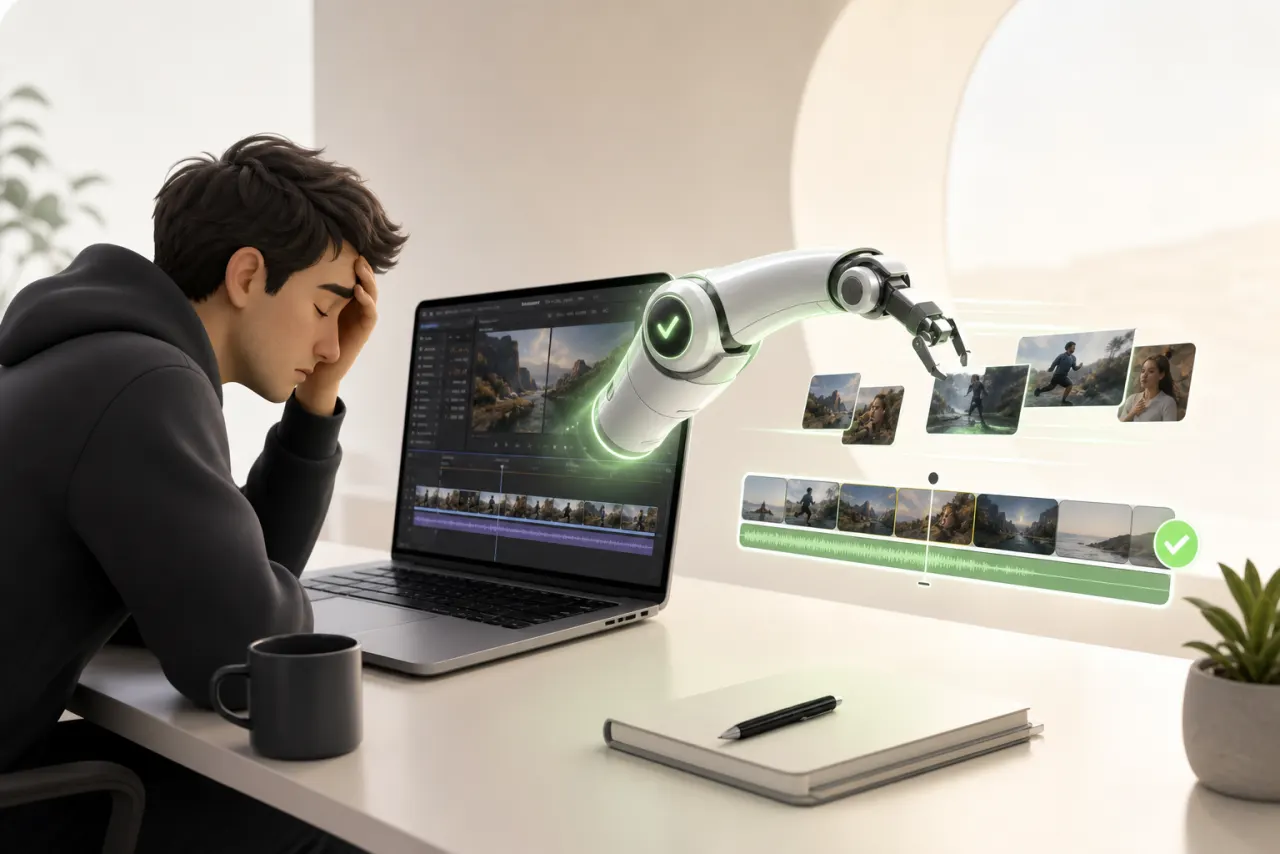
You know that feeling — you've just finished filming, you're still riding the creative high… and then you open your timeline. Three hours of footage for a ten-minute video. The wind knocked right out of you.
That's the reality for a lot of solo creators: we spend more time cutting silences and syncing music than actually creating content that matters. The time lost in editing isn't a minor inconvenience — it's often what determines whether a video goes out this week or disappears into a forgotten folder.
And it's not a skill problem. It's a resource problem. No editor, no team, no budget to outsource. Just you, your software, and a to-do list that never gets any shorter.
That's exactly why automatic AI video editing has gone from futuristic gimmick to genuine productivity lever in 2025. The tools have matured, the results are impressive — and honestly, I wish I'd had them much sooner. So here's what I've found for you.
What Automatic AI Video Editing Can Actually Do in 2025
If you're wondering which AI automatically edits videos, here's the good news: in 2025, the answer goes far beyond what anyone imagined just two years ago.
Today's tools handle concrete tasks you can genuinely delegate starting today:
- Automatic cuts: the AI detects silences, blurry moments, or repeated takes and removes them without you ever touching the timeline.
- Real-time subtitle generation, with accurate transcription and word-level sync — no more hours of manual typing.
- Music synchronization: the editing rhythm automatically adapts to the beats of your chosen soundtrack.
- Transitions and effects: selected based on the tone of your content, not picked at random.
What AI still doesn't do perfectly is grasp your unique narrative angle or sense the emotion you want to convey. It executes — you direct. That's exactly the division of labor that makes this workflow so powerful: you focus on creative intent, the machine handles technical assembly. The result? Publish-ready videos in a fraction of the usual time.
The Key Criteria for Choosing the Right AI Video Editor
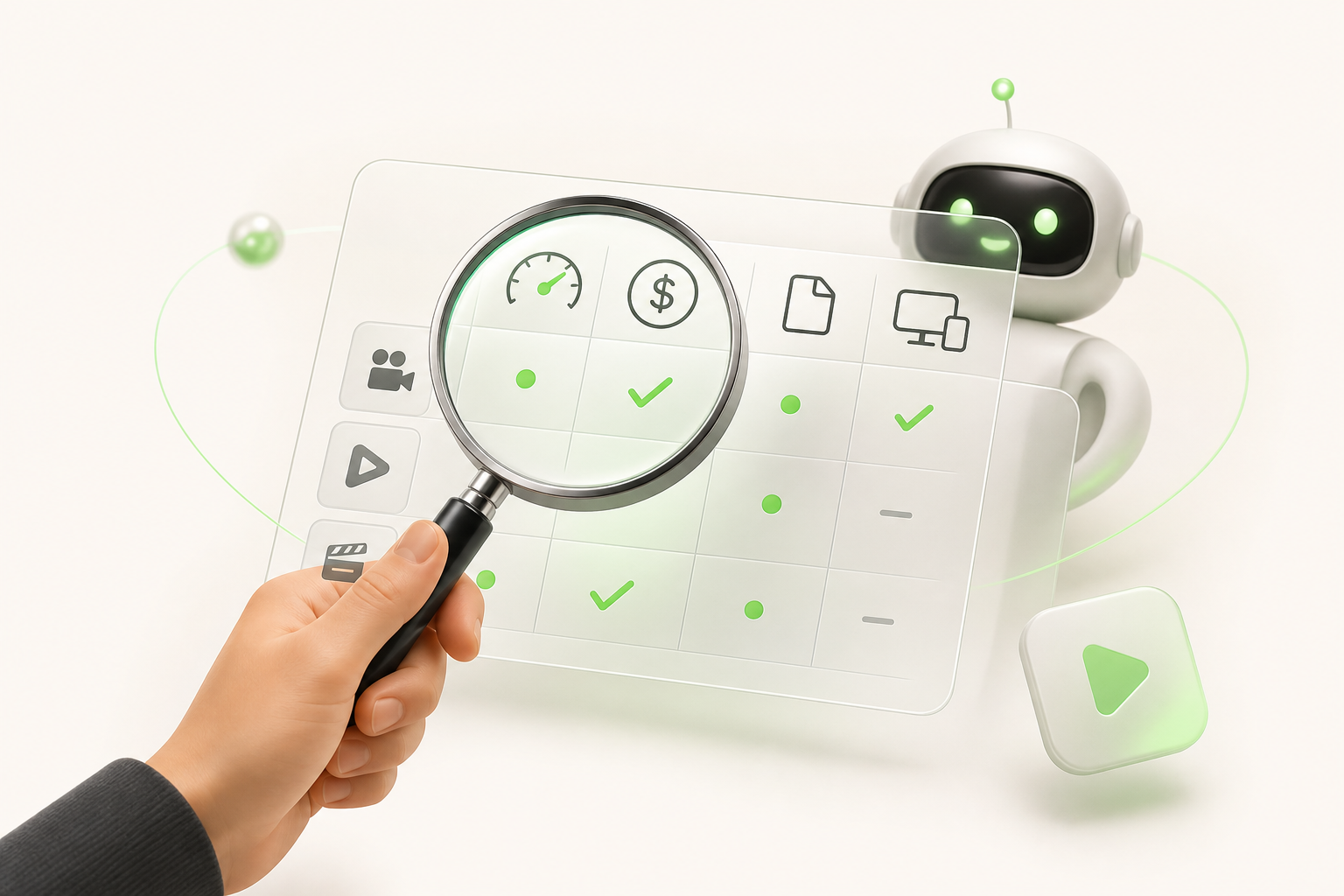
Before you dive headfirst into the first tool that promises to revolutionize everything, take two minutes to define what you actually need. An automatic AI video editor that works for a YouTuber posting once a week is rarely the same as one that fits a TikTok creator dropping five clips a day.
Ease of use is often underestimated. If the tool takes an hour to get your head around every single project, your time savings evaporate fast. Prioritize intuitive interfaces and workflows you can manage in a few clicks.
Next, check which TikTok, Instagram, and YouTube formats are natively supported — 9:16, 1:1, 16:9 ratios, auto-captions, platform-specific transitions. Exporting in the wrong format means manually reworking exactly what the AI was supposed to spare you.
Value for money also deserves an honest look: some tools advertise an attractive subscription price but cap exports or slap a watermark on free-tier videos.
My advice? Evaluate every solution on those three axes before you pull out your credit card. You'll save both time and money.
A Roundup of the Best Automatic AI Video Editing Tools on the Market
When you ask yourself which AI actually edits videos effectively, the honest answer is: it depends on how you work. Here's a quick overview of the tools dominating the space in 2025.
Runway impresses with its AI video generation and cinematic effects. Ideal for creators who want a professional finish, but the learning curve and price tag can sting.
Descript shines when it comes to automatic transcription and "text-based editing" — delete a word, the video cuts itself. Perfect for podcasters and interviewers, less suited to highly visual content.
CapCut AI is genuinely impressive for what you get for free. Auto-captions, trending templates, smart reframing… It's my personal favorite for social media.
Pictory excels at turning articles or scripts into narrative videos. Its strengths are speed and simplicity. Its limit: the visuals often feel generic.
- Runway → creativity and cinematic flair
- Descript → transcript-based editing
- CapCut AI → fast, free social media content
- Pictory → text-to-video content
Every tool has its lane. The secret is picking the one that matches your creative workflow.
AI Video Editing for TikTok, Instagram, and YouTube: What Changes by Platform
Creating content for three platforms at once is a bit like cooking three different meals with the same ingredients — it takes strategy. Every channel has its own rules, and a truly capable automatic AI video editor needs to know them inside and out.
TikTok vertical formats demand a relentless pace: hooks in under two seconds, fast cuts, text that's legible on mobile. The algorithm rewards sustained attention, not pretty visuals. Instagram Reels, on the other hand, lean more heavily into aesthetics and visual consistency — audiences expect a strong identity, not just energy. As for YouTube Shorts, they often need to extend an existing universe while also standing on their own.
Aspect ratio also reshapes the rules of framing: a poorly cropped 9:16 from a 16:9 source can cut off faces or miss the main action entirely. That's exactly where a smart tool makes all the difference — it anticipates those constraints instead of leaving you to fix everything by hand.
Choosing the right AI means choosing a tool that speaks each platform's language. Automatically.
How to Integrate AI Into Your Creative Workflow Without Starting from Scratch
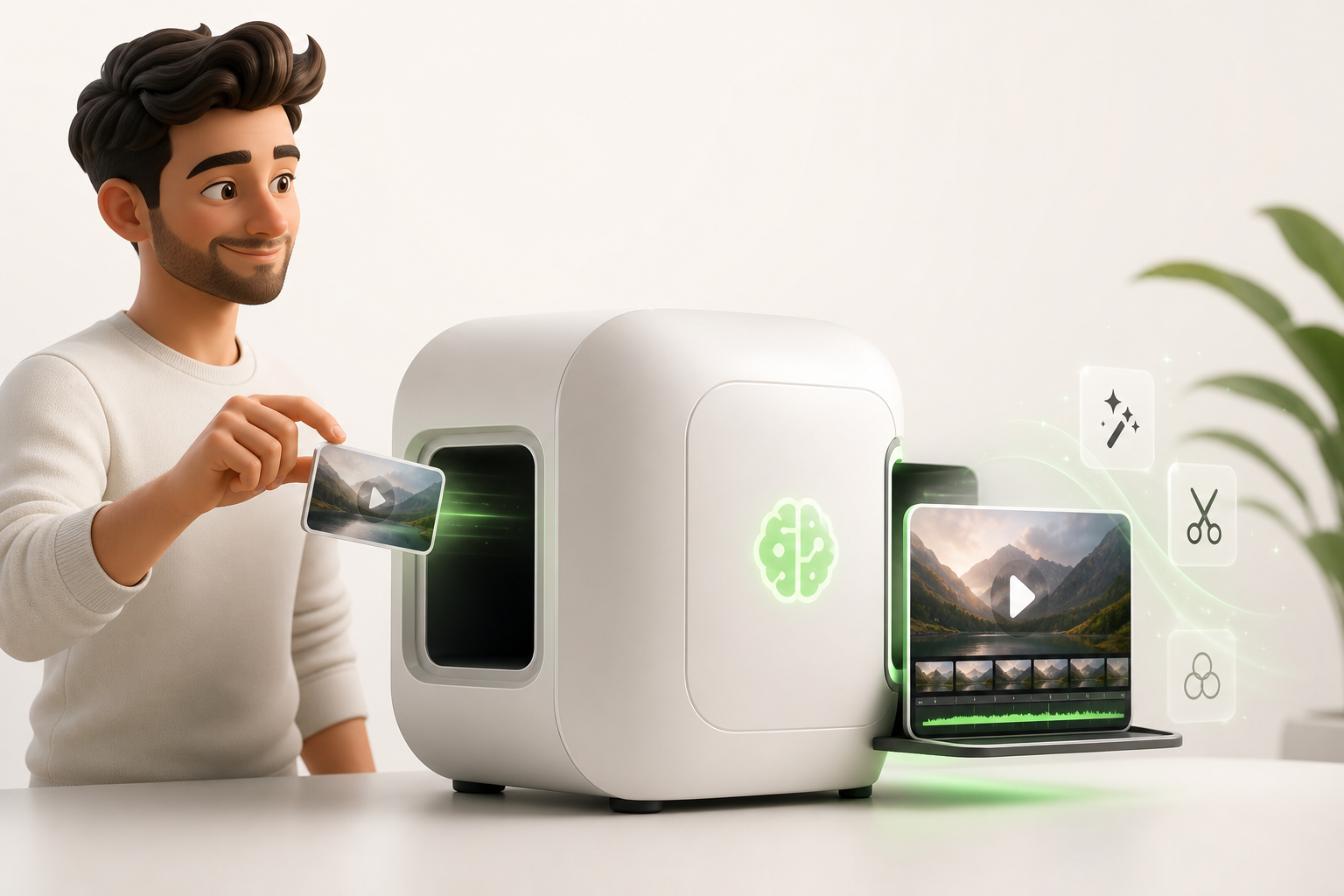
Good news: you don't have to throw everything out the window to bring automatic AI video editing into your daily routine. Gradual adoption really is the key here.
Start with a single use case. Take your most repetitive footage — interviews, vlogs, recaps — and let an AI make the first cut. You review, refine, and stay in control. No pressure, no three-week training course required.
Once you're comfortable, level up to batch content. Instead of editing videos one by one, you process several pieces of content in one go with just a few clicks. The result? A massive time saving you can reinvest where you truly make a difference — storytelling, community building.
Your creator workflow evolves naturally, without any brutal disruption:
- Week 1: test it on a single video
- Week 2: automate repetitive tasks (captions, silence cuts)
- Week 3: run your first batch
AI doesn't replace your vision. It frees up the time for you to finally express it fully.
The Pitfalls to Avoid When Automating Your Video Editing with AI
Trust me — I've tested nearly every available solution when asking which AI actually edits videos effectively, and I've made a few mistakes you can learn from.
The first is over-automation. Letting the AI decide everything — from the music to the cuts — produces videos that are polished… but hollow. Your audience notices immediately.
Another common mistake is losing your creative identity. The AI doesn't know your tone, your visual quirks, the vibe that's distinctly yours. If you don't give it a clear framework — colors, pacing, transition style — the result could have come from anyone.
Then there's export quality, which is often overlooked. Some tools compress files by default, which destroys the look on a large screen or in 4K. Always check your settings before publishing.
My tips for navigating this well:
- Keep control over the narrative structure
- Use AI for repetitive tasks, not for key creative decisions
- Always export at the highest available resolution
Smart automation means you're in the driver's seat, with AI handling the execution.
Conclusion: Choosing an AI That Grows With You as a Solo Creator
So, which AI edits videos in a way that actually fits your reality as a solo creator? The honest answer: it depends on your pace, your formats, and how much of a learning curve you're willing to climb. But one thing is certain — you no longer need a ten-person team to produce content that hits hard.
What I've learned from testing these tools is that the best tool is the one you'll actually use. Regularly. Without friction.
That's exactly where Vidrale comes in. Built as an AI video platform for solo creators, it's designed from the ground up for TikTok, Instagram, and YouTube — not as an afterthought, but as the core of the product. It's an AI video generation platform for solo creators on TikTok, Instagram and YouTube that understands you're working alone, fast, and with quality standards that don't budge.
The time to take action is now. Not when you "have more time" — that day never comes. Choose the tool that grows with you, and get started.
Create Your Videos with Vidrale
Turn your ideas into publish-ready videos for TikTok, Instagram, and YouTube — no editing, no camera required. Vidrale generates attention-grabbing videos for you in minutes.