
How to Automate AI UGC Video Creation in 2026
The step-by-step guide to producing AI UGC videos that convert, on autopilot: niche, avatar, product integration, animation, TikTok Shop publishing, and brand monetization.
UGC videos are everywhere. Simple testimonials, product reviews, day-in-the-life clips… and they're often the ones that convert best.
The problem: producing this type of content takes time. Filming, reshooting, editing, tweaking. But today, all of that can be automated.
In this article, we'll cover how to create UGC videos with AI, step by step — in a way that's simple and scalable, from picking the niche all the way to monetization through TikTok Shop and brand deals.
1. Pick a precise niche (this is where everything is decided)
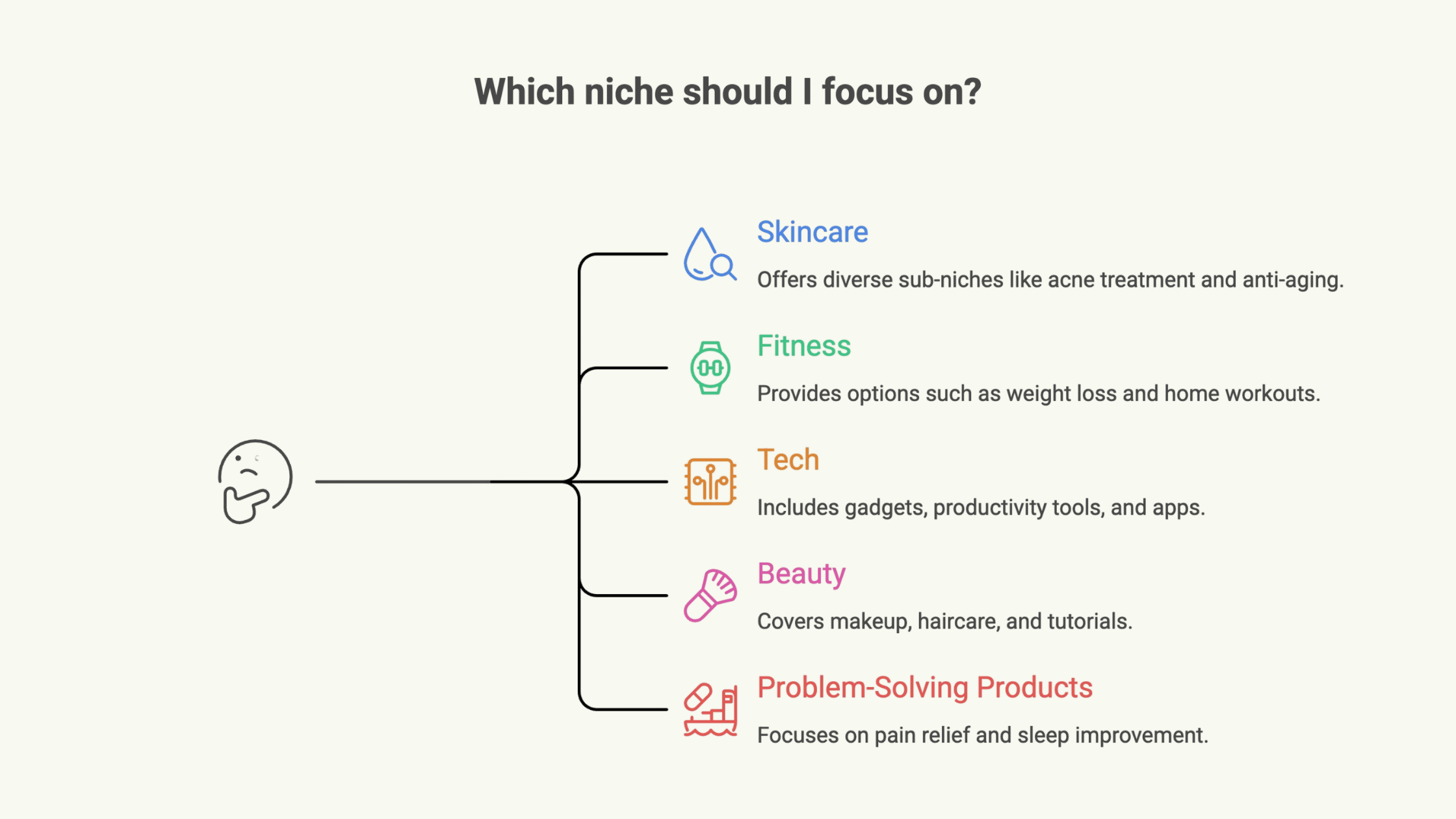
The number one mistake most creators make: trying to talk to everyone. In reality, the UGC videos that work best are always anchored in a very clear niche:
- skincare
- fitness
- tech gadgets
- weight loss
- "problem → solution" products
Why does it matter? Because a niche lets you:
- craft sharper messaging
- reach a targeted audience
- raise your conversion rate
An account that talks about "everything" sells nothing. An account that speaks to a specific audience becomes credible.
2. Build an avatar that matches your niche
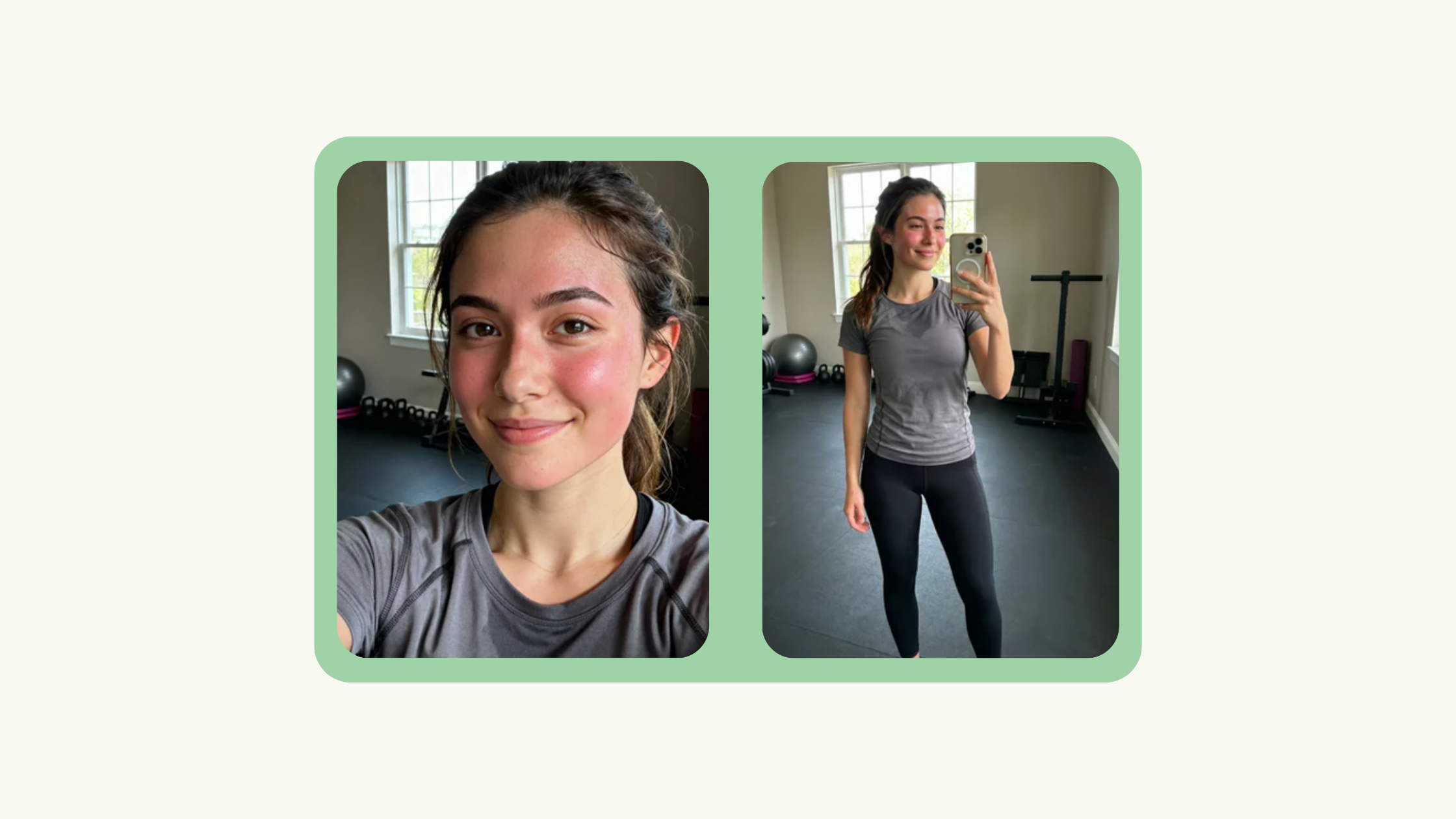
Once the niche is locked in, you need a "character." This is who will carry your videos.
With AI, you can generate an avatar that is:
- credible
- consistent
- recognizable
For example:
- a lifestyle girl for skincare
- a sporty profile for fitness
- a "tech" profile for gadgets
3. Integrate the product into the scene
This is where a lot of people get stuck. They have an avatar… but no product in the scene.
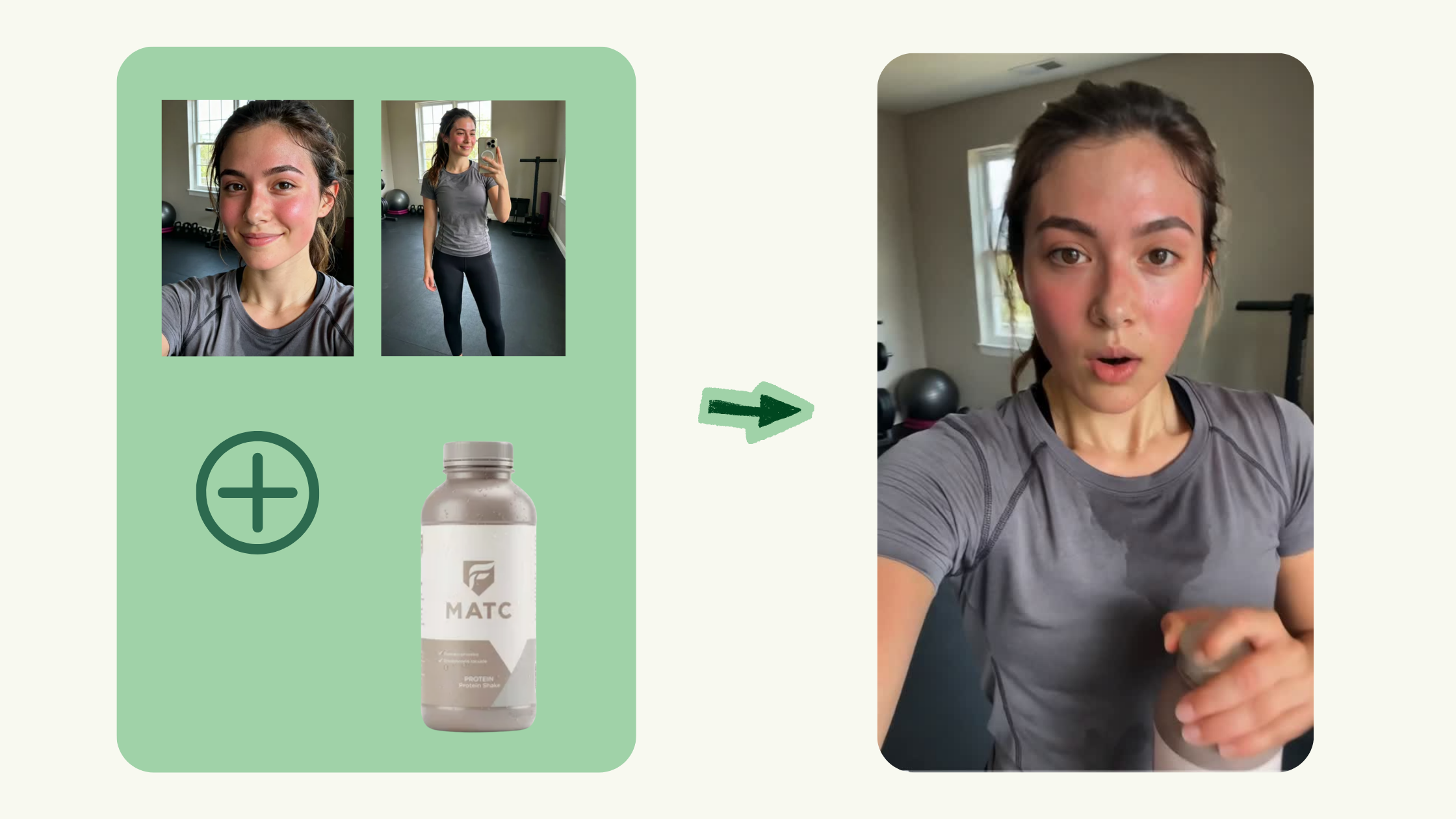
With NanoBanana (integrated into Vidrale), you can simply:
- add a product into the avatar's hands
- place it inside a scene
- simulate an interaction (holding it, using it, showing it to the camera)
4. Turn the images into a full video
This is where it gets interesting. Starting from your images + your idea, you describe:
- what the character says
- what they do
- the tone of the video
Vidrale then handles the rest: animation, voiceover, captions, editing. You go from a static image to a finished video in a few minutes, ready to post.
5. Publish and monetize with TikTok Shop
Once your videos are ready, the goal is simple: publish consistently.
Start with:
- 1 to 3 videos per day
- different angles
- different hooks
For quick monetization, TikTok Shop is ideal. You can:
- promote existing products
- earn commissions
- test what works without needing your own product
6. Turn it into a business (brand deals)
Once you have videos, views, and results, you can move to the next stage: reaching out to brands.
You show them:
- your videos
- your performance
- your system
And you pitch producing content for them. Today, brands are actively looking for this kind of profile — not necessarily influencers, but creators capable of producing at volume.
Why this model is infinitely repeatable
This system is powerful for one simple reason: it's repeatable. You can:
- swap products
- swap angles
- test continuously
- produce with no technical ceiling
With a traditional toolset, you're bottlenecked by time. With Vidrale, you're bottlenecked only by your ideas. If you want the broader framework behind this approach (not UGC-specific), we break it down in How to Automate AI Video Creation in 2026.
FAQ
What exactly is an AI UGC video?
An AI UGC video reproduces the codes of authentic content (testimonial, review, day-in-the-life) but is fully generated by AI: avatar, voice, animation, editing. Visually it looks like a video shot by a real creator, which makes it far more effective than a classic ad on TikTok, Instagram, or YouTube Shorts.
Which niche should I pick to start with AI UGC?
Go for niches where products are already selling on TikTok Shop: skincare, fitness, tech gadgets, weight loss, "problem → solution" products. The market already exists — you don't have to create it. Avoid overly generic niches where conversion gets diluted.
Do I need a hyper-realistic avatar for this to work?
No. Consistency beats realism. A stylized but constant avatar (same face, same style, same tone) performs better than a hyper-realistic avatar that shifts every video. What matters is that viewers recognize the account in 1 second.
How many AI UGC videos should I post per day?
Between 1 and 3 videos per day is a solid starting pace. The goal is to test different hooks and angles, then double down on what works. A volume of 15 to 20 videos per week is usually enough to quickly identify what converts.
How do you monetize AI UGC videos?
Two main levers: TikTok Shop (commissions on products you promote, ideal to start without your own product), and brand deals (paid UGC once you have proven videos to show). The most serious creators combine both.
Can I really automate everything with Vidrale?
Yes — script, avatar, product integration, voice, animation, captions, and editing are centralized in Vidrale. You keep control over the concept, niche, and the angles you test. AI handles all the execution, which takes you from 1 video every other day to several videos per day.